
Docs, whiteboards, databases, and AI in one place
AFFiNE combines structured documents, freeform whiteboards, databases, and AI in one workspace so teams can move between writing, planning, and visual thinking without switching apps.

AFFiNE is an open-source, local-first workspace for docs, whiteboards, databases and AI, with team collaboration and self-hosted control.
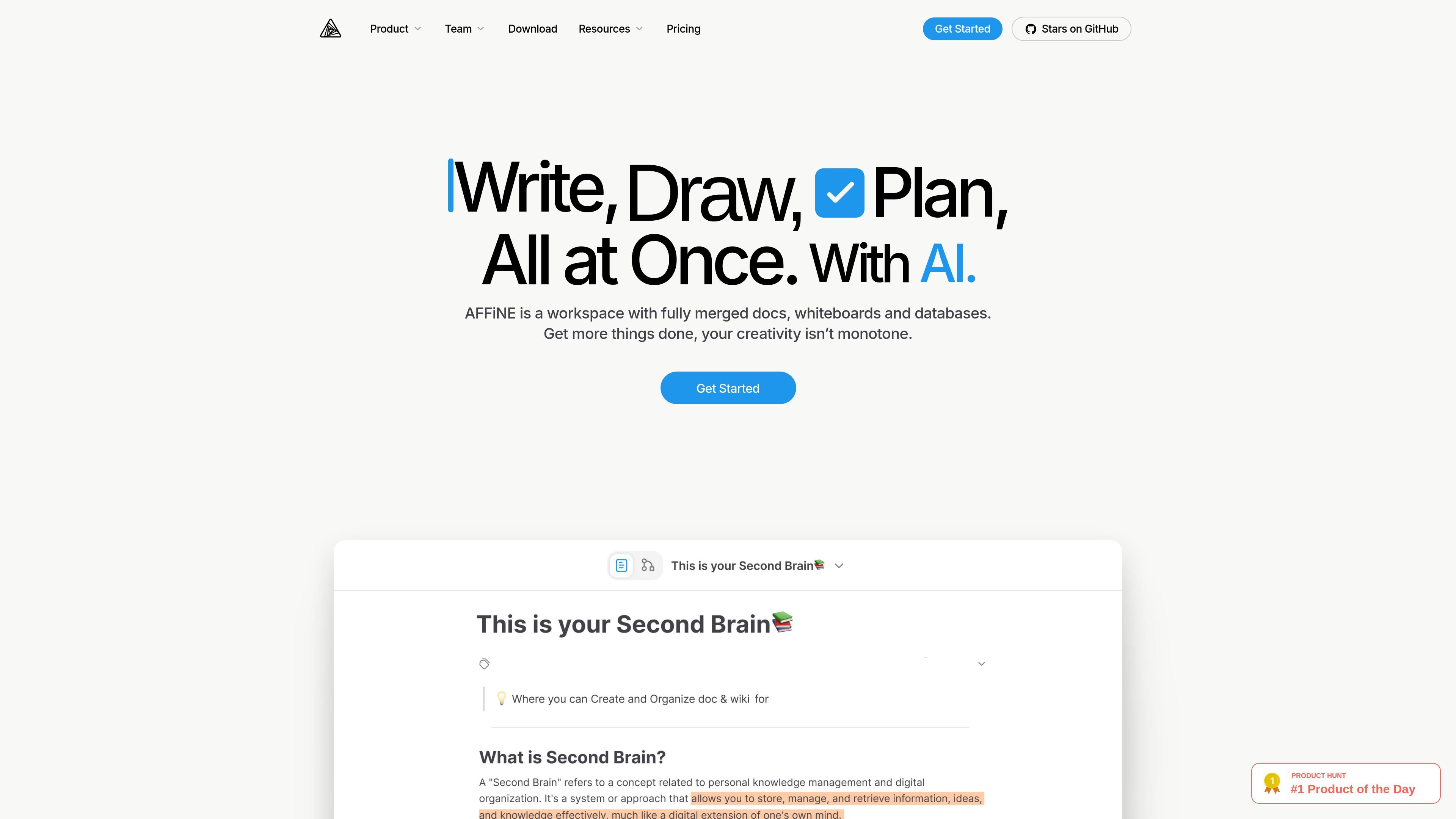
AFFiNE is an open-source knowledge workspace that combines documents, whiteboards, databases, and AI in a local-first environment. It is positioned as an open-source alternative to Notion and Miro for teams and individuals who want to write, draw, plan, and organize related knowledge in one place.
The product supports both cloud-hosted and self-hosted usage. The pricing page describes a free cloud tier for personal use, paid Pro and Team plans for larger workspaces, and self-hosted options for users who want to run the full stack on their own infrastructure.
AFFiNE combines structured documents, freeform whiteboards, databases, and AI in one workspace so teams can move between writing, planning, and visual thinking without switching apps.
The Page Mode and Edgeless Mode pages show two ways to work: a document format for structured writing and a canvas-like mode for drawing, brainstorming, and visual planning.
The whiteboard page highlights flexible conversion from pages to canvas, which helps users start with notes and then move ideas into a visual layout when the work becomes less linear.
The pricing page says AFFiNE supports real-time syncing and collaboration on paid plans, along with multi-member workspaces and multiple admin roles on higher tiers.
The AI page describes AI assistance for writing, drawing, presenting, summarizing, and mind-map style organization, with inline activation from a document or the sidebar.
The pricing page shows a local-first, privacy-focused product with optional cloud hosting, and the free plan includes unlimited local workspaces and customization.
Create an internal knowledge base that keeps documents, project notes, and related visual references connected in one workspace.
Draft structured notes, plans, and documentation in Page Mode when the work needs headings, blocks, and clear organization.
Brainstorm freely on an online whiteboard, then turn the result into a more structured document when the idea is ready to formalize.
Use AI to rewrite text, summarize material, generate presentations, or help shape a mind map from existing content.
Run a local-first workspace with optional cloud sync when you want more control over data storage and a self-hosting path.
Yes. The pricing page says AFFiNE Cloud Free includes unlimited local workspaces, 10 GB of cloud storage, real-time collaboration with up to 3 members per workspace, and 7 days of version history. The self-hosted edition is also described as free forever under the MIT license for personal and development use.
Yes. The pricing page describes self-hosting as running the full stack on your own servers, with the editor and most of the codebase under MIT and the backend under AFFiNE Enterprise Edition terms. It also offers a Self-Hosted Team tier for production team use with paid seats.
AFFiNE AI can be used in a local workspace after logging in to an AFFiNE Cloud account. The AI page says it works inside both Page Mode and Edgeless Mode.
AFFiNE is built as a workspace that combines docs, whiteboards, databases, and AI, so teams can use it for internal knowledge bases, project plans, and visual idea mapping without switching tools.
The AI page says AFFiNE AI can help with writing, summarizing, brainstorming, mind-maps, and presentations. It also notes that AI with database/workspace support will be available soon.