
Professional email rewriting
Accepts a rough email and rewrites it into safer, workplace-appropriate language.

PolitePost is an AI web tool that rewrites rough emails into professional workplace language and shortens formal emails.
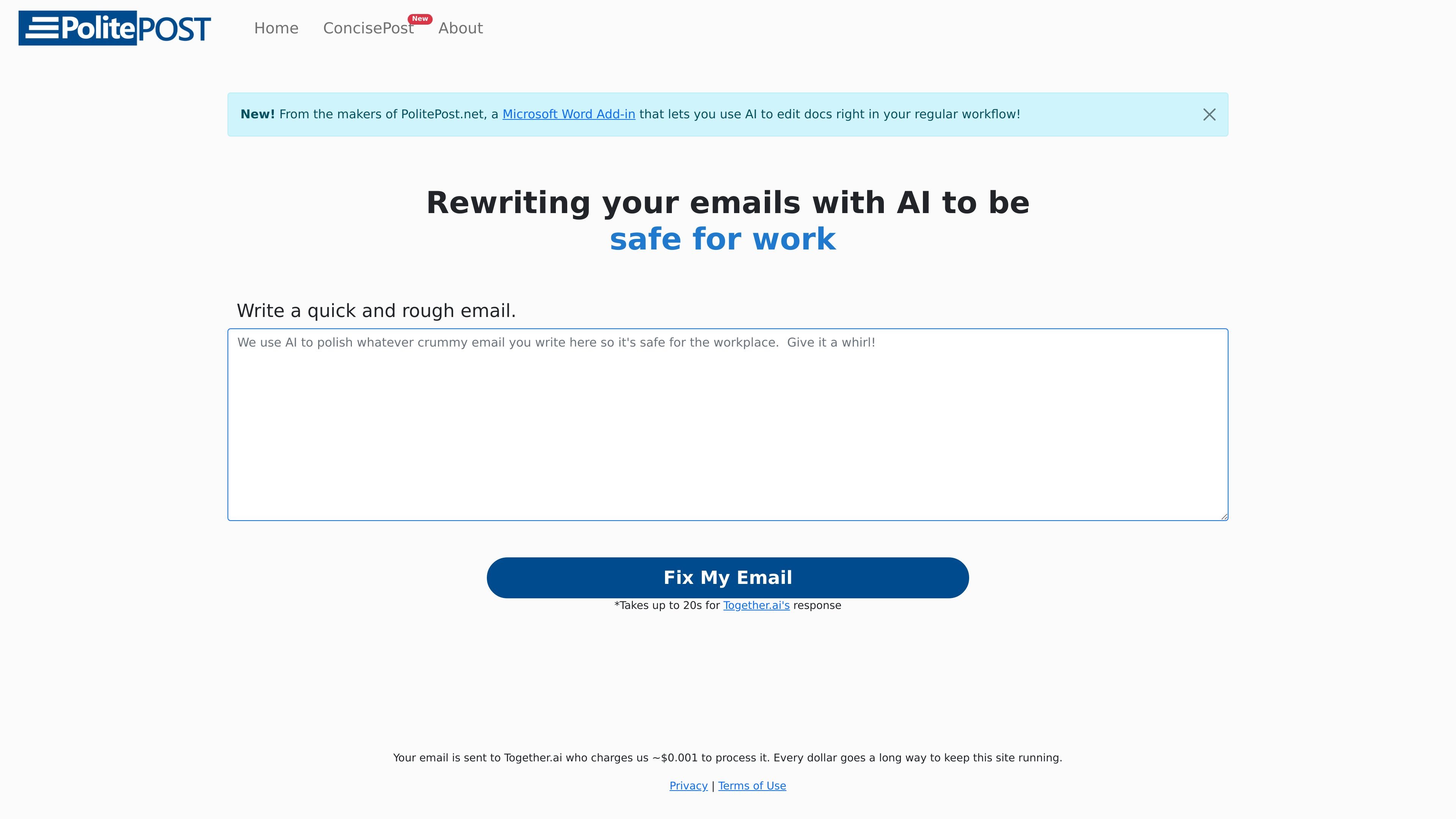
PolitePost is a web tool that rewrites email drafts with AI. Its main job is to take informal, slang-heavy, or expletive-filled text and clean it up so the result is more professional and suitable for the workplace.
The site also includes a reverse mode for shortening a lengthy formal email, so the product covers both cleanup and compression workflows. The public pages present the tool as a lightweight writing utility rather than a full email client, with a simple paste-and-rewrite flow and no login requirement shown in the source text.
Accepts a rough email and rewrites it into safer, workplace-appropriate language.
Provides a separate reverse mode for turning lengthy formal email into shorter, more concise text.
Shows a simple button-based workflow for generating a rewrite from pasted text.
States that the service uses Together.ai inference to produce rewrites and displays a note that responses can take up to 20 seconds.
Sets a 2,000-character submission limit on the pricing page to keep usage manageable and costs lower.
Notes a Microsoft Word add-in from the same makers, indicating the product family extends beyond the web page.
Paste an informal draft with slang or expletives and turn it into something that reads more professionally before sending it to a coworker, manager, or client.
Take a long, formal message and shorten it when the goal is to keep the point clear without unnecessary wording.
Use the web tool as a fast rewrite pass when you want a cleaner draft without moving into a full document editor.
Use the related Microsoft Word add-in if you prefer editing documents inside a regular Word workflow, as described on the about page.
It rewrites a rough email into language intended to be suitable for the workplace. The site also shows a reverse mode that shortens a lengthy, formal email.
The homepage indicates you can paste or write an email and click a button such as “Fix My Email” to get a rewrite. The reverse page uses the same pattern with “Shorten My Email” for longer drafts.
The site says the service uses Together.ai's inference for rewrites and notes that results can take up to 20 seconds.
The pricing page states submissions are limited to 2,000 characters to keep prices low and usage fair.
The about page says PolitePost has a Microsoft Word add-in from the same makers, but the core site copy only directly shows the web-based email rewriting tool.