
AI-to-human rewriting
The service rewrites AI-generated text into human-like copy, with the stated goal of making the result harder for AI detectors to flag.

OneClickHuman AI content humanizer rewrites machine text into natural copy while preserving formatting. Free trial, two modes, 10+ languages.
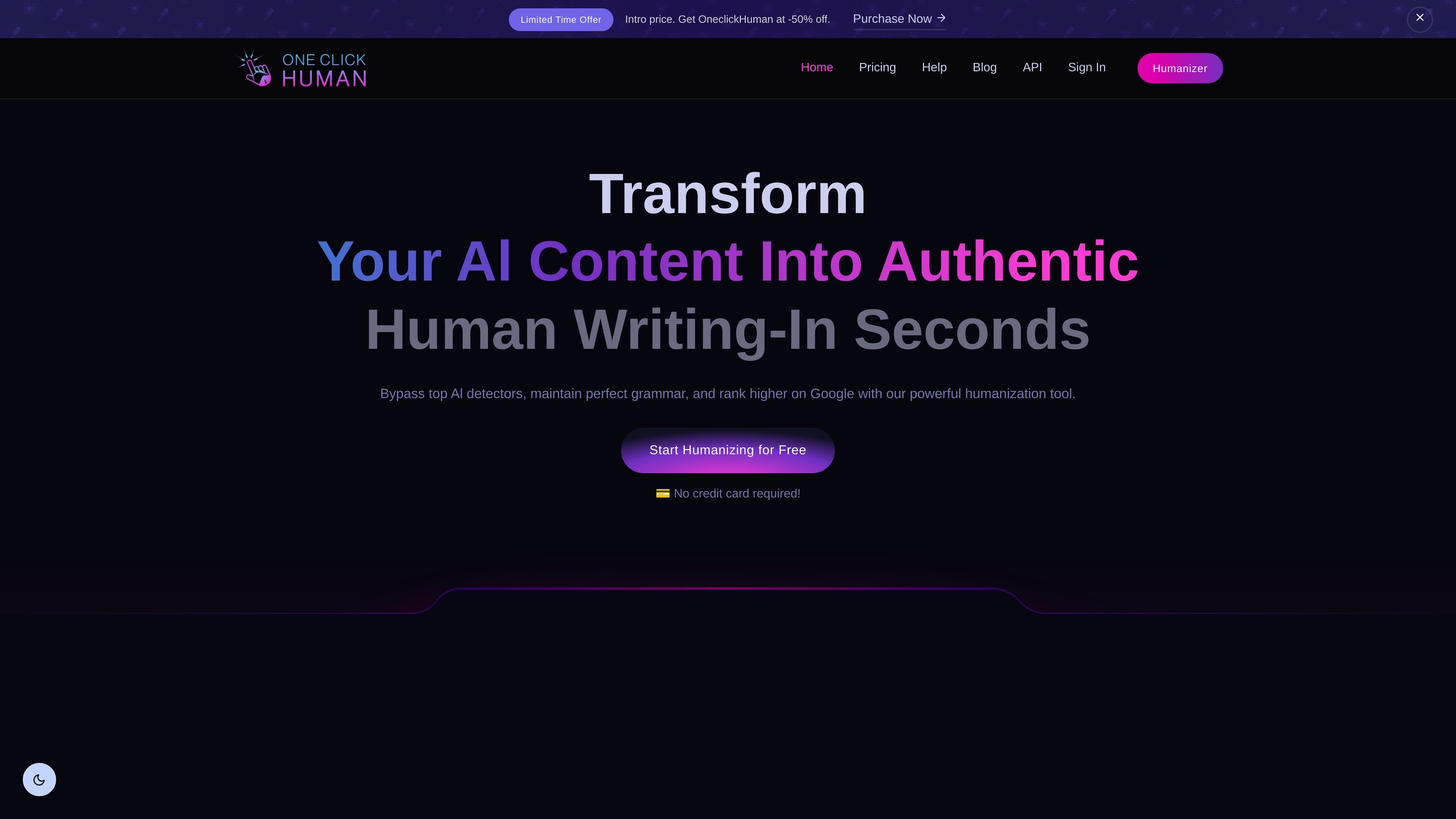
OneClickHuman is an AI content humanizer that rewrites machine-generated text into copy that reads more like it was written by a person. The homepage presents it as a one-click tool for making AI text less detectable while keeping grammar and formatting intact.
The product is aimed at people who work with AI-assisted drafts and need a cleaner final output for publishing, SEO, or research-style writing. Its help and pricing pages describe two main modes, support for 10+ languages, and tiered plans ranging from a free trial to business, advanced, and enterprise usage.
The service rewrites AI-generated text into human-like copy, with the stated goal of making the result harder for AI detectors to flag.
Premium Mode keeps the original structure and is positioned for content where layout matters, such as blogs, SEO pages, and research writing.
Lightning Mode is designed for faster output and is presented as the high-speed option when turnaround matters more than advanced formatting.
The product says it can preserve headings, bullet points, hyperlinks, and other article formatting while processing pasted text.
The homepage and pricing page state support for 10+ languages, allowing the tool to be used for multilingual content workflows.
The pricing page lists API access on the Enterprise plan, indicating a programmatic option for higher-tier users.
Writers can pass AI-assisted drafts through the humanizer before publishing to make the text read more naturally and keep the original structure intact.
SEO teams can use Premium Mode for blog posts and landing pages where preserving headings, links, and formatting matters.
Researchers or academic users can use the tool when they need cleaner prose from a draft while keeping the document’s format consistent.
Teams working in multiple markets can use the language support to humanize content for audiences in more than 10 languages.
Organizations on higher tiers can explore API access for programmatic content processing at enterprise scale.
OneClickHuman converts AI-generated text into human-like copy while trying to preserve the original formatting and grammar. The help page says it can bypass several AI detection tools, including ZeroGPT and GPTZero.
The help page describes two modes: Premium Mode, which preserves formatting and is recommended for SEO, blogs, academic, or research material, and Lightning Mode, which prioritizes speed and may trade off formatting and minor grammar quality.
Yes. The homepage and pricing page state that the product supports 10+ languages.
Yes. The pricing page includes API access on the Enterprise plan, while the product navigation also exposes an API area.
OneClickHuman says it retains formatting during processing, stores content only as long as needed to humanize it, and then purges temporary copies from its servers. The FAQ also states that it follows GDPR and can provide a DPA on request.
Traffic-Daten dienen nur als Referenz.
| Apr | 19894 |
|---|---|
| Mai | 18540 |
| Jun | 12817 |