
AI-assisted reading
Folo presents itself as an AI RSS reader that helps users cut through noise and focus on the content they want to read.

Folo is an AI RSS reader for noise-free source tracking, with summaries, translations, and reading workflow tools on web and desktop.
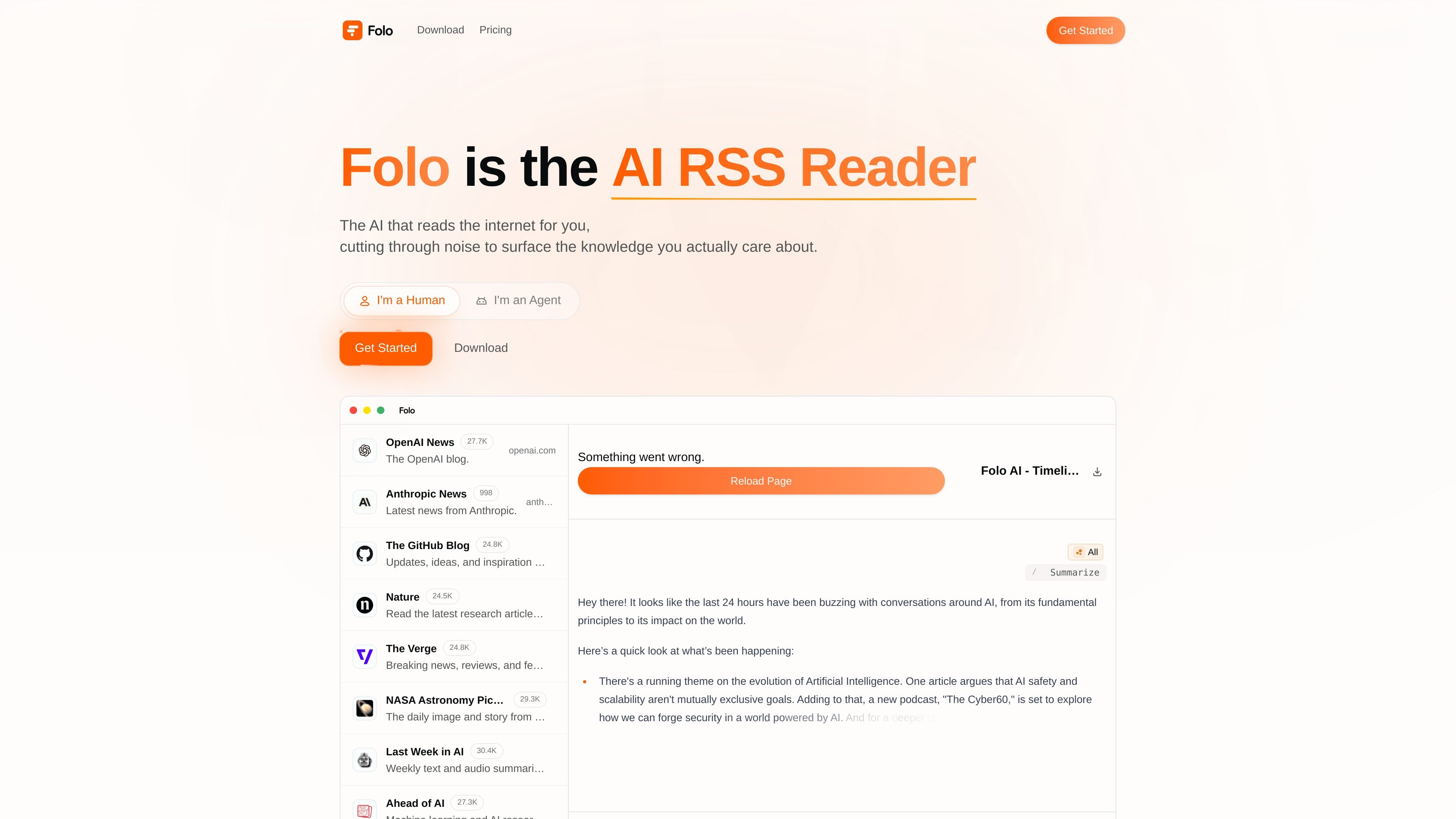
Folo is an AI RSS reader for people who want to keep up with information without sorting through a noisy feed. Its homepage describes it as software that reads the internet for you and surfaces the knowledge you actually care about.
The product combines RSS-style subscriptions with contextual AI, plus tools for managing reading workflows such as lists, inboxes, actions, summaries, and translations. The pricing page shows three plans with different scale limits, while the download page says the product is available on desktop and on the web.
Folo presents itself as an AI RSS reader that helps users cut through noise and focus on the content they want to read.
The homepage highlights contextual AI for reading, with product messaging centered on surfacing the knowledge that matters rather than showing every update equally.
The supported-websites area shows broad source coverage, including websites, social platforms, news sources, and RSSHub-based sources.
The pricing page lists AI summaries and AI translations across plans, with higher tiers offering unlimited usage.
The pricing comparison includes controls for subscriptions, lists, inboxes, and actions, suggesting the product is built around managing reading workflows.
The download page says Folo is available on desktop and instantly on the web, so readers can choose between installing the app or using it online.
Use Folo to consolidate newsletters, blogs, and news sites into one reading surface, then rely on AI summaries to triage what needs attention.
Use the product when you want to track a long list of sources but prefer a calmer reading experience that emphasizes the signal over constant updates.
Use the supported websites and RSSHub sources to follow content from more than standard RSS feeds, including platforms and sites shown on the homepage.
Use the translation features when you read across languages and want to process more articles without switching tools.
Use the desktop app or the web version depending on whether you prefer a local install or a browser-based workflow.
Yes. The download page says you can get Folo on desktop or open it instantly on the web.
The pricing page shows a free plan called Basic, plus paid Plus and Pro plans billed yearly or monthly.
The pricing page shows plan differences by feed subscriptions, lists, inboxes, AI summaries, AI translations, and other workflow limits.
The homepage and download page position Folo as an AI RSS reader for reading across many sources, including web pages and supported websites.