
AI sidebar
Ask questions in a sidebar without leaving the page, reducing the need to switch tabs while you work.

MaxAI is a browser extension and web app for asking questions, writing, translating, and summarizing while you browse. Free plan available.
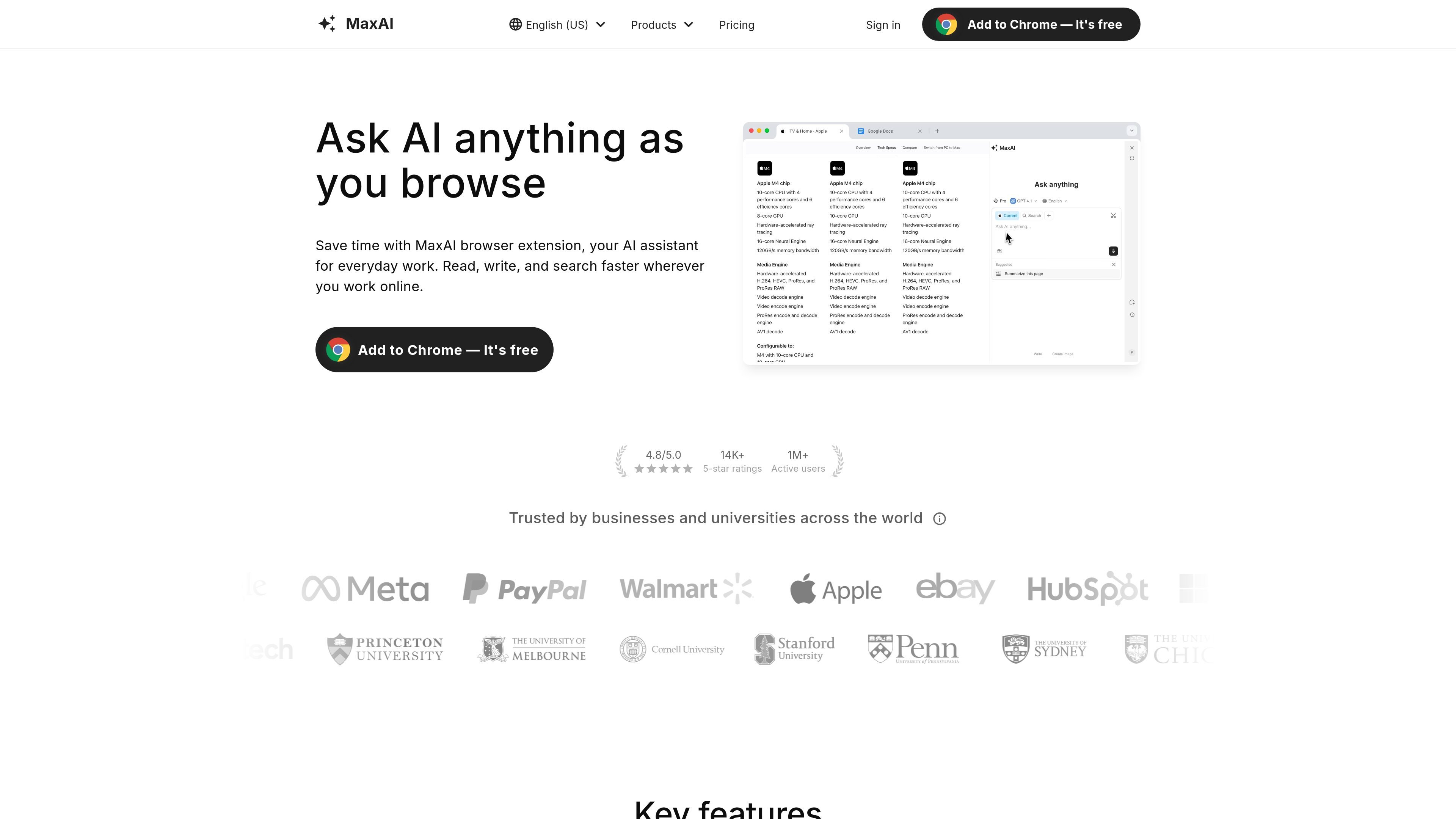
MaxAI is a browser extension and web app that helps people ask questions, write, translate, and summarize while they browse. The product is presented as an AI assistant for everyday work, with the browser extension positioned for use on any website in Chromium-based browsers such as Chrome and Edge.
Its core purpose is to keep common AI workflows inside the page you are already using. That includes asking about webpage content, improving text, generating replies, and working with multiple AI models from one interface. The site also says MaxAI is trusted by businesses and universities and highlights both free access and paid plans for advanced features.
Ask questions in a sidebar without leaving the page, reducing the need to switch tabs while you work.
Access multiple AI models from one place so you can choose a model that fits the task.
Ask questions about the webpage you are viewing and get answers based on page context instead of manual copy-pasting.
Get responses with cited sources, which helps when you need to verify where an answer came from.
Improve writing directly across the web with tools for rewriting, shortening, lengthening, tone changes, grammar fixes, and paraphrasing.
Translate text side by side, create reusable prompts, and generate images from text when those workflows are useful.
Use the sidebar to ask questions about what you are reading without copying text into another app.
Turn draft text into clearer copy, shorter summaries, or a different tone before sending or publishing it.
Summarize long email threads, notes, or articles into action items and next steps.
Translate foreign-language pages or draft bilingual replies without leaving the page you are on.
Ask for explanations of charts, code snippets, or unfamiliar concepts when you need a faster first pass at understanding.
MaxAI offers a free tier with basic features. Advanced features require an upgrade to a paid plan.
Yes. The pricing page says all MaxAI paid plans support adding more team members, and you can add more members after upgrading.
You can use MaxAI on any website in Chromium-based browsers such as Chrome and Edge to compose, improve writing, summarize, explain, fix spelling and grammar, translate, or reply to text.
The pricing page says paid plans are billed automatically until cancellation, and the plan page directs users to manage their subscription from the Your Plan area.
The source does not list a setup workflow beyond adding the browser extension and signing in for free access, so installation and onboarding appear to be browser-based rather than a separate desktop app flow.