
2026 Best AI Spreadsheet Analysis tools

AI spreadsheet analysis tools help you explore tables, detect trends, summarize data, and turn complex workbook content into clear insights.

Data & Analytics

Explore this collection

Tools

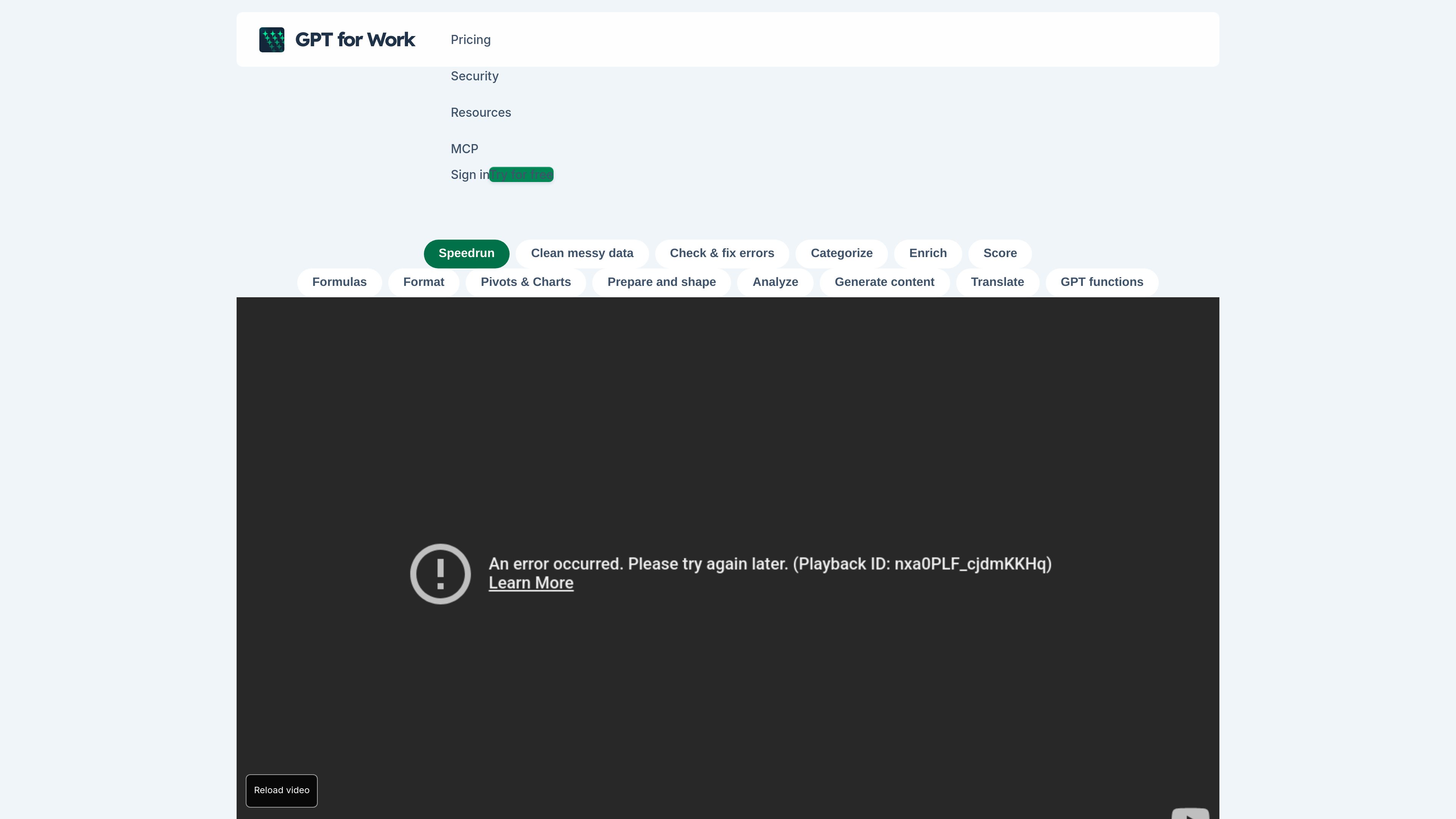
GPT for Work preview
GPT for Work logo

GPT for Work

AI Data Cleaning

GPT for Work adds an AI agent and bulk-processing tools to Excel and Google Sheets. It helps spreadsheet users clean, analyze, translate, enrich, and reorganize data, as well as create and check formulas.

Freemium
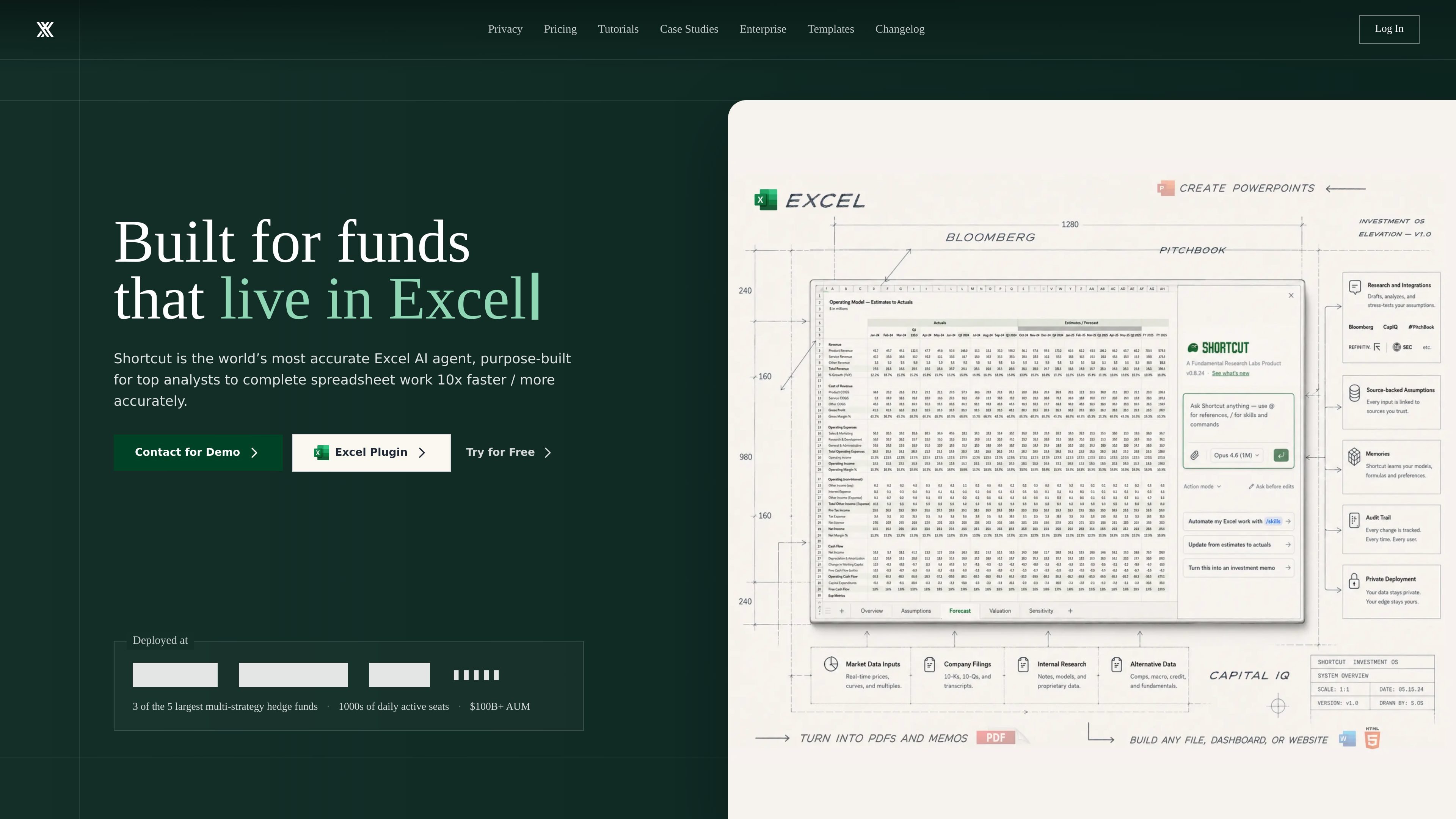
Shortcut preview
Shortcut logo

Shortcut

AI Spreadsheet Analysis

Shortcut is an AI spreadsheet automation product for Excel that turns natural-language instructions into edits and financial models for individuals, teams, and enterprises.

Freemium
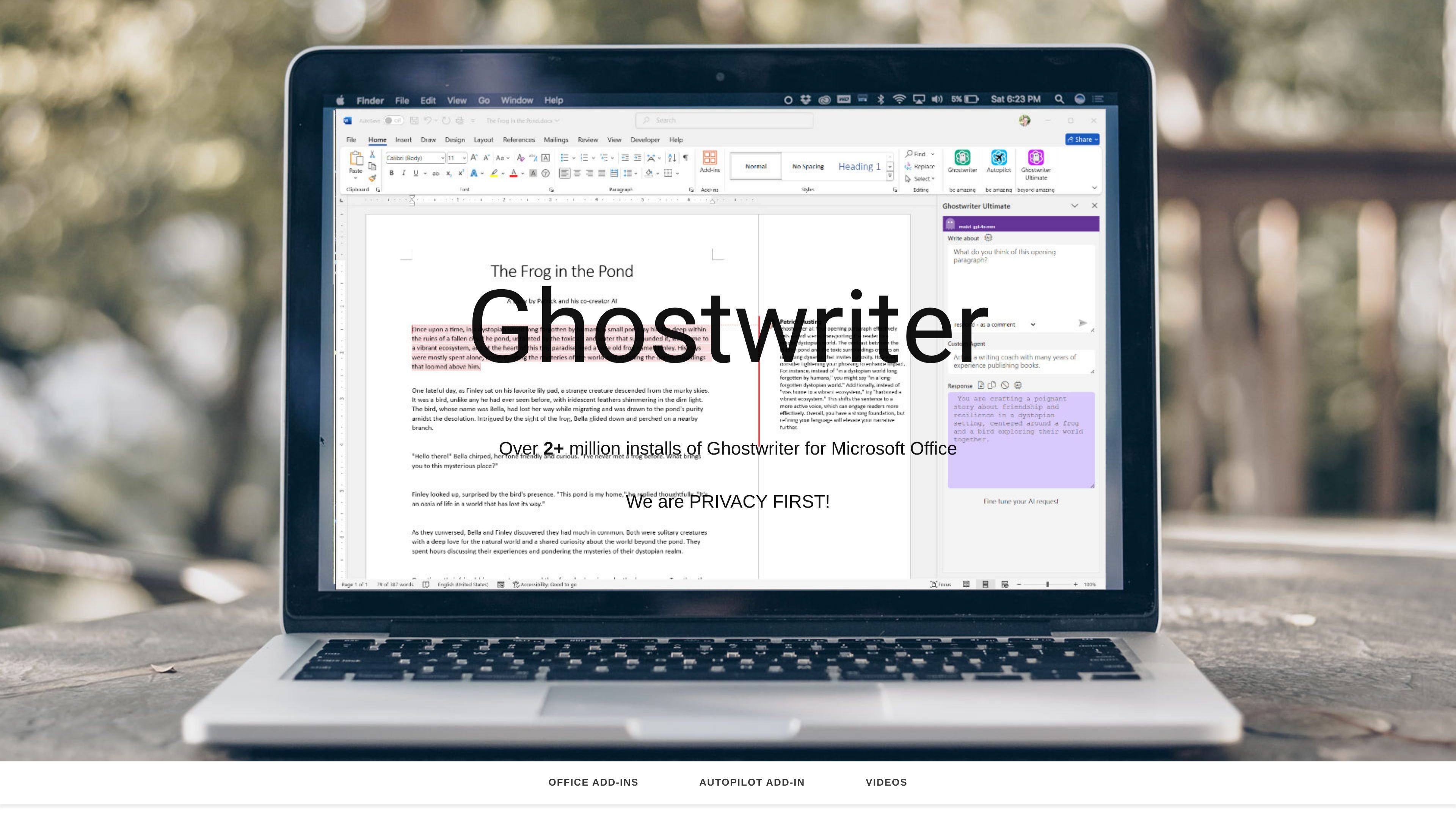
Ghostwriter preview
Ghostwriter logo

Ghostwriter

AI Spreadsheet Analysis

AI add-ins for writing, email, spreadsheet analysis, and presentations in Microsoft Office.

Paid
Orion preview
Orion logo

Orion

AI Data Analyst

Orion is an AI business analyst that lets owners, operators, and analysts ask questions about business data in plain English. It connects relevant data sources, analyzes them, and produces reports with findings and suggested next steps.

Freemium
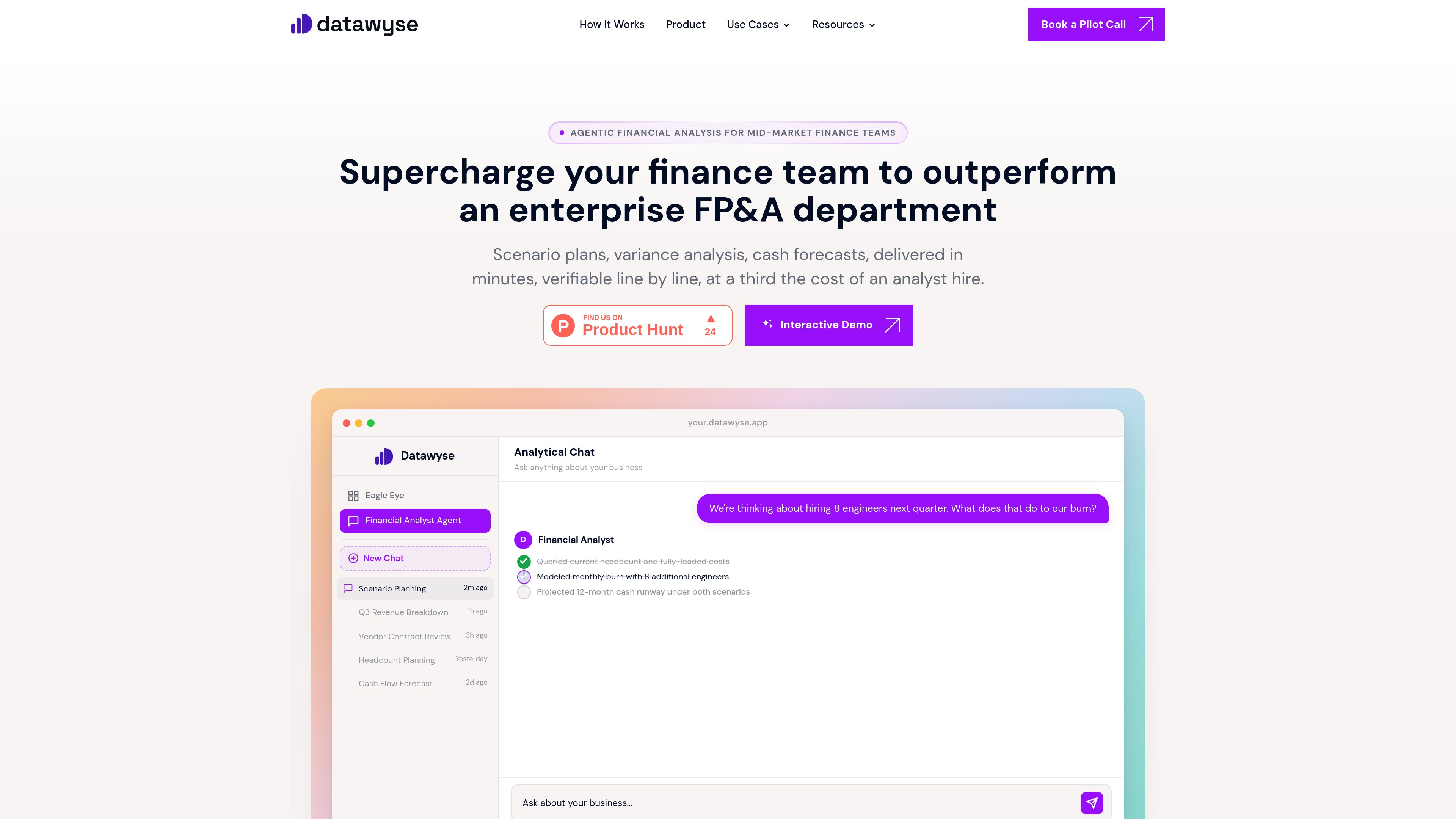
Datawyse preview
Datawyse logo

Datawyse

AI Data Analyst

Datawyse is an agentic financial analysis tool for mid-market finance teams. It connects to business data to answer questions about variances, cash flow, scenarios, budgets, and other FP&A topics with traceable calculations.

Freemium
Google Sheets preview
Google Sheets logo

Google Sheets

AI Spreadsheet Analysis

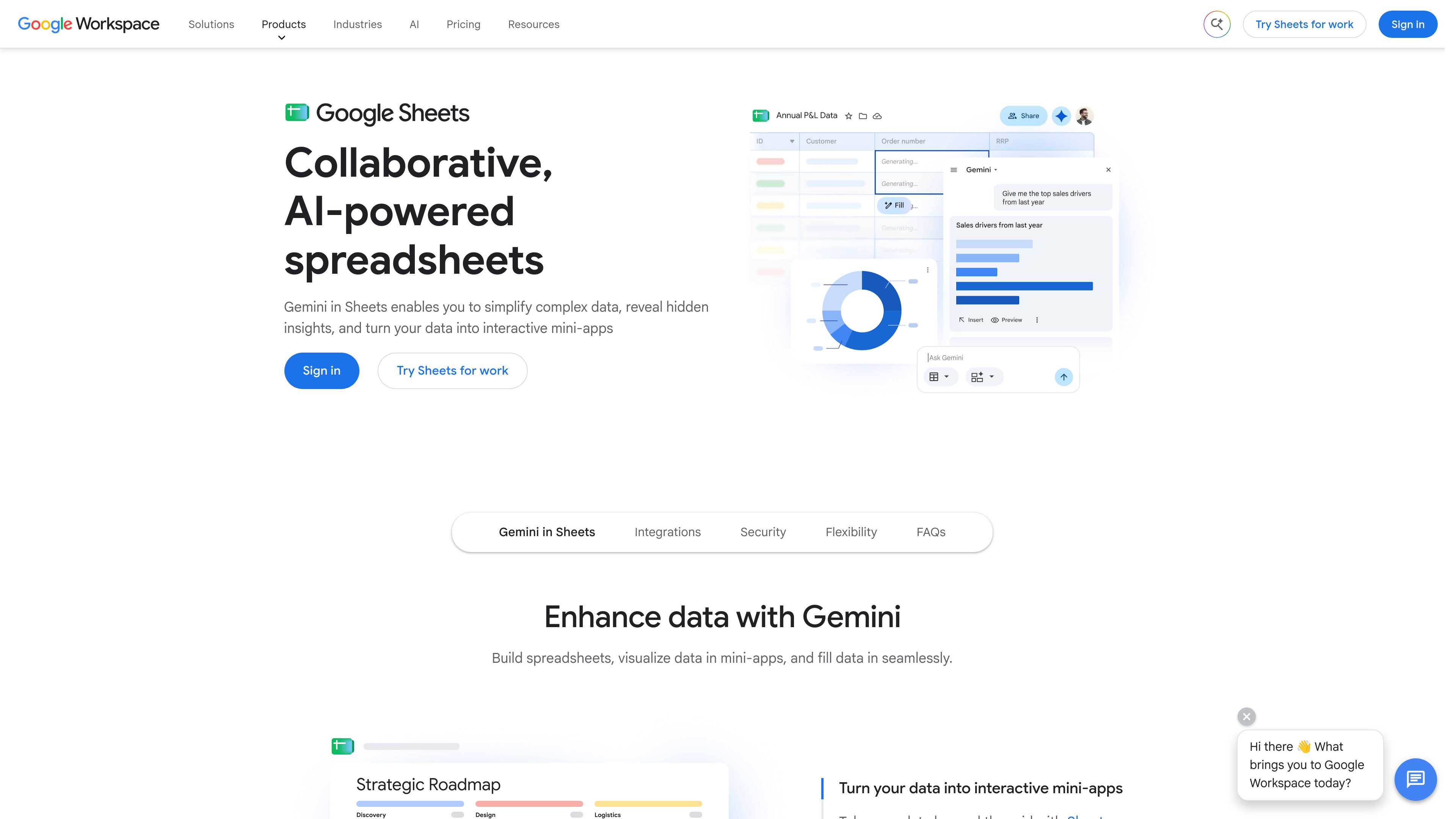
Google Sheets is a cloud-based spreadsheet application for creating, analyzing, and sharing data collaboratively. It supports real-time co-editing, Excel file compatibility, connected data workflows, and Gemini-assisted spreadsheet tasks.

Freemium
Microsoft Excel preview
Microsoft Excel logo

Microsoft Excel

AI Spreadsheet Analysis

Microsoft Excel is a spreadsheet application for organizing data, building plans and budgets, and turning information into readable insights. Microsoft 365 subscribers can use Copilot in Excel to analyze data, update tables, and uncover patterns.

Freemium

Frequently asked questions

What problems do AI Spreadsheet Analysis tools address?

AI spreadsheet analysis tools help you explore tables, detect trends, summarize data, and turn complex workbook content into clear insights.

How can I verify an AI-generated chart or analysis?

Check scope, missing values, units and aggregation, then inspect original records. A clear chart does not establish correct calculations. Keep a reproducible query, formula or transformation for important numbers.

Is recognizing text the same as extracting usable data?

Text recognition is one step. Invoices, tables and scans also need correct field associations, rows, columns and page references. Test varied layouts and poor scans to identify cases that need human correction.

What matters when connecting a database or collecting web data?

Start with read-only access and narrow queries. Confirm that sensitive fields stay within approved services. For web collection, check access rules, permissions and privacy, along with freshness, duplicates and retry behavior.