VoiceOS icon

VoiceOS

認領

VoiceOS is a voice operating system and AI voice assistant for Mac and Windows. It helps users dictate text, send messages, search the web, and automate app workflows by voice.
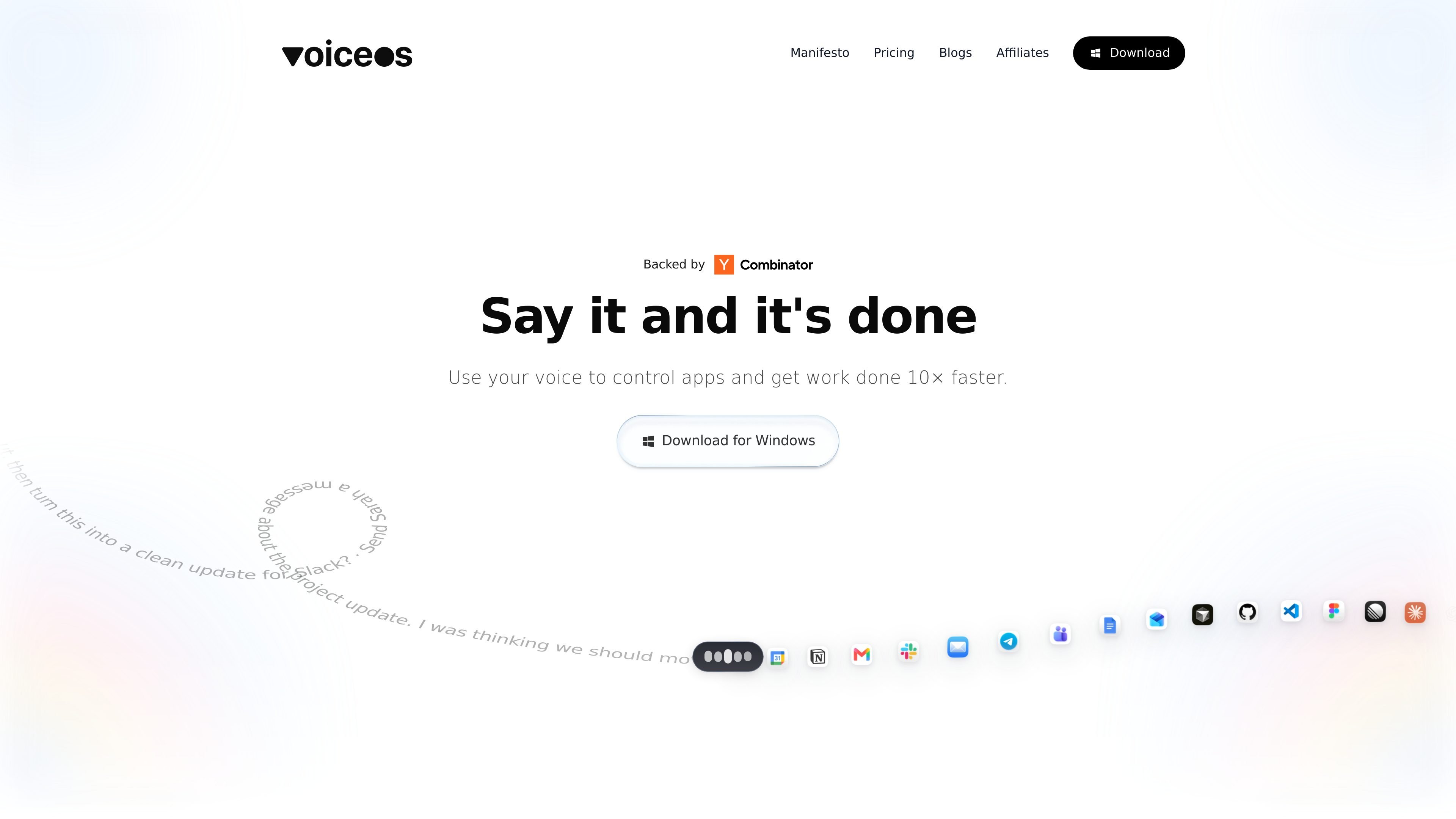
VoiceOS

Overview

VoiceOS is a voice operating system and AI voice assistant for Mac and Windows that turns spoken requests into actions. The homepage positions it as a way to control apps, write messages, search the web, and automate routine work by voice.

The product separates voice work into modes such as Dictation Mode and Agent Mode. Dictation focuses on turning speech into formatted text, while Agent Mode is shown handling multi-step tasks across apps, such as composing a message or creating a calendar event from a single instruction.

Features

Voice-to-action app control

Use spoken commands to control apps and complete multi-step tasks such as replying to messages or booking meetings without moving through each interface manually.

Dictation Mode

Turn speech into clean text while preserving intent and formatting, which is useful for emails, notes, and messages that need to read naturally.

Voice messaging and drafting

Send messages by voice and shape the output into a polished update, draft, or reply before it is delivered.

Web search by voice

Search the web and combine the result with other actions in a single spoken request, reducing the need to switch between tools.

Agent Mode for multi-app workflows

Run actions across integrated apps from one prompt, with the product showing calendar and email workflows as examples.

User-controlled privacy settings

Choose privacy settings for local transcripts, cloud audio sharing, model training, and anonymous diagnostics.

Use cases

  • Writing and sending messages

    Draft and send a message or email by speaking a full instruction, then let the assistant format the output into something ready to send.

  • Scheduling meetings

    Create calendar events, set meeting times, and add guests from a single voice request instead of opening each scheduling step separately.

  • Clean dictation for everyday writing

    Turn rough spoken thoughts into polished text for notes, replies, or updates when you want dictation that preserves meaning and structure.

  • Multi-app task automation

    Use one spoken command to coordinate multiple app actions, such as checking information and then turning it into a final response.

  • Voice-led research and follow-up

    Search for information on the web and combine it with another action in the same workflow, reducing context switching during research or planning.

Pros and Cons

Pros

  • Combines dictation, messaging, search, and automation in one voice-first workflow.
  • Supports multi-step requests that can replace a sequence of manual clicks.
  • Offers explicit privacy controls for local transcripts, cloud audio sharing, and AI training use.
  • Includes both an everyday dictation mode and a task-oriented agent mode.
  • Displays a free entry point and higher-tier options for power users and teams on the homepage pricing section.

Cons

  • The collected sources do not provide a working pricing page; the `/pricing` URL returned a 404 during collection.
  • The site does not publish a detailed integrations list or a full setup guide in the collected material.
  • Platform support is mentioned in broad terms, but the source does not fully clarify every supported desktop environment or app.

FAQ

What is VoiceOS?

The source describes VoiceOS as a voice operating system and AI voice assistant for Mac and Windows. It is positioned around turning spoken commands into actions across apps.

What can VoiceOS do?

The site says VoiceOS supports dictation, sending messages, web search, and app automation by voice. It also highlights Agent Mode and Dictation Mode.

Does VoiceOS have pricing information?

VoiceOS shows a Free plan, a Pro plan billed annually, and an Enterprise option. The pricing page itself returned a 404 in the collected sources, so plan details should be treated as coming from the homepage pricing section only.

Which platforms does VoiceOS support?

The homepage says VoiceOS works in every app and offers a Windows download. The collected sources do not provide a confirmed full platform list beyond Mac and Windows in the product description.

How does VoiceOS handle privacy?

The homepage states that audio is not stored on VoiceOS servers unless the user chooses to share it, and that users can choose to save transcripts on device, avoid cloud audio storage, and disable model training on their dictation.

Quick Facts

Category
Voice assistant / productivity
Platforms
Mac and Windows, per site description
Core workflow
Turn spoken requests into app actions and formatted text
Key modes
Dictation Mode and Agent Mode
Pricing signal
Free plan, Pro plan, and Enterprise option shown on homepage
Website
voiceos.com