
AI video generation from multiple inputs
Visla can start from an idea, script, text, webpage, clip, audio file, PDF, or PowerPoint deck and turn that input into a video draft with scenes, narration, visuals, and transitions.

Visla is an AI video creation and editing platform for business teams. It helps users turn scripts, text, webpages, audio, PDFs, PPTs, and recorded footage into editable videos with collaboration features.
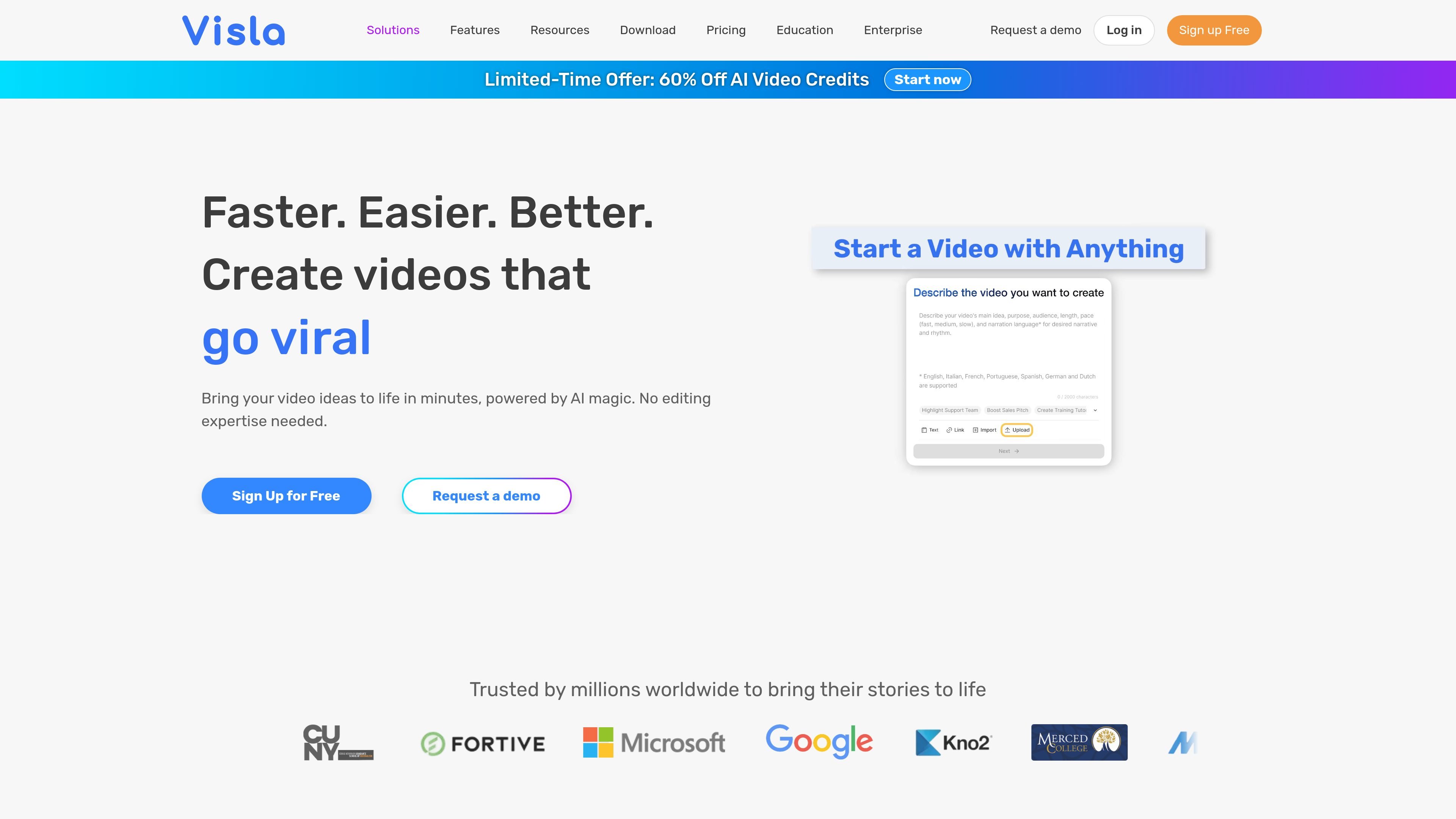
Visla is an AI video creation and editing platform for businesses and teams. The site positions it as an end-to-end tool for capturing video, generating drafts from many source types, editing scenes, and collaborating on review and approval.
The platform can turn an idea, script, text, webpage, audio file, PDF, PPT, or existing footage into a structured video with narration, visuals, subtitles, and transitions. It also includes recording tools, avatar and voice options, and shared workspaces for team production.
Visla can start from an idea, script, text, webpage, clip, audio file, PDF, or PowerPoint deck and turn that input into a video draft with scenes, narration, visuals, and transitions.
The platform offers a recording suite for screen, camera, and step-by-step how-to capture, giving teams a built-in way to record source material before editing.
Visla’s editing options include a scene-based editor for manual control and an AI video editor for trimming, summarizing, and enhancing footage automatically.
The platform includes collaboration workspaces for organizing footage, sharing feedback, and managing approvals in one place.
AI personalization supports public avatars, custom avatars, and voice cloning, with avatar-led video formats and multilingual voiceover options.
Pricing pages show stock-library access, including free stock, paid premium stock, and private stock support, with Getty Images available on higher plans.
Create marketing videos from existing assets or a short brief, then refine the draft into a branded video for campaigns and launches.
Turn training material, presentations, or how-to recordings into clear instructional videos with narration, subtitles, and scene editing.
Convert scripts, PDFs, PPTs, or webpages into structured videos for internal updates, product explainers, or communication pieces.
Use avatars and voice cloning to produce camera-free videos for presenters, updates, or multilingual messaging.
Organize footage, collect feedback, and manage approvals in shared workspaces when multiple people need to review the same project.
Visla is an AI video creation and editing platform. The source pages show workflows that start from an idea, script, text, link, clip, image, audio, PDF, or PPT and then produce a video draft that can be refined in the editor.
The source pages do not describe a separate installation process. Visla is presented as a web-based platform with sign-up and demo options on the site, and it supports sharing, download, and embed links after editing.
Visla’s workflow combines capture, AI assembly, editing, and collaboration. You can record screen or camera, let the AI Video Agent assemble a draft, refine it in the scene-based editor, and then share it with your team.
The site describes outputs such as narrated videos, videos from scripts or text, videos from webpages, PDFs, PPTs, audio-to-video conversions, multilingual videos, and avatar-led videos.
The source pages show collaboration features, workspaces, teamspaces, feedback, approvals, and asset management, but they do not spell out every platform integration or advanced limitation.