
100+ language support
Dictate in more than 100 languages, including mixed-language dictation. Spokenly detects the language as you speak and keeps up.
Spokenly is an AI dictation app for Mac, iPhone, and Windows that turns speech into text in any app. It supports free offline local models, cloud transcription through Pro or your own API keys, and more than 100 languages.
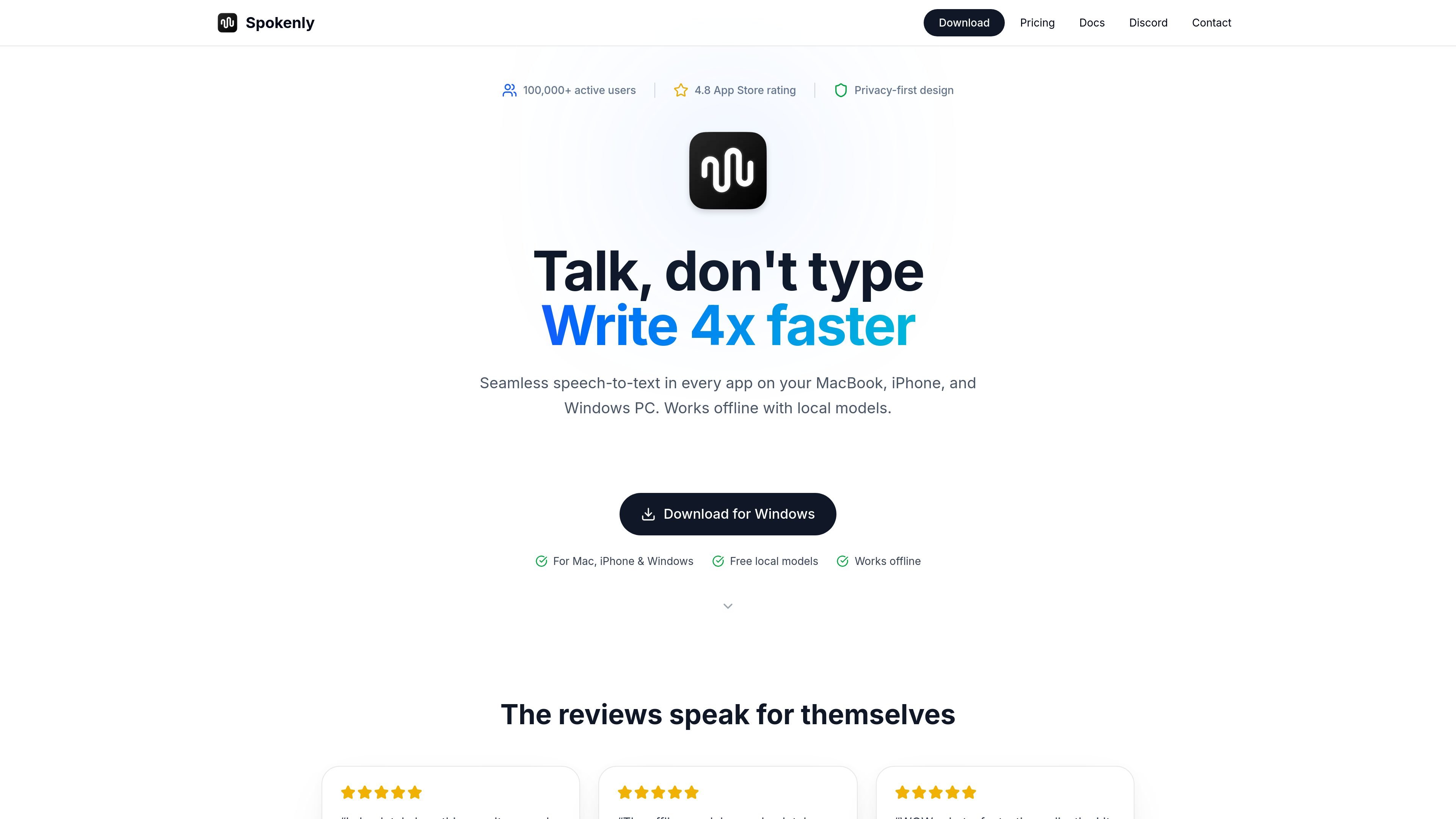
Spokenly is an AI dictation app for Mac, iPhone, and Windows. It is designed to turn spoken input into text in any app, with support for local offline models and cloud transcription depending on the plan or provider you choose.
The product centers on a privacy-first workflow: local Whisper and Parakeet models run offline, while cloud modes are available through Pro or by connecting your own API keys. Spokenly also adds AI text cleanup, language detection, and searchable dictation history to make speech-to-text usable for writing, coding, note taking, and similar tasks.
Dictate in more than 100 languages, including mixed-language dictation. Spokenly detects the language as you speak and keeps up.
Use on-device Whisper and Parakeet models for offline transcription. Local-only mode blocks network requests so voice data stays on the device.
Choose cloud transcription through your own API keys or a Pro subscription. The pricing page lists OpenAI, Deepgram, Groq, ElevenLabs, Mistral, and other providers.
Spokenly types into the app where your cursor is placed, so it works across browsers, email, IDEs, chat apps, and word processors on Mac.
Custom prompts can clean up grammar, remove filler words, and format dictation to fit the app or task you are working in.
Search past dictations, replay audio, and export entries when you need to review or reuse earlier speech.
Use Spokenly for drafting email, documents, notes, or chat messages without switching away from the app you are already using.
Use it in IDEs, coding assistants, or terminal-like workflows when you want to dictate prompts, explanations, or code-related text instead of typing.
Use offline local models when you need speech-to-text on a device that should stay disconnected from cloud processing.
Use cloud models or Pro when you need higher-accuracy transcription for accents, technical vocabulary, or longer-form dictation.
Use the student discount flow if you are a verified student and want Pro access at a reduced price across your devices.
Spokenly is an AI dictation app for Mac, iPhone, and Windows. You press a shortcut, speak, and the text appears at the cursor in the app you are using.
Yes. Spokenly supports local Whisper and Parakeet models for offline dictation, and the pricing page says local models are free forever with no word caps or trial period.
Pro adds managed cloud transcription with models such as GPT-4o Transcribe, Deepgram Nova 3, and Soniox, plus hosted AI text processing and priority support.
Yes. One Pro subscription covers macOS, iOS, and Windows when you sign in with the same email on each device.
Spokenly says it works with any Mac app that accepts text input, including browsers, email clients, IDEs, chat apps, and word processors.