
Unified inference API
Runware exposes one endpoint and one request shape across image, video, audio, 3D, and text tasks, so teams can integrate once and switch models by changing the model string.

Runware is a generative AI inference platform with one API for image, video, audio, 3D, and text workloads. It helps developers ship AI features without managing their own GPU infrastructure, using usage-based pricing and multiple integration paths.
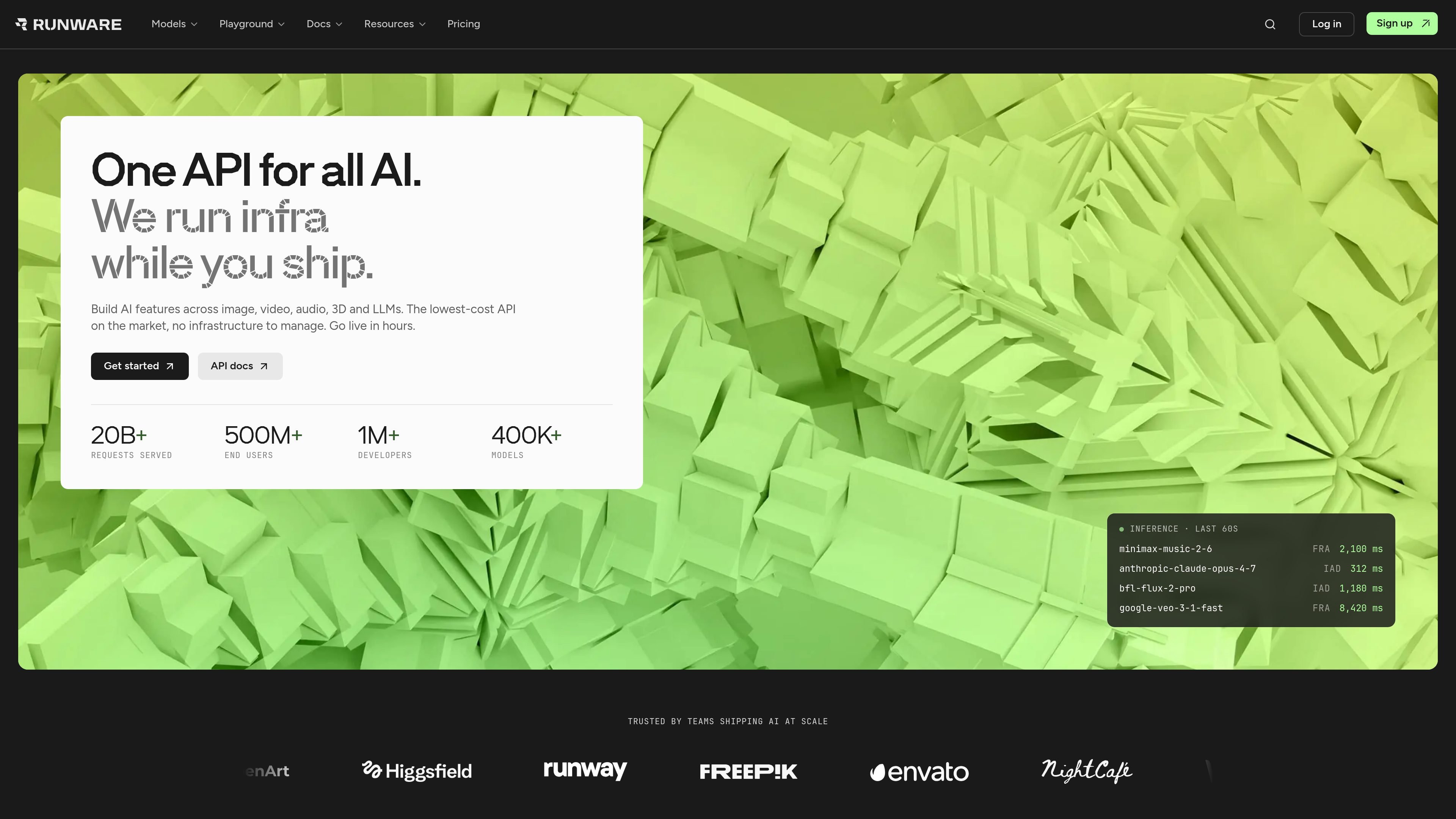
Runware is a generative AI inference platform that gives developers a single API for image, video, audio, 3D, and text workloads. Its documentation describes a shared request structure across modalities, with models addressed by identifier and returned through the same API layer.
The product is aimed at teams that want to ship AI features without managing their own GPU infrastructure. Runware combines model access, request routing, managed infrastructure, and usage-based pricing, and it documents both REST and WebSocket flows along with webhook and polling options for asynchronous results.
Runware exposes one endpoint and one request shape across image, video, audio, 3D, and text tasks, so teams can integrate once and switch models by changing the model string.
The platform documents specific task types for image inference, video inference, audio inference, 3D inference, and text inference, each with its own structured payload and response.
Requests can be sent as REST calls for stateless jobs or over WebSockets for persistent sessions, and async tasks can return through webhooks or polling.
The docs describe shared request structure, model schemas, and LLM-readable documentation, which helps developers wire the API into tools and agents more quickly.
Runware says it supports open-source models, partner models, community models, and custom uploads, with standardized addressing across its model catalog.
The Sonic Inference Engine combines Runware-owned hardware and software with preloaded models, region-aware routing, and custom infrastructure design for inference workloads.
Build image generation or editing features with one endpoint, including tasks like text-to-image, image-to-image, inpainting, outpainting, upscaling, and background removal.
Add video, audio, or 3D generation into a product without building separate backends for each modality. The same platform supports structured requests and model-specific parameters.
Use Runware when you need low-latency production inference at scale and want managed infrastructure instead of provisioning and tuning your own GPUs.
Connect the API to coding tools, agent workflows, or app frameworks that already work with the documented integrations and standard request shapes.
Evaluate models in the Playground and then switch to the API once a team has chosen a model and confirmed the output quality and cost.
Runware provides a single API for image, video, audio, 3D, and text generation. The same request shape is used across modalities, with models identified by model ID and tasks sent to the API as JSON.
Pricing is pay-as-you-go. You only pay for successful API requests, and costs vary by model and parameters such as resolution, duration, and quality settings. The pricing page also says new users receive $2 in free credits.
The docs page lists TypeScript, Python, CLI, MCP, ComfyUI, and Vercel AI as supported integration paths, and the site also mentions compatibility with tools such as Claude Code, Cursor, Claude Desktop, ChatGPT, OpenAI-compatible workflows, and several automation or app platforms.
Runware’s documentation covers image generation, image editing, advanced control, video generation, LLMs, media processing, media analysis and safety, audio generation, and 3D asset generation.
The site says Runware offers a REST API for stateless work, WebSockets for persistent low-latency sessions, webhook delivery for async results, and streaming for text inference over SSE. The docs are also structured for LLMs to read end to end.