
No API keys required
Set up the add-on and start using AI without entering API keys, according to the site.

Numerous.ai is an AI-powered spreadsheet plugin for Google Sheets and Excel. It lets users run ChatGPT-style tasks from spreadsheet cells for writing, summarizing, extracting, classifying, and cleaning data.
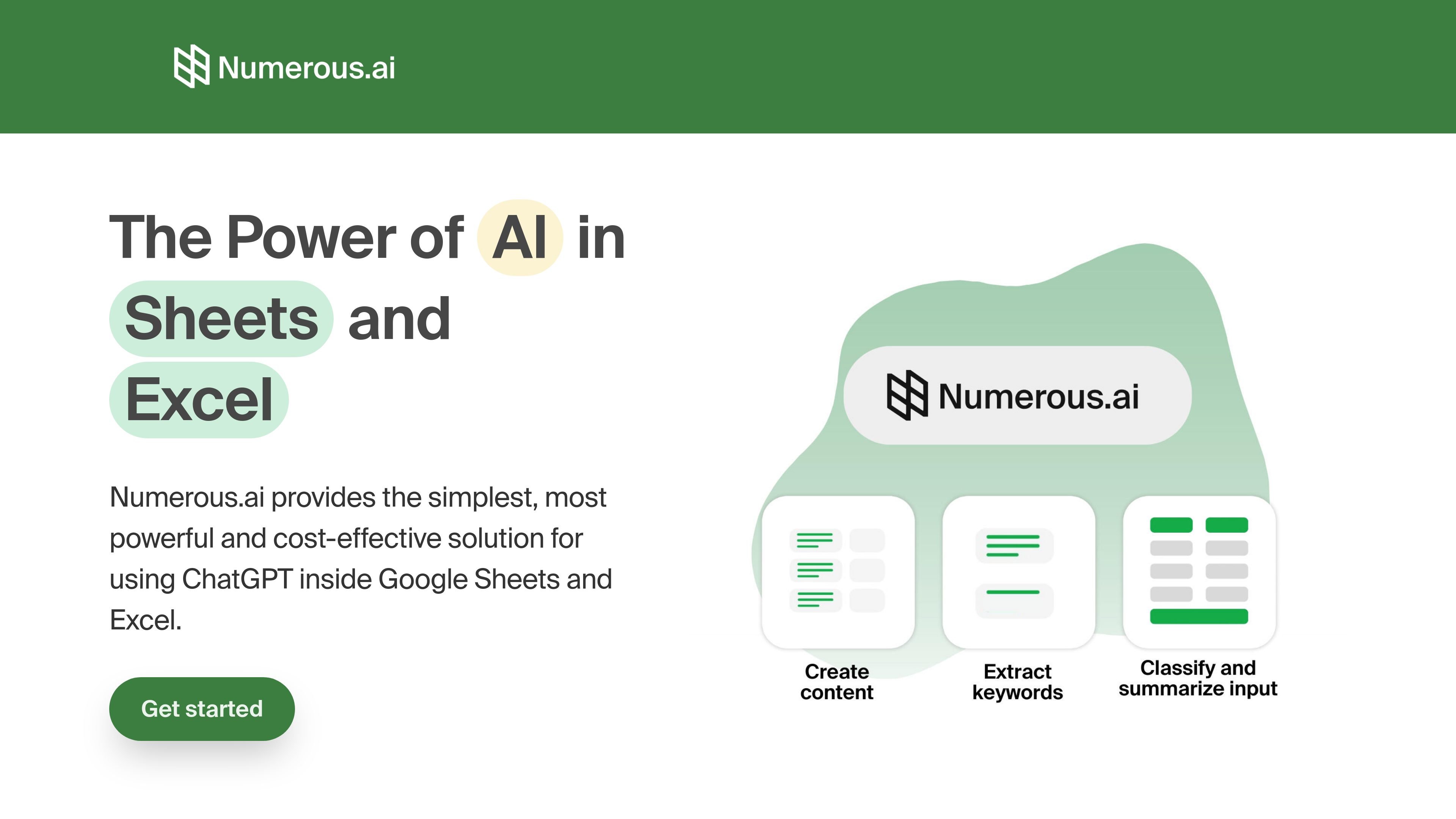
Numerous.ai is an AI-powered spreadsheet plugin that brings ChatGPT into Google Sheets and Excel. It is designed for people who want to run AI tasks from within spreadsheet cells instead of moving data into a separate chat interface.
The product centers on simple formulas such as =AI(...) and =INFER, letting users generate text, extract information, summarize content, classify entries, and clean messy input in bulk. The site positions it as useful for individual work, team collaboration, and workflow prototyping inside spreadsheets.
Set up the add-on and start using AI without entering API keys, according to the site.
Run AI directly in spreadsheet cells with formulas such as =AI(...) and =INFER.
Generate, summarize, translate, extract, classify, rewrite, and clean data from spreadsheet rows and ranges.
Use the same plan across a team, with support for collaboration on AI work in organizations.
Use the product in both Google Sheets and Excel, as shown on the onboarding and pricing pages.
Access email support options, priority support on higher-tier plans, and video call onboarding if requested.
Generate ad copy, keywords, campaign structures, and SEO content from spreadsheet rows when handling marketing work at scale.
Summarize articles, survey responses, or social posts, then classify or clean the resulting text in place.
Test prompt variations, compare outputs, and prototype AI workflows using the structure of a spreadsheet.
Create topic ideas and draft content from a single prompt, then expand or adapt the results for different audiences.
Use spreadsheet formulas to reduce manual entry, improve reporting consistency, and streamline spreadsheet-based workflows.
Numerous.ai is set up as a spreadsheet add-on, and the site says you can begin without API keys. The onboarding page also points to using the product in Excel and Google Sheets.
The site describes Numerous.ai as an AI-powered spreadsheet plugin for Google Sheets and Excel, with formulas such as =AI(...) and =INFER for using ChatGPT inside cells.
The source shows use cases for content generation, digital marketing, summarizing and classifying text, cleaning messy input, prototyping prompts, and generating spreadsheet formulas.
The pricing page shows annual billing, a 7-day trial for $1, and a team-oriented Enterprise option with priority email support and optional video-call onboarding.
The pricing page says everyone on a team can use the same plan, and the Enterprise plan is described for teams with support and onboarding options.