Numerous.ai icon

Numerous.ai

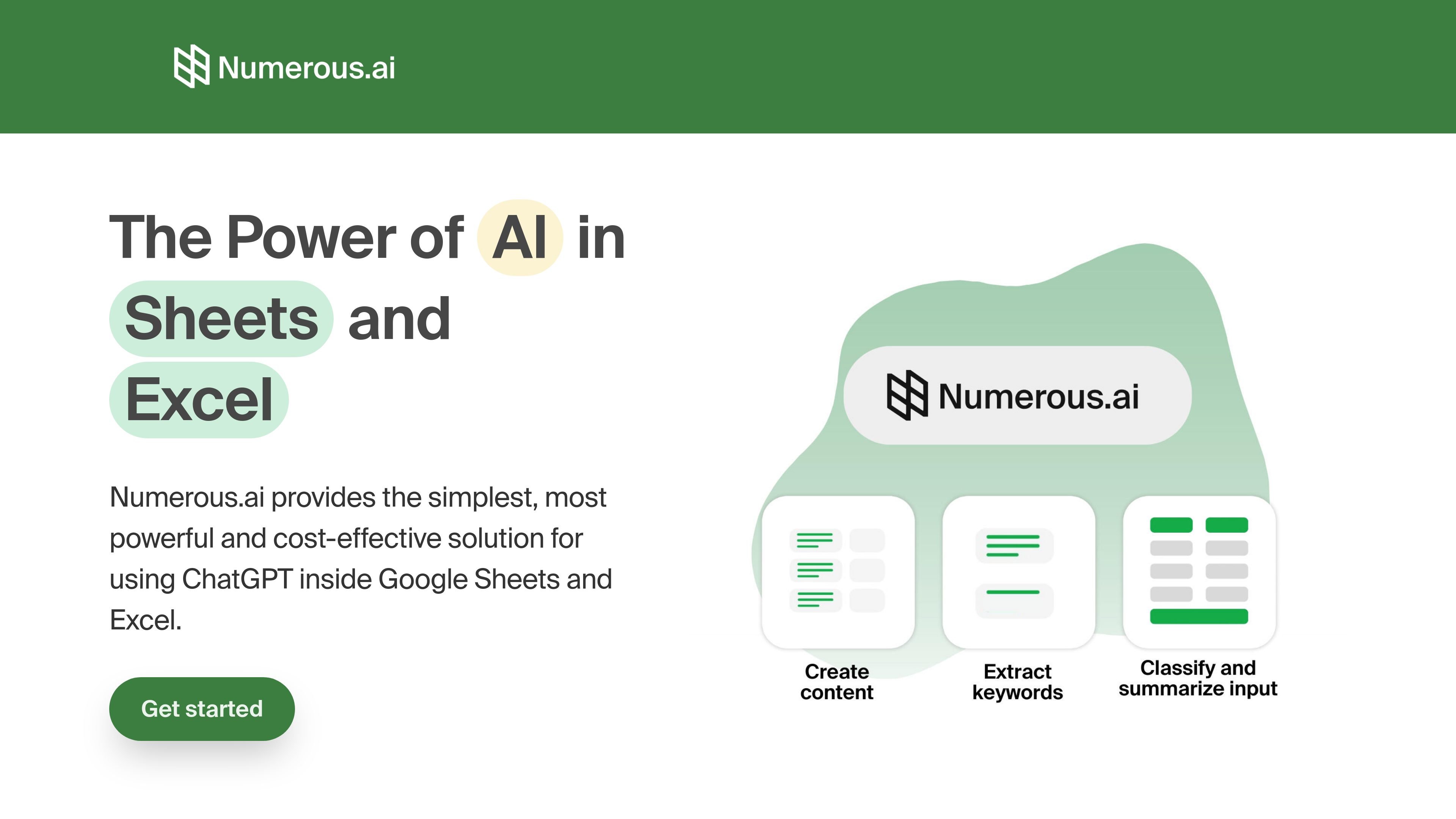
Numerous.ai is an AI-powered spreadsheet plugin for Google Sheets and Excel. It lets users run ChatGPT-style tasks from spreadsheet cells for writing, summarizing, extracting, classifying, and cleaning data.

Numerous.ai

Overview

Numerous.ai is an AI-powered spreadsheet plugin that brings ChatGPT into Google Sheets and Excel. It is designed for people who want to run AI tasks from within spreadsheet cells instead of moving data into a separate chat interface.

The product centers on simple formulas such as =AI(...) and =INFER, letting users generate text, extract information, summarize content, classify entries, and clean messy input in bulk. The site positions it as useful for individual work, team collaboration, and workflow prototyping inside spreadsheets.

Features

No API keys required

Set up the add-on and start using AI without entering API keys, according to the site.

Formula-based workflow

Run AI directly in spreadsheet cells with formulas such as =AI(...) and =INFER.

Text processing in sheets

Generate, summarize, translate, extract, classify, rewrite, and clean data from spreadsheet rows and ranges.

Team-oriented access

Use the same plan across a team, with support for collaboration on AI work in organizations.

Sheets and Excel support

Use the product in both Google Sheets and Excel, as shown on the onboarding and pricing pages.

Support and onboarding options

Access email support options, priority support on higher-tier plans, and video call onboarding if requested.

Use cases

  • Digital marketing production

    Generate ad copy, keywords, campaign structures, and SEO content from spreadsheet rows when handling marketing work at scale.

  • Text analysis and cleanup

    Summarize articles, survey responses, or social posts, then classify or clean the resulting text in place.

  • AI prototyping

    Test prompt variations, compare outputs, and prototype AI workflows using the structure of a spreadsheet.

  • Content creation

    Create topic ideas and draft content from a single prompt, then expand or adapt the results for different audiences.

  • Operations and reporting

    Use spreadsheet formulas to reduce manual entry, improve reporting consistency, and streamline spreadsheet-based workflows.

Pros and Cons

Pros

  • Works directly inside Google Sheets and Excel.
  • Does not require API keys to begin.
  • Supports common spreadsheet AI workflows such as summarizing, classifying, extracting, and cleaning text.
  • Offers team usage and support options, including priority email support on higher tiers.
  • Includes a short trial entry point on the pricing page.

Cons

  • The public pages do not provide a full technical breakdown of model options, limits, or supported regions.
  • Pricing and plan details are presented in a limited way, so readers may need to contact the company for custom needs.

FAQ

How do you get started with Numerous.ai?

Numerous.ai is set up as a spreadsheet add-on, and the site says you can begin without API keys. The onboarding page also points to using the product in Excel and Google Sheets.

What does Numerous.ai do?

The site describes Numerous.ai as an AI-powered spreadsheet plugin for Google Sheets and Excel, with formulas such as =AI(...) and =INFER for using ChatGPT inside cells.

What kinds of tasks is Numerous.ai used for?

The source shows use cases for content generation, digital marketing, summarizing and classifying text, cleaning messy input, prototyping prompts, and generating spreadsheet formulas.

What pricing information is available?

The pricing page shows annual billing, a 7-day trial for $1, and a team-oriented Enterprise option with priority email support and optional video-call onboarding.

Is Numerous.ai suitable for team use?

The pricing page says everyone on a team can use the same plan, and the Enterprise plan is described for teams with support and onboarding options.

Quick Facts

Category
AI spreadsheet plugin
Platforms
Google Sheets, Excel
Primary workflow
Run ChatGPT-style tasks inside spreadsheet cells
Source domain
numerous.ai
Pricing model
Annual billing with a $1 7-day trial shown on the pricing page
Team use
Supported on the Enterprise plan and shared-plan positioning

Numerous.ai 대안

AI Writers Assistants icon

AI Writers Assistants

AI Writers Assistants is a token-based AI writing and content platform for drafting text, generating keywords, chatting, coding, and paraphrasing. It suits users who want several AI workflows in one place rather than separate tools.

Luma icon

Luma

Luma is an AI creative platform for generating and refining video, images, audio, and text in one workflow. It includes individual, team, and enterprise plans, plus guided workflows and model options for creative production.

EaseMate AI icon

EaseMate AI

EaseMate AI is an all-in-one AI assistant for chat, study, research, writing, image generation, and video creation. It offers a free Basic plan plus paid tiers and supports browser-based access with chat, PDF, study, and media tools.

nichesim icon

nichesim

Nichesim은 여러분의 아이디어를 수천 개의 AI 페르소나와 대조하여 테스트할 수 있게 해줍니다. 이를 통해 제품, 콘텐츠 또는 캠페인이 공개되기 전에 실제 커뮤니티가 어떻게 반응할지를 시뮬레이션할 수 있습니다.

Shortcut icon

Shortcut

Shortcut is an AI spreadsheet automation product for Excel work. It helps individuals, teams, and enterprises turn natural-language instructions into spreadsheet edits and financial models.

Kimi AI icon

Kimi AI

Kimi AI is a web-based productivity platform from Moonshot AI that combines chat with specialized agents for websites, slides, docs, sheets, deep research, and coding workflows. It is aimed at users who want to move from prompts or source material to finished outputs with less manual assembly.