
6-stem separation with mix preview
Separate a full song into six stems: vocals, drums, bass, piano, guitar, and Other. The stem page also shows preview and rebalance controls before export.

Music Demixer is a web app that separates songs into stems and converts audio into MIDI or sheet-music drafts, with specialized workflows for piano and drums. It helps musicians and producers preview, rebalance, and export files for practice, editing, or DAW use.
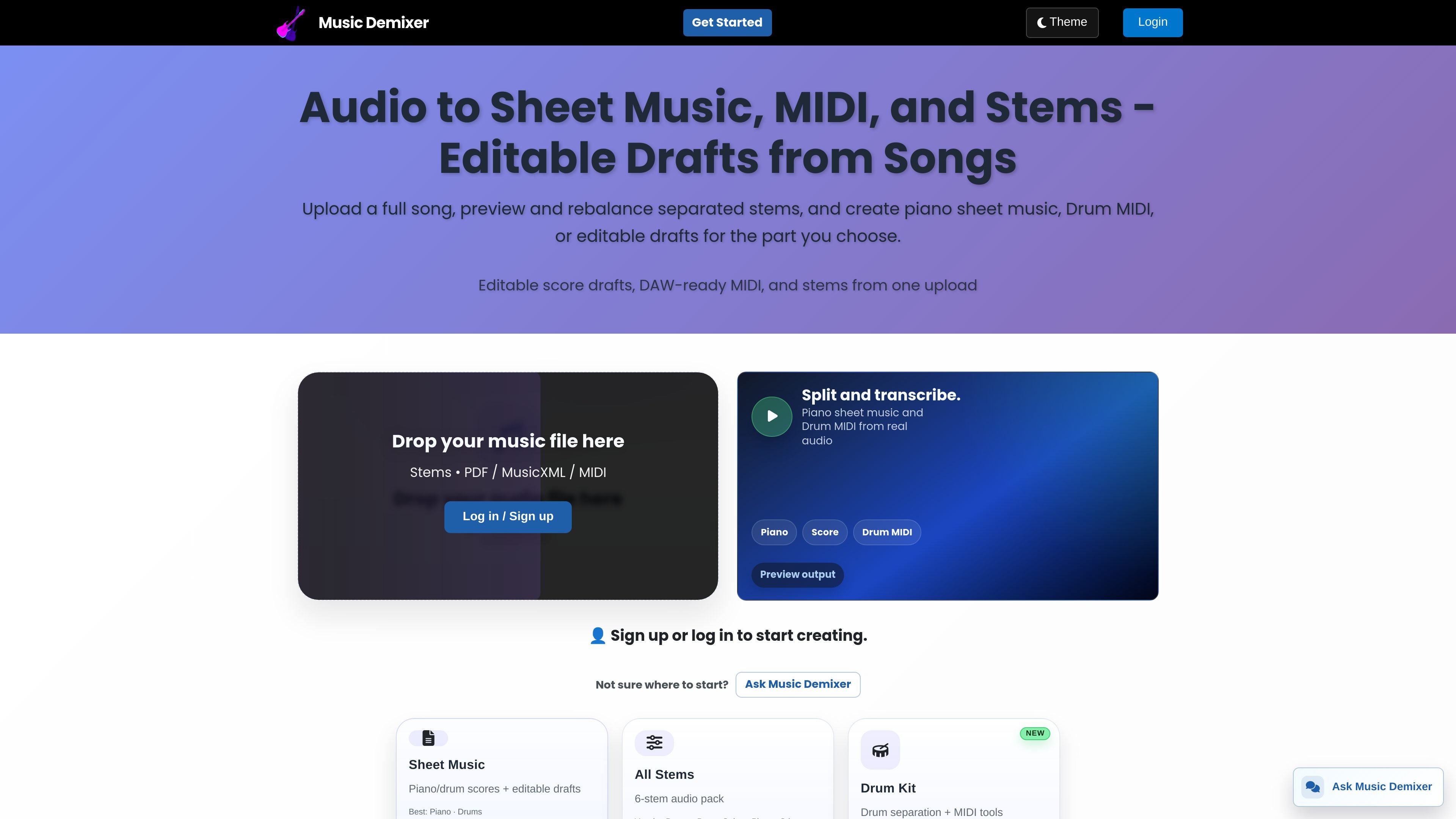
Music Demixer is an online audio-to-music tool that turns uploaded songs into stems, MIDI, and sheet-music drafts. The site positions piano and drum transcription as the most specialized workflows, while other instruments can be processed as editable drafts.
It supports stem separation, piano sheet music, Drum MIDI, drum kit breakdowns, and exportable audio files for practice or production. The product is designed for users who want to upload a track once, preview the result, and download files in formats that fit score editing or DAW-based work.
Separate a full song into six stems: vocals, drums, bass, piano, guitar, and Other. The stem page also shows preview and rebalance controls before export.
Generate piano sheet music, Drum MIDI, and editable drafts from uploaded audio. The site distinguishes specialized transcription for piano and drums from draft-level output for guitar, bass, vocals, and Other.
Use the drum workflow to isolate drums, split them into kit pieces, or create Drum MIDI and drum notation drafts. The site exposes 4-, 5-, and 6-piece kit splits, including kick, snare, toms, hi-hat, ride, and crash options.
Choose between piano, drums, guitar, bass, vocals, and Other when creating MIDI or sheet-music outputs. Piano and drums are described as the most specialized paths, while the other parts are treated as drafts that may need cleanup.
Upload MP3, Opus, or WAV for stem downloads, and the FAQ lists MP3, WAV, FLAC, M4A/AAC, OGG, AIFF, and other common formats. The site says conversion is handled automatically when needed.
Access a help chat called Ask Music Demixer for workflow guidance and file questions while you work.
Upload a full mix, separate the stems, and rebalance individual parts before exporting audio for practice or production work.
Turn a song into piano sheet music or Drum MIDI when you need a more structured starting point for editing or transcription.
Isolate drums and split them into kit pieces for more detailed listening, practice, or mix cleanup.
Export stems in MP3, Opus, or WAV form when you want audio files that can move into a DAW-based workflow.
Use the help chat to choose between sheet music, MIDI, stems, or drum kit options when you are not sure which workflow matches the source audio.
The site says each job returns downloadable files for the output you selected. That can include stem audio packs, DAW-ready MIDI, and, when applicable, PDF score drafts plus editable MusicXML.
Supported formats listed on the site are MP3, WAV, FLAC, M4A/AAC, OGG, and AIFF, plus most common formats. The app also says it can handle conversion automatically if needed.
Processing runs through Music Demixer's secure cloud service. You upload once, then download the results when the job finishes.
The pricing page shows a 1-day Pro trial with 5 full-quality jobs up to 5 minutes each, and it says no card is required. It also lists a Pro plan at $9.99 USD per month.
The site offers workflows for stems, piano, drums, MIDI, and score drafts. It does not present full integration details for DAWs or other apps beyond downloadable files such as MIDI, MusicXML, WAV, MP3, and Opus.