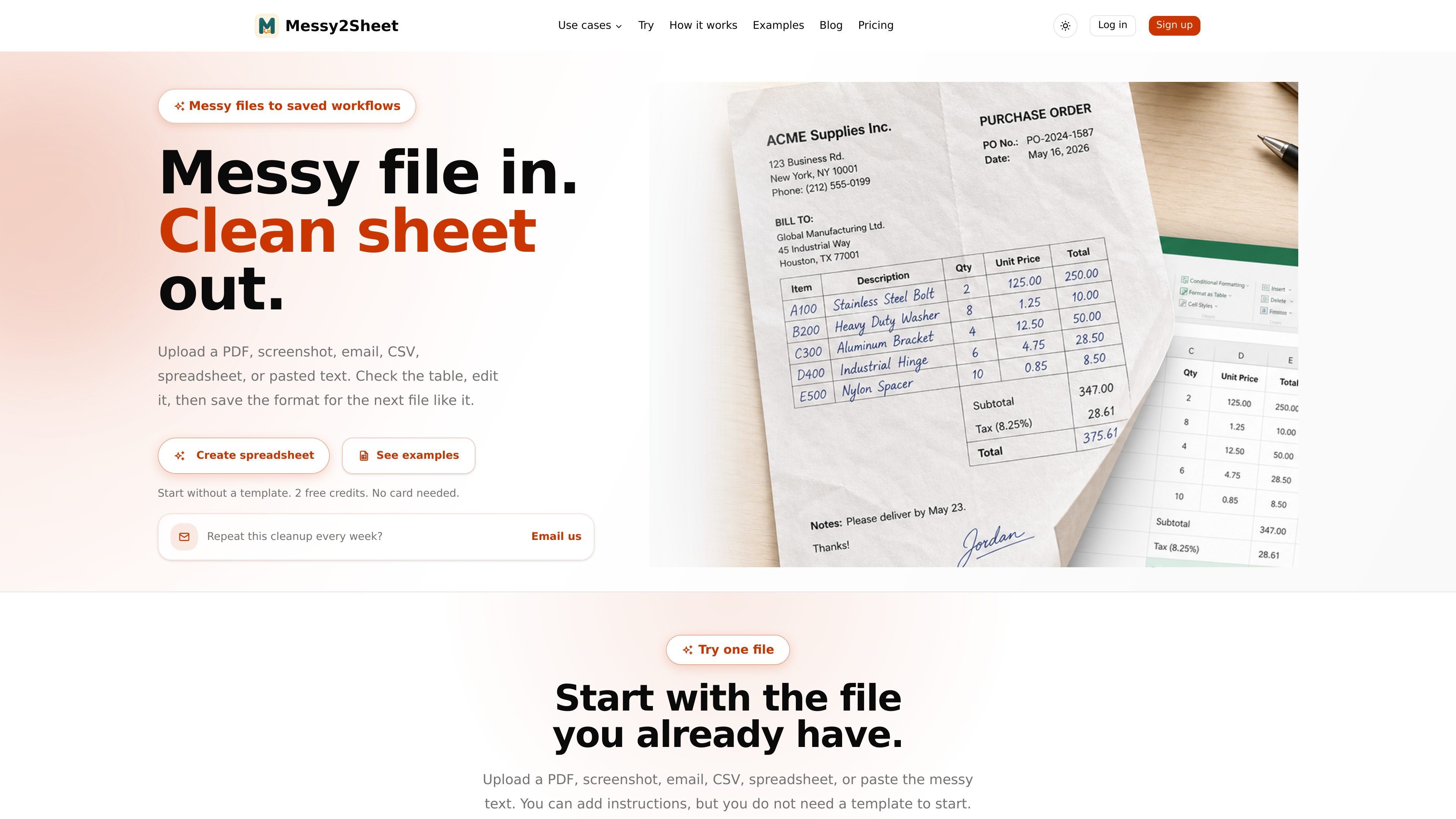
Start from messy source files
Upload PDFs, screenshots, emails, CSV files, spreadsheets, scans, images, or pasted text, then turn them into a spreadsheet without building a template first.
Messy2Sheet turns PDFs, screenshots, emails, CSV files, spreadsheets, scans, images, and pasted text into reviewable Excel or CSV workflows. It is built for recurring document cleanup jobs where you want to check the table, export it, and reuse the same spreadsheet shape later.
Messy2Sheet turns messy source files into reviewable spreadsheet workflows. It accepts PDFs, screenshots, emails, CSV files, spreadsheets, scans, images, and pasted text, then drafts a table that you can check, edit, export, or save for the next similar file.
The product is aimed at recurring document cleanup jobs where the same kinds of fields keep showing up. You can start from a single file, use a fixed template when a workbook must match a known layout, or save the accepted result as a reusable workflow for later batches.
Upload PDFs, screenshots, emails, CSV files, spreadsheets, scans, images, or pasted text, then turn them into a spreadsheet without building a template first.
Messy2Sheet drafts rows, columns, and tabs, then lets you rename columns, split fields, add notes, or request another version before export.
Save accepted columns, cleanup rules, and output format so the same kind of document can use the same setup next time.
Use focused pages for common jobs such as PDF to CSV, bank statements, image to Excel, text to CSV, invoices, purchase orders, expense reports, and work orders.
Choose a fixed template when the final workbook has to match company cells, formulas, or approval fields, including CSV/XLSX-based templates.
Turn one-off PDFs, screenshots, or pasted notes into a clean spreadsheet when you do not already have a template.
Create repeatable spreadsheet rules for recurring invoices, bank statements, order emails, work orders, or supplier lists that keep arriving in the same general shape.
Fill a company workbook with fixed cells, formulas, or approval fields when the final output must match an existing layout.
Convert invoices, purchase orders, expense reports, sales orders, and order forms into reviewable Excel or CSV outputs for manual checking before download.
Yes. The site says you can upload a file first and preview the source and workbook before downloading Excel or CSV.
No. The workflow starts when you upload files or paste source data; it does not yet watch inboxes, route approvals, or sync directly into ERP systems.
No. You can start with one file and add a template only when the final workbook has to match a fixed layout.
Yes. The pricing page includes a Free plan with 2 lifetime credits, plus paid Starter, Pro, and Ultra plans for ongoing spreadsheet cleanup work.
Yes. The site says you can export XLSX or CSV for Excel, Google Sheets, accounting imports, or cleanup work.
PDF Guru 是一款可在瀏覽器使用的 PDF 編輯與轉換工具,支援文字編輯、檔案轉換、文件簽署與常見 PDF 清理作業,無需安裝,並支援最高 100 MB 上傳。
Kimi AI is a web-based productivity platform from Moonshot AI that combines chat with specialized agents for websites, slides, docs, sheets, deep research, and coding workflows. It is aimed at users who want to move from prompts or source material to finished outputs with less manual assembly.
Pahadify is a web-based image and document utility suite for students and form-related workflows. It offers local browser tools for resizing, compression, PDF handling, photo cleanup, and exam-ready image preparation.
Numerous.ai is an AI-powered spreadsheet plugin for Google Sheets and Excel. It lets users run ChatGPT-style tasks from spreadsheet cells for writing, summarizing, extracting, classifying, and cleaning data.
Wordvice AI is a web-based AI writing assistant and text editor for proofreading, paraphrasing, translation, summarization, plagiarism checking, and AI detection. It also includes a document editor, ChatPDF, and team plan options.
Remove Handwriting 是一款 AI 工具,可從圖片、PDF 與掃描文件中移除手寫筆記、標記與註解;支援網頁與行動裝置,並提供訂閱方案與終身點數包。