
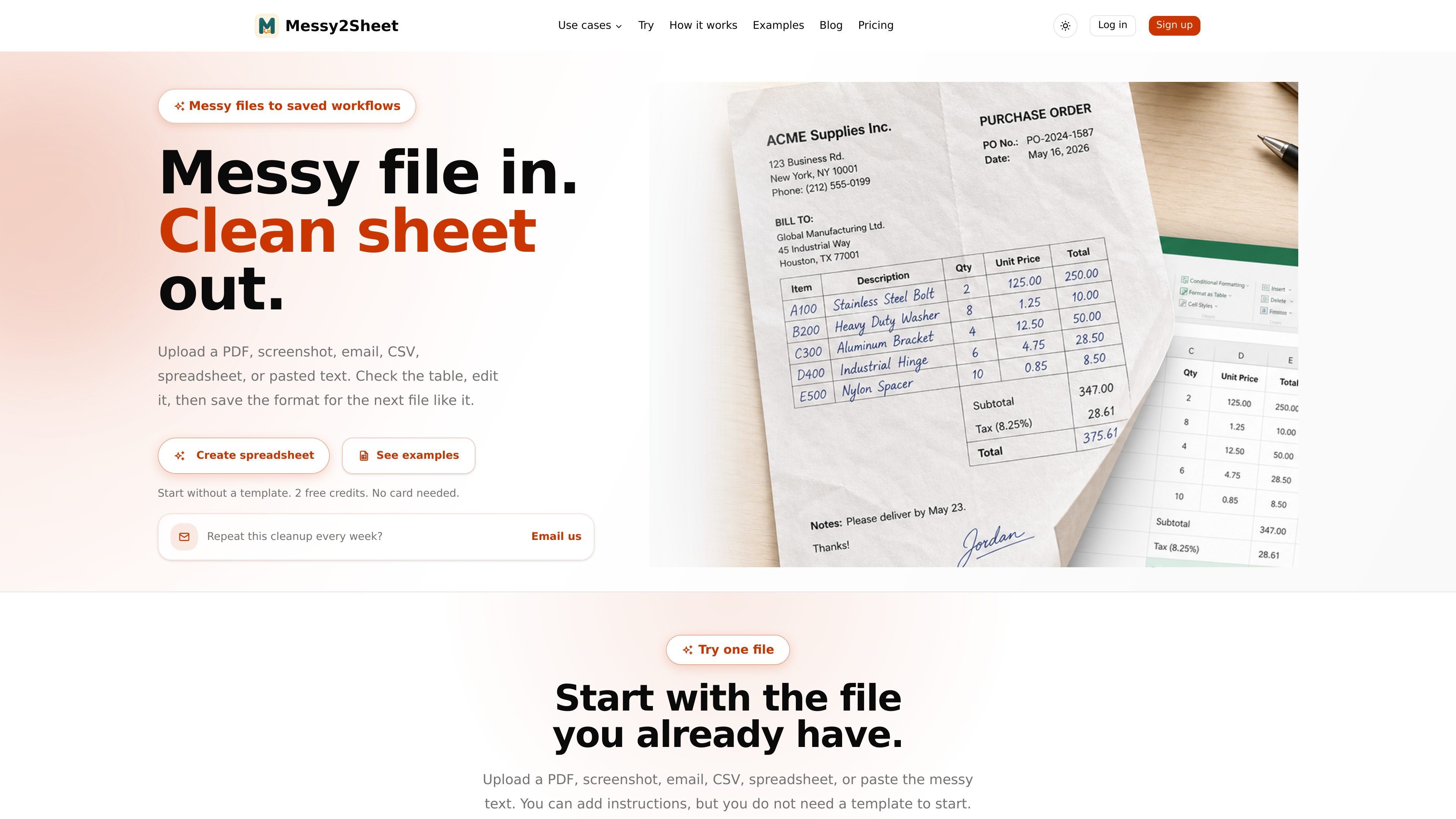
Start from messy source files
Upload PDFs, screenshots, emails, CSVs, spreadsheets, scans, images, or pasted text, then turn them into a spreadsheet without building a template first.

Messy2Sheet turns PDFs, screenshots, emails, CSVs, spreadsheets, scans, images, and pasted text into reviewable Excel or CSV workflows for recurring cleanup jobs.
Messy2Sheet turns messy source files into reviewable spreadsheet workflows. It accepts PDFs, screenshots, emails, CSVs, spreadsheets, scans, images, and pasted text, then drafts a table that you can check, edit, export, or save for the next similar file.
The product is aimed at recurring document cleanup jobs where the same kinds of fields keep showing up. You can start from a single file, use a fixed template when a workbook must match a known layout, or save the accepted result as a reusable workflow for later batches.
Upload PDFs, screenshots, emails, CSVs, spreadsheets, scans, images, or pasted text, then turn them into a spreadsheet without building a template first.
Messy2Sheet drafts rows, columns, and tabs, then lets you rename columns, split fields, add notes, or request another version before export.
Save accepted columns, cleanup rules, and output format so the same kind of document can use the same setup next time.
Use focused pages for common jobs such as PDF to CSV, bank statements, image to Excel, text to CSV, invoices, purchase orders, expense reports, and work orders.
Choose a fixed template when the final workbook has to match company cells, formulas, or approval fields, including CSV/XLSX-based templates.
Turn one-off PDFs, screenshots, or pasted notes into a clean spreadsheet when you do not already have a template.
Create repeatable spreadsheet rules for recurring invoices, bank statements, order emails, work orders, or supplier lists that keep arriving in the same general shape.
Fill a company workbook with fixed cells, formulas, or approval fields when the final output must match an existing layout.
Convert invoices, purchase orders, expense reports, sales orders, and order forms into reviewable Excel or CSV outputs for manual checking before download.
Yes. The site says you can upload a file first and preview the source and workbook before downloading Excel or CSV.
No. The workflow starts when you upload files or paste source data; it does not yet watch inboxes, route approvals, or sync directly into ERP systems.
No. You can start with one file and add a template only when the final workbook has to match a fixed layout.
Yes. The pricing page includes a Free plan with 2 lifetime credits, plus paid Starter, Pro, and Ultra plans for ongoing spreadsheet cleanup work.
Yes. The site says you can export XLSX or CSV for Excel, Google Sheets, accounting imports, or cleanup work.
Traffic data is for reference only.

ocr.chat
Browser OCR and document chat with cited answers

rows.com
Rows is an AI data analyst in a spreadsheet, helping teams and individuals import, analyze, and share data from business tools, documents, and the web in one workspace—using plain language instead of code, SQL, or formulas.

fighthealthinsurance.com
Generative AI for understanding denials and drafting appeals

energent.ai
A no-code AI data analysis tool that turns files, documents, and links into insights, extracted data, and exportable reports for business, finance, and document parsing.

v7labs.com
AI workflow automation for document-heavy finance and legal teams

paperchat.io
Web-based AI chat for searching, summarizing, and extracting information from uploaded documents with sourced answers.