
Calendar and scheduling help
Martin manages scheduling-related work such as rescheduling calls, checking calendar context, and prompting time-sensitive follow-ups.

Martin is an AI personal assistant for managing calendars, inboxes, messages, and other short coordination tasks. It can be reached by text, email, Slack, voice, phone call, and SMS, with web and iOS support.
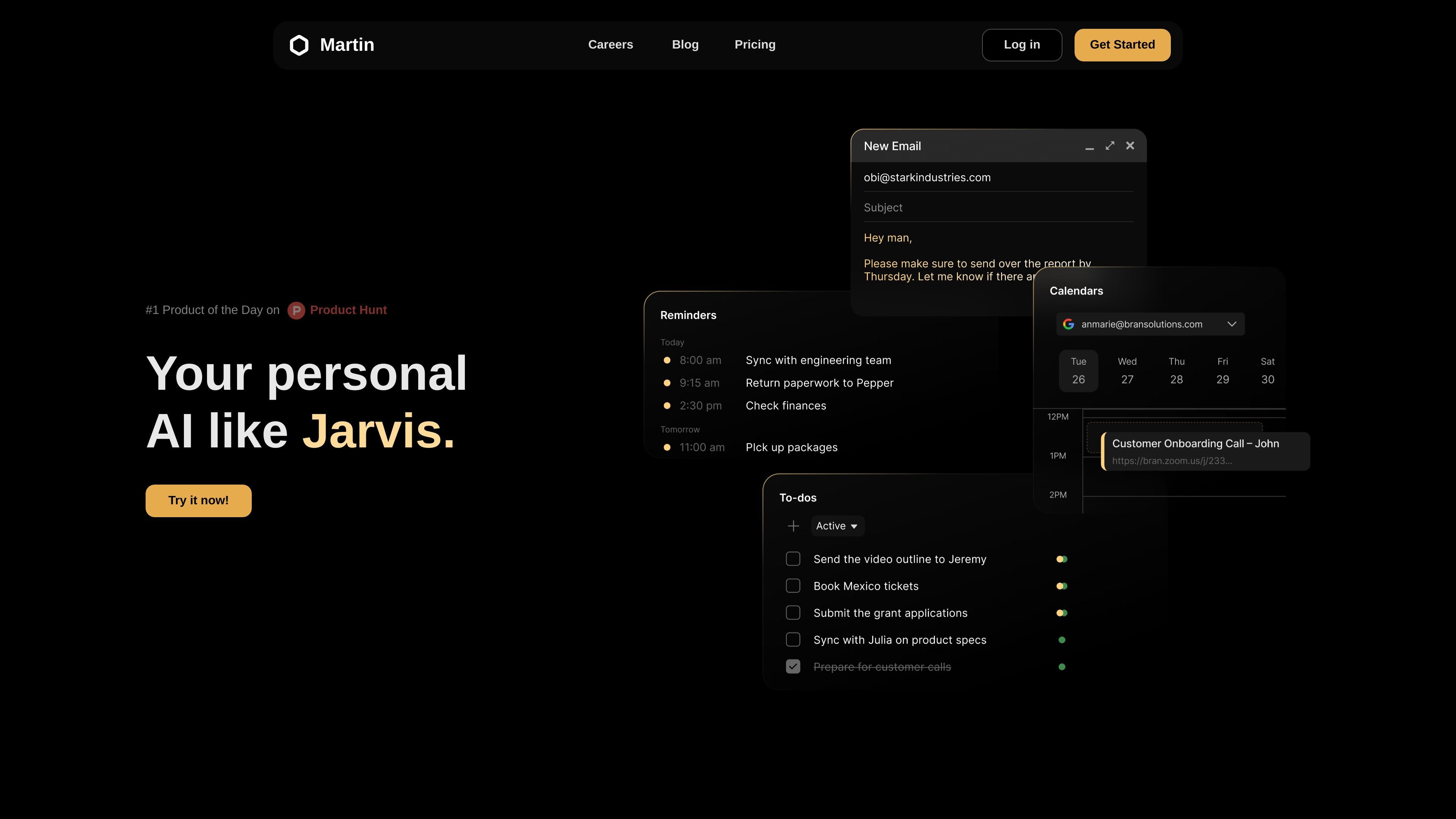
Martin is an AI personal assistant designed to handle everyday coordination work across calendars, inboxes, messages, and lightweight task management. The product is presented as a personal AI agent that users can contact by text, email, Slack, voice, or phone call, then ask to complete practical work such as scheduling, reminders, and message handling.
The homepage emphasizes short, conversational requests like rescheduling meetings, forwarding notes, pinging a channel, or sending arrival-time updates. Supporting pages show that Martin also offers an iOS app, a dashboard, and paid Basic and Pro plans, with Pro positioned for more advanced models and more open-ended assistant work.
Martin manages scheduling-related work such as rescheduling calls, checking calendar context, and prompting time-sensitive follow-ups.
The homepage shows Martin reading and drafting email replies, searching inboxes, and helping with message follow-up.
Users can contact Martin through multiple channels shown on the site, including text, email, phone calls, Slack, and SMS.
The site highlights proactive behavior, including pending task reminders and time-sensitive nudges rather than only reactive requests.
The product offers an iOS app with voice mode, notifications, and shortcuts, extending use beyond the web experience.
The pricing page distinguishes Basic and Pro plans, with Pro described as using more advanced AI models and allowing unlimited proactive actions and custom tasks.
Use Martin to move meetings, send updates, and keep calendar changes moving without opening each app manually.
Ask Martin to search inboxes, read incoming mail, and draft replies when you need faster email triage.
Send quick instructions like forwarding notes, pinging a channel, or sending an arrival-time text through the channel that is most convenient.
Rely on Martin for reminders and follow-ups when a task is time-sensitive and needs a prompt later in the day.
Use the iOS app for voice mode, notifications, and shortcuts when you want assistant access from a phone-centric workflow.
Martin is an AI personal assistant that can be contacted by text, email, voice, phone calls, Slack, and SMS. The site also shows a mobile app experience and iOS app availability.
The pricing page shows two self-serve plans: Basic and Pro. It also includes a free-trial style prompt on each plan button, but the site text does not spell out the trial length.
The homepage shows Martin handling calendar-related tasks, inbox management, Slack messages, reminders, note forwarding, and other short task requests. The help page also invites users to contact the founders through a form.
The blog announces integrations and interfaces over time, including Gmail, Slack, and Google Drive integrations, but the site text does not provide a complete published integrations list on the pages provided.
The source material does not describe a formal team workspace or enterprise admin model. The product copy mostly positions Martin as a personal assistant for individual productivity.