
Multiple output types
Upload study materials and convert them into different study outputs, including notes, flashcards, quizzes, and podcasts, from a single workflow.

LoveStudy.ai turns uploaded learning materials into flashcards, quizzes, notes, and podcasts. It is designed for students and other learners who want to reuse documents, slides, books, and images in faster study formats.
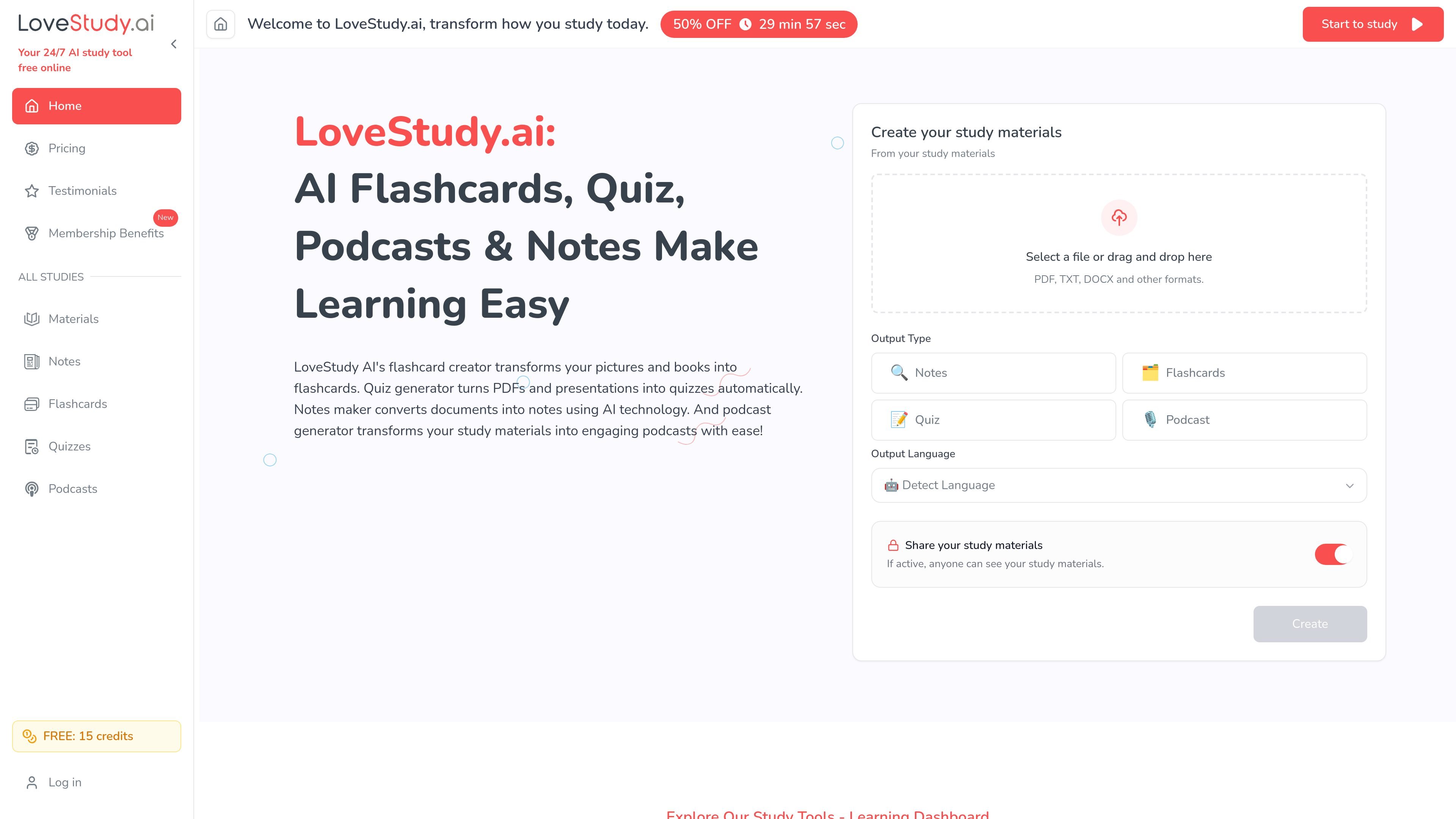
LoveStudy.ai is an AI study tool that turns uploaded learning materials into flashcards, quizzes, notes, and podcasts. The home page presents it as a way to create study assets from files such as PDFs, DOCX, TXT, images, books, and presentations, with an output language option that can detect language automatically.
The product is aimed at people who want to reuse existing materials instead of rebuilding study aids by hand. Its workflow centers on uploading content, choosing an output type, and generating organized study materials that can be used for memorization, practice, or review.
Upload study materials and convert them into different study outputs, including notes, flashcards, quizzes, and podcasts, from a single workflow.
The homepage says the flashcard creator can turn pictures and books into flashcards, while the quiz generator can create quizzes from PDFs and presentations.
The notes maker can turn documents into notes, and the materials page describes AI note-taking that organizes resources automatically.
Pricing pages show private output as an option on paid plans, and the home page includes a share toggle for study materials.
The materials page says the platform supports multiple languages and detects output language automatically.
The materials page describes a library-style workflow for storing and managing learning materials in one place.
Upload lecture notes, textbooks, or assignment files and generate flashcards, quizzes, or notes to reuse the same source in multiple study formats.
Use the quiz generator to create practice questions from PDFs or presentations when you want active recall instead of passive reading.
Convert notes or documents into organized summaries for quicker review before exams or class sessions.
Create flashcards from pictures, books, or other uploaded materials when you need a portable memorization set for repeated practice.
Use the podcast output for listening-based review when you want to study away from a screen.
LoveStudy.ai can create flashcards, quizzes, notes, and podcasts from uploaded study materials such as PDFs, DOCX files, TXT files, images, books, slides, and presentations. The homepage also shows an output language option with language detection.
The source shows a free plan with limited credits and paid plans that increase monthly credits and output limits. Pricing is shown with monthly and yearly billing options, but the page does not provide enough detail here to summarize every billing condition beyond that.
The public pages describe personal study workflows and private study materials, but they do not clearly document team collaboration, shared workspaces, or classroom multi-user administration.
The site presents its core workflow as uploading materials, choosing an output type, and generating study assets. It also mentions private results and a share toggle on the home page, but detailed export and editing controls are not fully documented in the provided sources.