iColoring AI icon

iColoring AI

認領

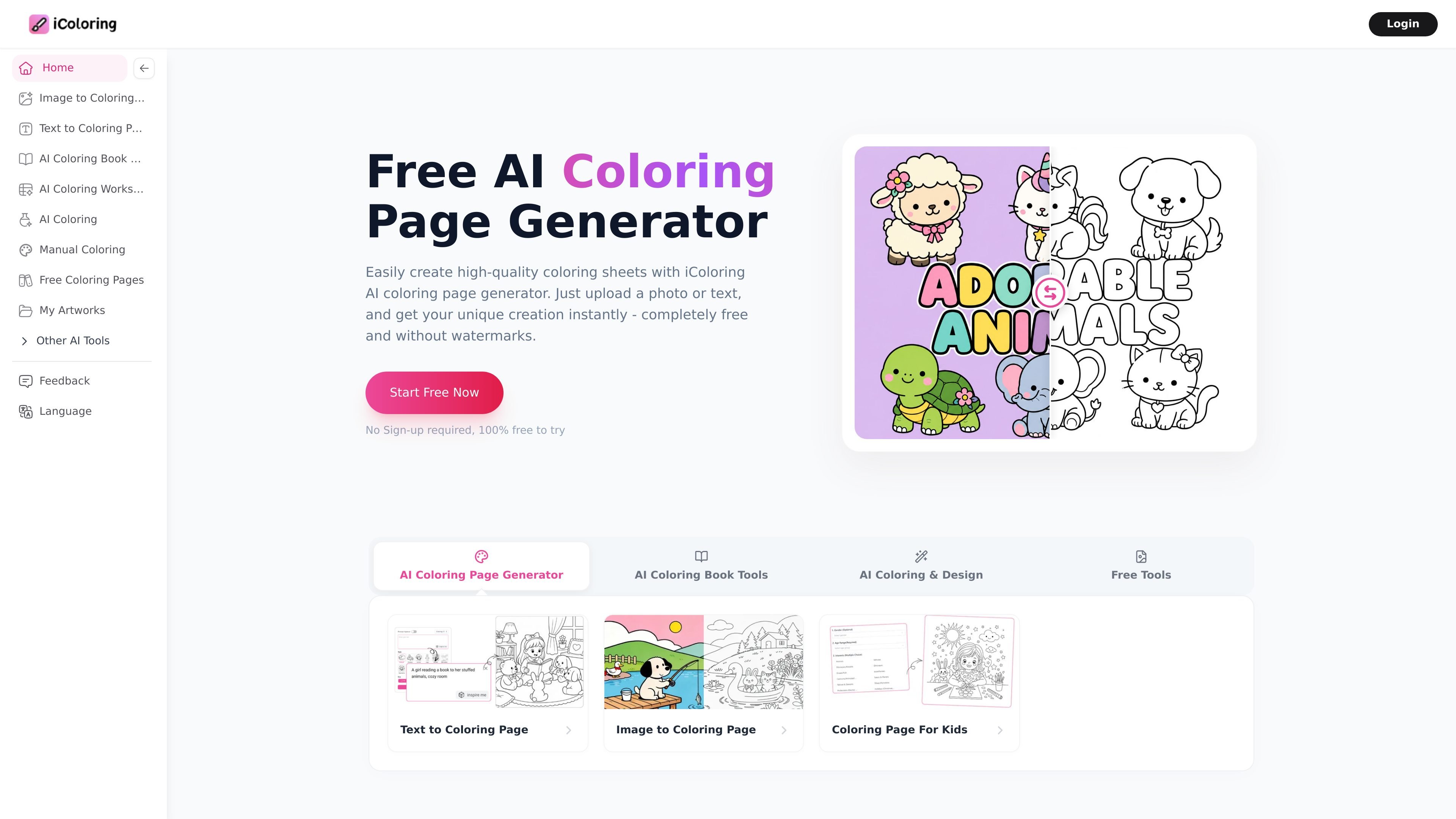
iColoring AI is a web-based AI coloring page generator that turns text prompts or uploaded photos into printable line art. It offers free-to-try use without sign-up, watermark-free downloads, and paid plans for additional credits and commercial use.

iColoring AI

Overview

iColoring AI is an online AI coloring page generator that converts text prompts or uploaded photos into printable black-and-white coloring pages. The site presents it as a free-to-try tool with no sign-up required for basic use, and says generated pages can be downloaded without watermarks.

The product is organized around a few related workflows: text-to-coloring, photo-to-coloring, and an AI colorizer that turns a coloring page into a colored image. It also includes prompt and style controls, export options such as PNG and PDF, and paid plans for users who need more credits or commercial-use rights.

The site positions the tool for parents, teachers, children, adult coloring fans, designers, and coloring-book creators. Its stated purpose is to shorten the process of making custom coloring pages while keeping the output printable and easy to reuse in educational, hobby, or publishing workflows.

Core features

Text-to-coloring generation

Generate coloring pages from text prompts, including named subjects, scenes, and themed ideas. The text-to-coloring workflow supports styles such as cartoon, anime, Lego, intricate, minimalist, geometric, sci-fi, kawaii, and chibi.

Photo-to-coloring conversion

Upload photos and convert them into line-art coloring pages. The image workflow offers styles such as default, cartoon, snoopy, and sketch, and accepts common image formats.

Style and model controls

Choose from multiple output styles and adjust size settings before generating. The site also exposes model selection and prompt-improver controls in the text workflow.

Printable downloads

Download results in printable file formats. The site states that generated pages can be exported as PNG or PDF, and that downloads are watermark-free on supported plans and free flows.

AI colorizer

Generate colored versions from existing coloring pages with the AI colorizer. This workflow is positioned for users who want color inspiration or a finished colored image from line art.

Adjacent creation tools

Use related tools for book covers and flash cards, plus an image-enhancer/removal step on photo workflows. These options suggest the product is built around coloring-book production, not just single-image generation.

Common use cases

  • Make custom pages from text

    Turn a scene idea, object list, or simple prompt into a coloring page for home use, classroom activities, or printable practice sheets.

  • Transform photos into coloring sheets

    Convert family photos, pet photos, or travel images into line art that can be colored or shared as a keepsake.

  • Support classroom and parenting activities

    Prepare coloring content for lessons, worksheets, or early-learning activities where the page needs to be both printable and easy to understand.

  • Produce content for publishing or selling

    Create original coloring-book pages, covers, or related assets when you need a repeatable generation workflow rather than manual drawing.

  • Preview coloring ideas and color themes

    Generate a finished black-and-white page and then use the colorizer to test color themes or get inspiration for a final colored version.

Pros and Cons

Pros

  • Supports both text prompts and photo uploads, which covers two common coloring-page workflows.
  • Offers printable exports in PNG and PDF formats, including watermark-free downloads on the site’s free and paid experiences described in the sources.
  • Provides multiple styles and model controls, giving users some direction over line-art look and detail level.
  • Includes commercial-use rights on eligible paid plans, which matters for creators who publish or sell finished pages.
  • Runs as a web-based tool with no sign-up required for basic free use, according to the home page.

Cons

  • Batch mode is listed as coming soon on the pricing page, so bulk workflows are not yet fully available.
  • Upgrading or downgrading a subscription is not currently supported; the pricing FAQ says users must cancel and resubscribe to change plans.

FAQ

What is iColoring AI used for?

iColoring AI is an online tool that turns text prompts or uploaded images into printable coloring pages. The site says it can produce watermark-free PNG and PDF downloads.

Is iColoring AI free?

Yes. The home page says the service is free to try without sign-up, and the pricing page shows paid plans for additional credits and commercial use.

What input types does it support?

The site supports text-to-coloring and image-to-coloring workflows. The text page notes prompt-based generation, while the image page accepts PNG, JPG, and WEBP uploads.

Can I use generated pages commercially?

The pricing page says commercial usage is included on eligible paid plans. The photo-to-coloring FAQ also says commercial use depends on the corresponding commercial plan.

Can I change or cancel my plan later?

The pricing page says subscriptions can be canceled anytime, but upgrading or downgrading a plan is not currently supported.

Quick Facts

Category
AI coloring page generator
Platform
Web app
Primary workflows
Text to coloring page, image to coloring page, AI colorizer
Output formats
PNG, PDF
Input formats
PNG, JPG, WEBP for image workflow
Pricing model
Free to try plus paid subscription plans