Gumloop icon

Gumloop

Gumloop is a no-code AI automation platform for building and hosting business workflows and agents. It helps teams run recurring AI tasks across workplace tools, with Gumstack adding security and observability for AI infrastructure.

Gumloop

AI automation platform for teams

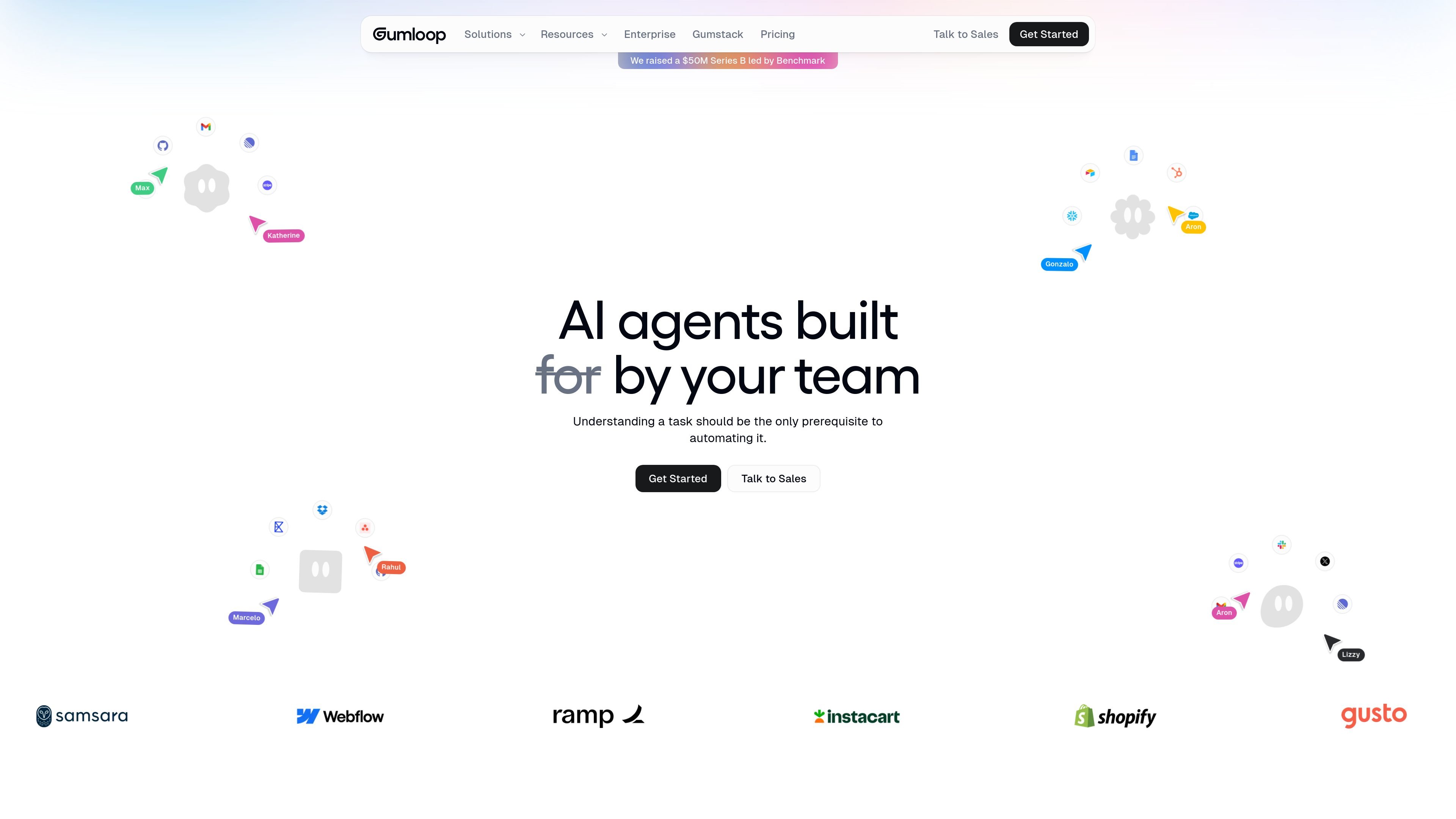
Gumloop is a no-code AI automation framework for building and hosting business automations and agents. The site positions it as a way for teams to turn work into recurring AI-driven workflows without writing code.

The homepage emphasizes specialized agents for different functions, including data analysis, support, sales, meeting preparation, and call analysis. It also shows agents operating inside workplace tools such as Slack, Microsoft Teams, and Gmail, with recurring triggers and background execution for ongoing tasks.

The product pages also introduce Gumstack, a security and observability layer for AI tools and MCP infrastructure. Gumstack is presented as a way to centralize access controls, logging, traces, and deployment options across AI activity.

Core capabilities

No-code automation builder and hosting

Build AI-powered workflows and agents without code, then host them on the platform rather than treating them as one-off automations.

Task-specific AI agents

Create specialized agents for tasks such as data analysis, support triage, CRM upkeep, meeting prep, and call analysis.

Data connections and recurring triggers

Connect agents to internal and external data sources and use recurring tasks so automations keep running in the background.

Workspace messaging interfaces

Work with agents inside Slack, Microsoft Teams, Gmail, and WhatsApp is listed as coming soon, so teams can interact where they already communicate.

Enterprise security and controls

Set controls for AI model access, usage monitoring, audit logging, and private cloud deployment options to support organizational governance.

Gumstack security and observability layer

Host MCP servers and proxy tool traffic with Gumstack for centralized visibility into activity, access, and authorization.

Where it fits

  • Data analysis and reporting

    Use Gumloop to build an agent that answers questions from warehouse data or summarizes information for business analysis.

  • Support operations

    Set up support agents that triage bugs, create tickets, and surface recurring patterns from customer issues.

  • Sales and revenue teams

    Build sales workflows that research prospects, keep CRM records current, prepare for meetings, and analyze call recordings.

  • Always-on operational workflows

    Create recurring monitors, such as form-submission checks or security audits, that keep running in the background.

  • AI security and observability

    Use Gumstack when you need centralized visibility, access control, and audit trails for MCP servers and AI tool activity.

Pros and Cons

Pros

  • Offers a no-code way to build and host AI automations and agents.
  • Covers several practical team workflows, including data analysis, support, CRM, meeting prep, and call analysis.
  • Supports recurring tasks and background execution rather than only one-off prompts.
  • Includes collaboration and governance features such as unlimited teams on Pro, usage analytics, audit logs, and access controls on higher tiers.
  • Adds Gumstack for centralized security, observability, and MCP server management.

Cons

  • Pricing beyond the published Free and Pro tiers is custom for Enterprise, so buyers need to contact sales for details.
  • The source evidence is limited on the breadth of native integrations and workflow-building primitives beyond the examples shown.

FAQ

What is Gumloop used for?

Gumloop is a no-code platform for building and hosting AI-powered business automations and agents.

Does Gumloop have free and paid plans?

The pricing page shows Free, Pro, and Enterprise plans. The Free plan includes 5k credits per month, while Pro starts at $37 per month with 20k+ credits per month. Enterprise uses custom pricing.

What workplace tools can Gumloop agents use?

The source pages show agents can interact through Slack, Microsoft Teams, Gmail, and WhatsApp is listed as coming soon.

What changes at the enterprise level?

Gumloop's pricing page says Pro includes unlimited seats and teams, while Enterprise adds role-based access control, SCIM/SAML support, an admin dashboard, audit logs, and virtual private cloud deployment.

What security and governance features are mentioned?

The pricing page and product pages indicate Gumloop supports AI model controls, usage monitoring, and a security layer called Gumstack for access control, tracing, and deployment options.

Quick Facts

Category
AI automation framework
Platform
Web app with workplace messaging interfaces
Primary users
Teams building AI automations and agents
Source domain
gumloop.com
Pricing
Free, Pro, and Enterprise plans
Security layer
Gumstack