
Multiple financial profiles
Create separate profiles for personal, family, and business finances, while still being able to view them together when needed.

Fina is a flexible finance tracker and planning workspace for individuals, professionals, families, and small businesses. It helps users organize cash flow, budgets, transactions, and financial analysis around custom profiles, pages, and templates.
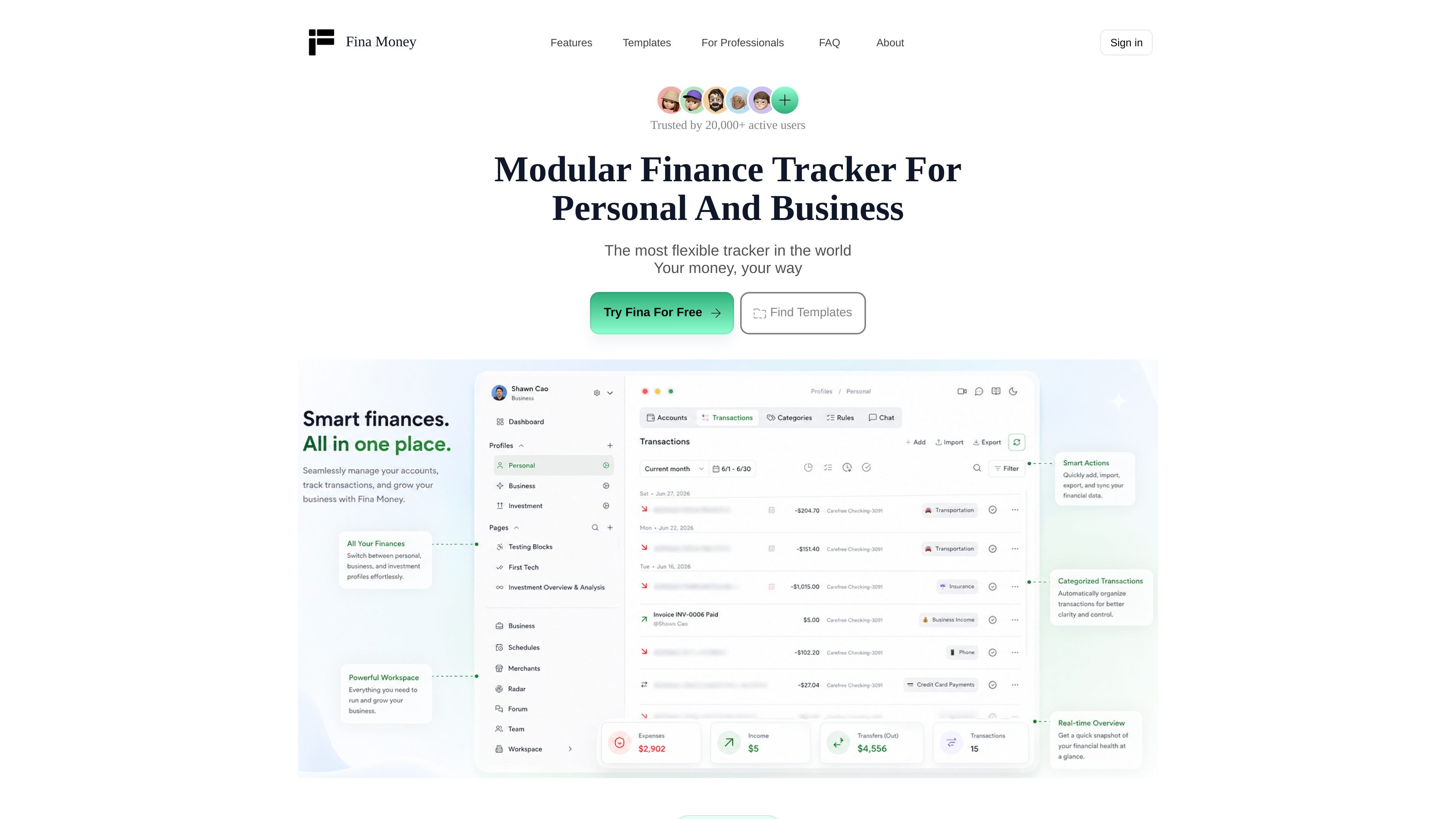
Fina is a finance tracker and planning workspace for people who want to organize money around their own workflow rather than a fixed app structure. The site describes it as a flexible financial tracking system for individuals, professionals, entrepreneurs, families, and small businesses.
At the core of the product is a workspace that contains profiles, accounts, transactions, categories, rules, budgets, and reports. Users can build pages from blocks such as tables, charts, text, and metrics, then use those pages to monitor cash flow, track net worth, plan budgets, and analyze spending.
Create separate profiles for personal, family, and business finances, while still being able to view them together when needed.
Build categories, rules, pages, and templates around the way you manage money instead of forcing a fixed layout.
Define metrics with formulas and place them on pages as blocks, so you can track the numbers that matter to you beyond basic totals.
Create multiple budgets and plans, including custom time ranges, to support different planning styles and time horizons.
Use smart rules, AI categorization, and sync features to reduce manual transaction sorting and repetitive upkeep.
Share pages and reports with partners or clients using shared access and separate logins.
Track income, expenses, cash flow, and budgets in a single personal finance setup, with AI categorization helping reduce manual entry.
Keep family finances separate from personal or business accounts while still using the same workspace to review the bigger picture.
Run invoices, customer records, and real-time cash flow from the Business tier, which is aimed at founders, freelancers, and professional operators.
Build custom dashboards for net worth, debt, investments, and recurring charges using templates and page blocks as the starting point.
Use shared pages and reports when collaborating with a partner or client, while keeping separate logins and clearer access boundaries.
Fina is a finance tracker and planning workspace. The site presents it as a flexible system for tracking cash flow, budgets, transactions, and financial analysis in one place.
The docs explain that every account has a workspace, and that a workspace can contain multiple profiles. Each profile has its own accounts, transactions, categories, and rules, which makes it possible to separate personal, family, and business data.
The source shows templates and page blocks for cash flow, budgeting, net worth, debt, bills, investments, and business expense tracking. That suggests you can start from templates and then build your own pages and metrics around them.
The pricing page shows a free plan, a Premium plan, and a Business plan. It also notes that users outside North America can use Fina with Google Sheets for free.
The source does not list every supported integration or export option. It does show bank connections on Premium, Google Sheets on the free plan, and an API / MCP area in the site navigation, but the page text does not fully document each capability.