BigMotion icon

BigMotion

認領

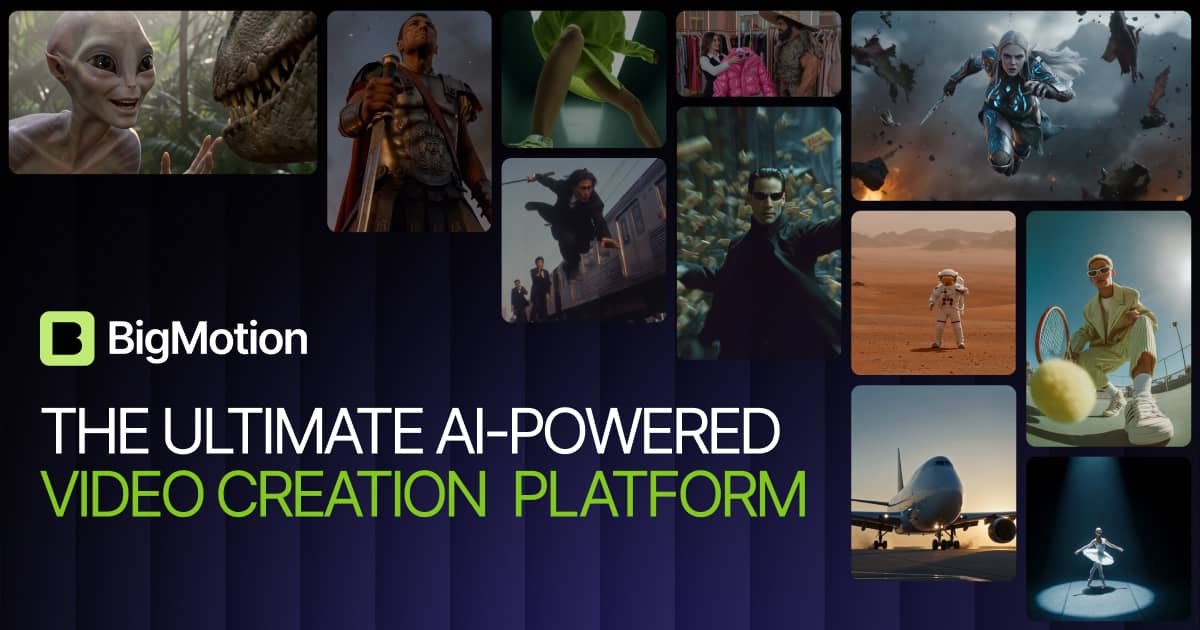
BigMotion is an AI video generator for ads, music, and faceless content. It is designed to help users generate, edit, and auto-post content from one studio.

BigMotion

BigMotion overview

BigMotion is an AI video generator and content studio for ads, music, and faceless content. The homepage positions it as a single place to generate, edit, and auto-post content rather than moving between separate tools.

The site highlights several creation workflows, including AI shorts, image ads, image-to-video ads, cinematic video generation, image editing, and music video creation. It also references multiple models and features such as Kling 3.0, NanoBanana 2, Seadance 2.0, motion control, and auto-posting to YouTube Shorts, TikTok, and Instagram Reels.

Core features

AI shorts generation

Create short-form videos from a script, with the site describing custom styles, easy editing, custom music, and auto-publishing in one workflow.

AI image ads

Turn product shots and brand visuals into image ads using templates, AI-generated photoshoots, and performance-focused layouts for different niches.

Image-to-video ads

Convert images into video ads with support for AI UGC, auto-scriptwriting, lipsync videos, product videos, and multiple models.

Music video creation

Upload a track or describe a vibe in text to generate a ready-to-publish music video clip with beat-synced visuals and your own audio.

Motion and cinematic generation

Use motion control to transfer motion from one video to a character, and create cinematic-style video with multiple references and video extension support.

AI image studio

Create and edit images in the AI Image Studio with templates and newer image models such as NanoBanana 2 and Seedream 5.0.

Common use cases

  • Short-form social content

    Create short-form videos on autopilot, then publish them across social platforms without manually rebuilding each asset from scratch.

  • Paid ads and creative testing

    Produce static or video ad creatives with templates, AI-generated photoshoots, and product-focused layouts for marketing work.

  • Music video creation

    Turn audio tracks or prompt-based ideas into beat-synced music video clips for ready-to-publish output.

  • Faceless and UGC-style videos

    Generate faceless or UGC-style video formats for creators who want repeatable content without filming each version themselves.

  • Cinematic video workflows

    Edit and extend cinematic videos with multi-reference support and motion transfer for more controlled visual output.

Pros and Cons

Pros

  • Combines generation, editing, and auto-posting in one studio.
  • Supports several different content types, including shorts, ads, music videos, and faceless content.
  • Includes specific workflow features such as custom styles, templates, motion control, and beat-synced music video creation.
  • References newer model options on the page, including Kling 3.0, NanoBanana 2, and Seadance 2.0.

Cons

  • The pricing page was not available in the supplied sources, so some billing details are not fully verifiable from the record here.
  • The homepage includes many product areas, but the exact depth of each workflow is not fully described in the source text.

FAQ

What does BigMotion do?

BigMotion is presented as an AI video generator for ads, music, and faceless content. The site also describes separate workflows for AI shorts, image ads, image-to-video ads, music videos, and other video generation tools.

Does BigMotion have paid plans?

The page shows a monthly and yearly pricing structure with multiple paid plans, including Basic, Pro, Ultimate, and Creator. The pricing page itself is not available, so the exact billing details beyond the homepage are limited to what is shown on the site.

What kind of content can I make with BigMotion?

The homepage says you can generate, edit, and auto-post content in one studio. It also highlights workflows such as custom AI shorts, AI image ads, image-to-video ads, cinematic video generation, and music video creation.

How does the workflow work?

The site references models such as Kling 3.0, NanoBanana 2, and Seadance 2.0, plus features like motion control and auto-posting. Specific technical steps are not spelled out in full, but the workflow is centered on script input, templates, model selection, and publishing.

Quick Facts

Category
AI Video Generator
Primary use cases
Ads, music videos, faceless content, short-form video
Core workflow
Generate, edit, and auto-post from one studio
Source domain
bigmotion.ai
Publishing targets
YouTube Shorts, TikTok, Instagram Reels
Pricing
Multiple paid plans are shown on the homepage