
Photo face swap workflow
Upload an original photo, choose a target face or demo, then generate a swapped image and download it. The home page describes the flow as three steps: upload, select a face, and swap/preview/download.

Beauty AI is a web-based face swap tool for photos, videos, and GIFs. It supports single and multiple-face swapping, free previews, and a credit-based workflow for some outputs.
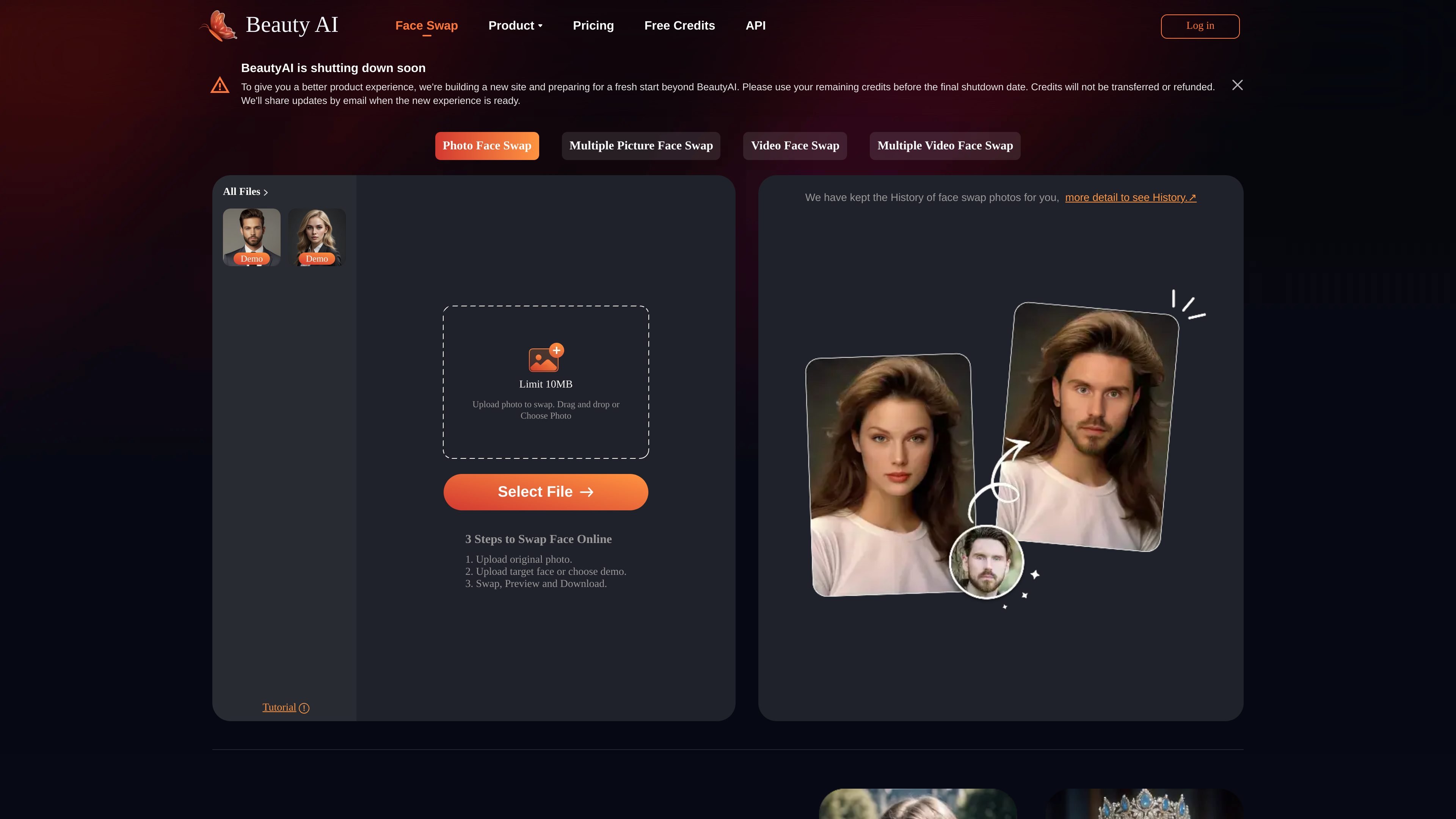
Beauty AI is an online face swap tool for photos, videos, and GIFs. The site presents it as a browser-based way to upload media, choose a face to replace or insert, and generate swapped results without a complex setup.
The product is organized around several face-swap modes, including single-photo swapping, multiple-picture swapping, video face swap, and multiple video face swap. It also includes free preview access, temporary file storage, and account credits for processing, with a separate paid option to remove watermarks forever.
Upload an original photo, choose a target face or demo, then generate a swapped image and download it. The home page describes the flow as three steps: upload, select a face, and swap/preview/download.
The site presents multiple picture face swap as a separate mode for changing more than one face in a single image. It is positioned for group shots, memes, and other multi-face edits.
A dedicated video face swap page indicates support for swapping faces in video clips. The pricing page also references high-quality AI video face swap.
The FAQ says GIF face swap is supported, letting users work with animated content as well as still images and video.
The pricing page states that free previews are available, files are stored temporarily, and the platform offers a watermark removal option through a one-time payment.
Create one-off face swaps for portraits, profile images, or other still photos by uploading a source image and replacing the target face.
Change multiple faces in a group image or make meme-style edits where several people need to be swapped at once.
Replace faces in clips for social posts, short-form edits, or experimental content where motion matters.
Work with animated GIFs when a static image is not enough and you want a lightweight moving-face effect.
Use the free preview and credit-based flow to test results before deciding whether to continue with paid watermark removal.
The source says users can upload an original image, choose or upload a target face, then swap, preview, and download the result. The same site also describes a similar flow for video face swap.
The home page says photos are stored only for 7 days, and the FAQ states that uploaded files are stored temporarily and deleted shortly after processing.
The site says you can sign up for free credits, and the pricing page mentions free previews forever plus 10 free credits for new signups. It also says video uses credits and there is a one-time payment option to remove the watermark forever.
The site says it supports multiple face swap in photos and also video face swap. It also mentions GIF face swap in the FAQ.
The FAQ says celebrity and animal face swap are prohibited and users should use the product ethically and for fun photo edits only.