
Out-of-bounds image expansion
Expand an image past its original boundaries with AI-generated fill so the frame can be widened without manual compositing.

AI Image Extender is a web-based AI tool for expanding photos beyond their original edges. It helps users reframe images for different aspect ratios, wallpapers, and social media layouts.
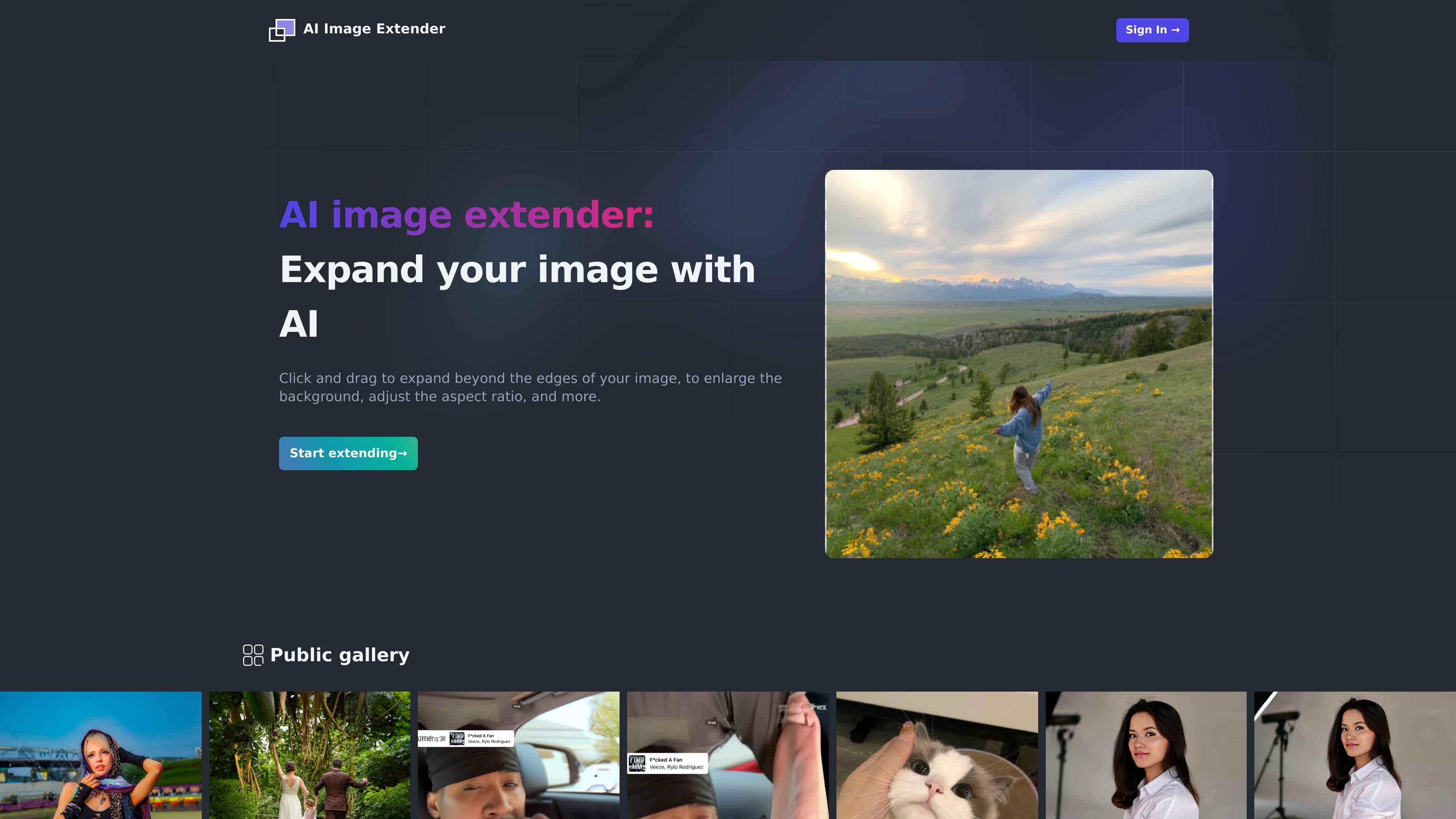
AI Image Extender is a web-based AI photo expansion tool that lets users extend an image beyond its original edges. The homepage describes a click-and-drag workflow for enlarging the background, changing the aspect ratio, and extending photo edges while keeping the result visually coherent.
It is positioned for people who need to reframe existing images rather than recreate them from scratch. The site highlights social media optimization, widescreen wallpapers, and removing unwanted elements as practical reasons to use the tool.
Expand an image past its original boundaries with AI-generated fill so the frame can be widened without manual compositing.
Use click-and-drag interaction to define how far the image should extend, making the workflow straightforward for quick edits.
Adjust the aspect ratio while expanding the scene, which helps adapt images for different display and publishing formats.
Enlarge the background while preserving visual coherence across the extended area, based on the product description on the homepage.
Remove or minimize unwanted elements by extending the image outward instead of cropping, as described in the homepage copy.
Reframe product photos, portraits, or banners when the original crop is too tight for the destination layout.
Create wider visuals for social channels where a landscape frame works better than the original crop.
Extend a scene to fit desktop or ultrawide wallpaper dimensions without manually rebuilding the background.
Open up the composition around a subject when you want to reduce edge clutter or remove distractions by extending the frame.
Edit existing images when you need a fast expansion workflow instead of rebuilding the scene in a traditional editor.
AI Image Extender is a web-based tool for expanding an image beyond its original edges with AI. The homepage says you can click and drag to enlarge the background, adjust the aspect ratio, and extend photo edges while keeping the result visually coherent.
The site describes it as a tool for extending photos and mentions use cases such as social media optimization, creating widescreen wallpapers, and removing unwanted elements. It does not list specific file-format support on the pages provided.
The homepage says the result may not always meet expectations and includes a question about what happens if the extended result doesn't meet expectations, but it does not describe a guaranteed retry or correction process on the pages provided.
The homepage FAQ asks why free credits are not provided, which suggests the product uses a paid access model, but the pages provided do not show pricing details or credit amounts.
The site’s FAQ distinguishes between monthly and annual plans, but the pricing page linked from the site returned a 404 in the collected evidence, so the exact plan names and billing details are not available.