
Multiple capture paths
Bring documents in by scanning with the camera, importing from Photos or Files, or sharing from Mail. Multi-page support handles both single pages and longer documents.

Afterpage is a document organizer for iPhone and iPad that helps you scan, import, search, and file paperwork. It uses on-device text recognition and pattern-based suggestions to make archived documents easier to find later.
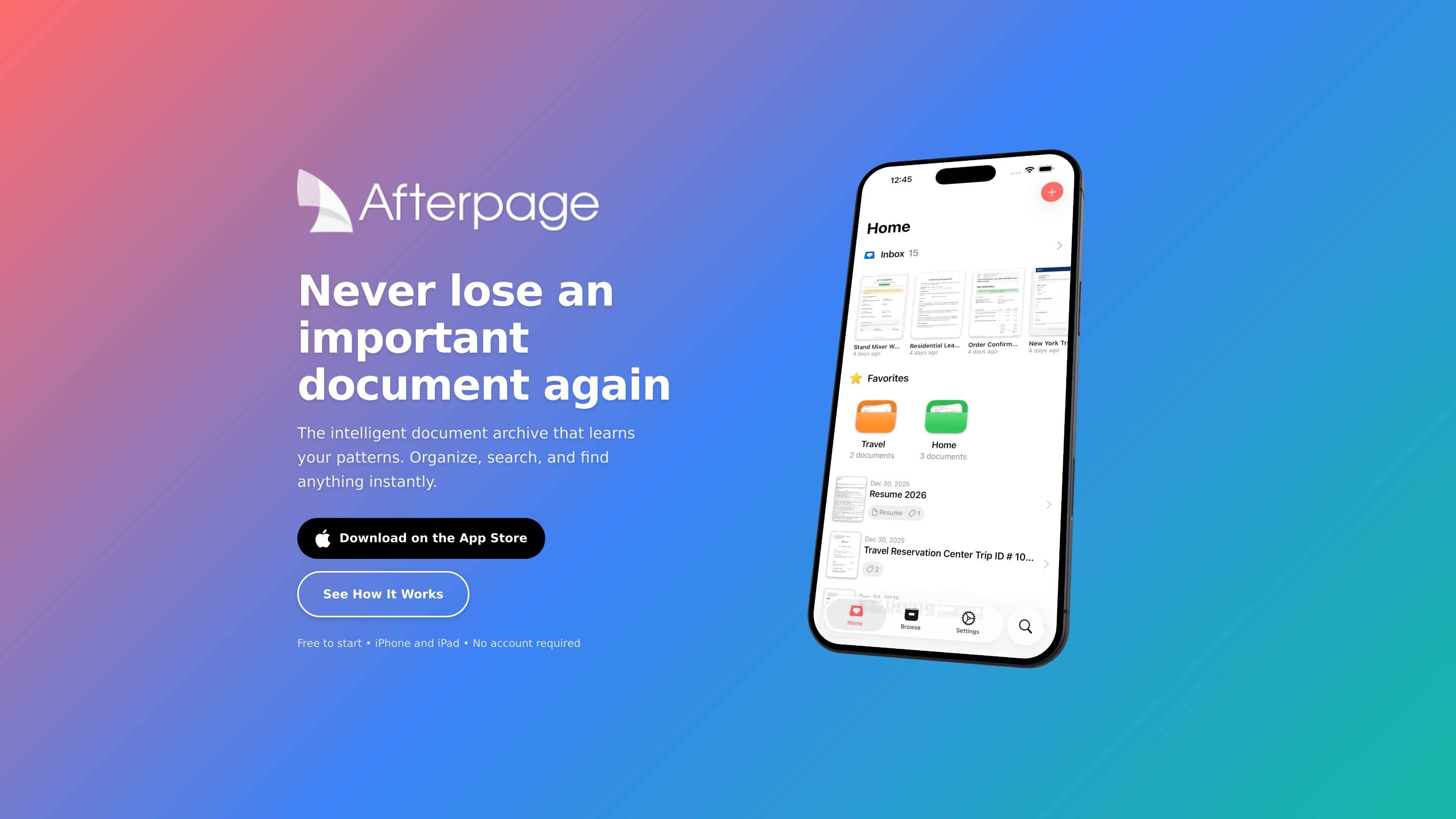
Afterpage is a document organizer for iPhone and iPad that focuses on making archived files easier to sort and retrieve. It combines capture, OCR search, and filing tools with an inbox-style workflow for documents you want to process later.
The app is built around Smart Organization, which learns how you categorize documents and suggests tags, document types, and contacts as you work. The site says it uses on-device processing, stores documents in iCloud Drive or locally, and requires no account to start.
Bring documents in by scanning with the camera, importing from Photos or Files, or sharing from Mail. Multi-page support handles both single pages and longer documents.
Use a quick Inbox workflow to scan now and sort later. Add tags, assign document types, and link contacts when you have time to file them properly.
Search the text inside documents with on-device OCR powered by Apple Vision. You can also filter by tags, document types, and contacts.
Export searchable PDFs with embedded text so files stay searchable when you share them by AirDrop, email, or Files.
Store documents in iCloud Drive and sync them across iPhone and iPad. The site also says you can choose local storage during setup.
Let Smart Organization suggest tags, document types, and contacts based on your filing patterns, with improvements over time.
Scan receipts, warranties, and bills into an inbox, then sort them into tags and document types when you have time.
Keep contracts and other reference files searchable so you can find a clause or name by text instead of browsing folders.
Import tax forms and supporting paperwork from Photos, Files, or Mail, then export searchable PDFs when you need to share them.
Capture documents on one device and review them on another through iCloud sync across iPhone and iPad.
Yes. The free tier includes 20 archived documents, scanning, on-device text recognition, and full search. You can upgrade to Plus when you need unlimited documents and Smart Organization.
Afterpage stores documents in your iCloud Drive or locally on your device, depending on the setup choice you make. Processing happens on-device using Apple’s Vision framework.
Yes. The app is described as syncing across iPhone and iPad through iCloud.
Afterpage uses on-device AI to learn how you file documents. As you organize more items, it suggests tags, document types, and contacts based on your patterns.
The site says you can email support@afterpage.app for additional questions.
流量數據僅供參考。
| 4月 | 0 |
|---|---|
| 5月 | 151 |
| 6月 | 446 |