







2026 最佳MCP 工具

MCP 工具可將 AI 助手連接至外部資料、服務與工作流程,探索伺服器、整合方案及實用工具,打造更強大的 AI 應用。

維護者:

AI 基礎設施

探索此分類集合

產品

ora preview
ora logo

ora

AI 智能體基礎設施

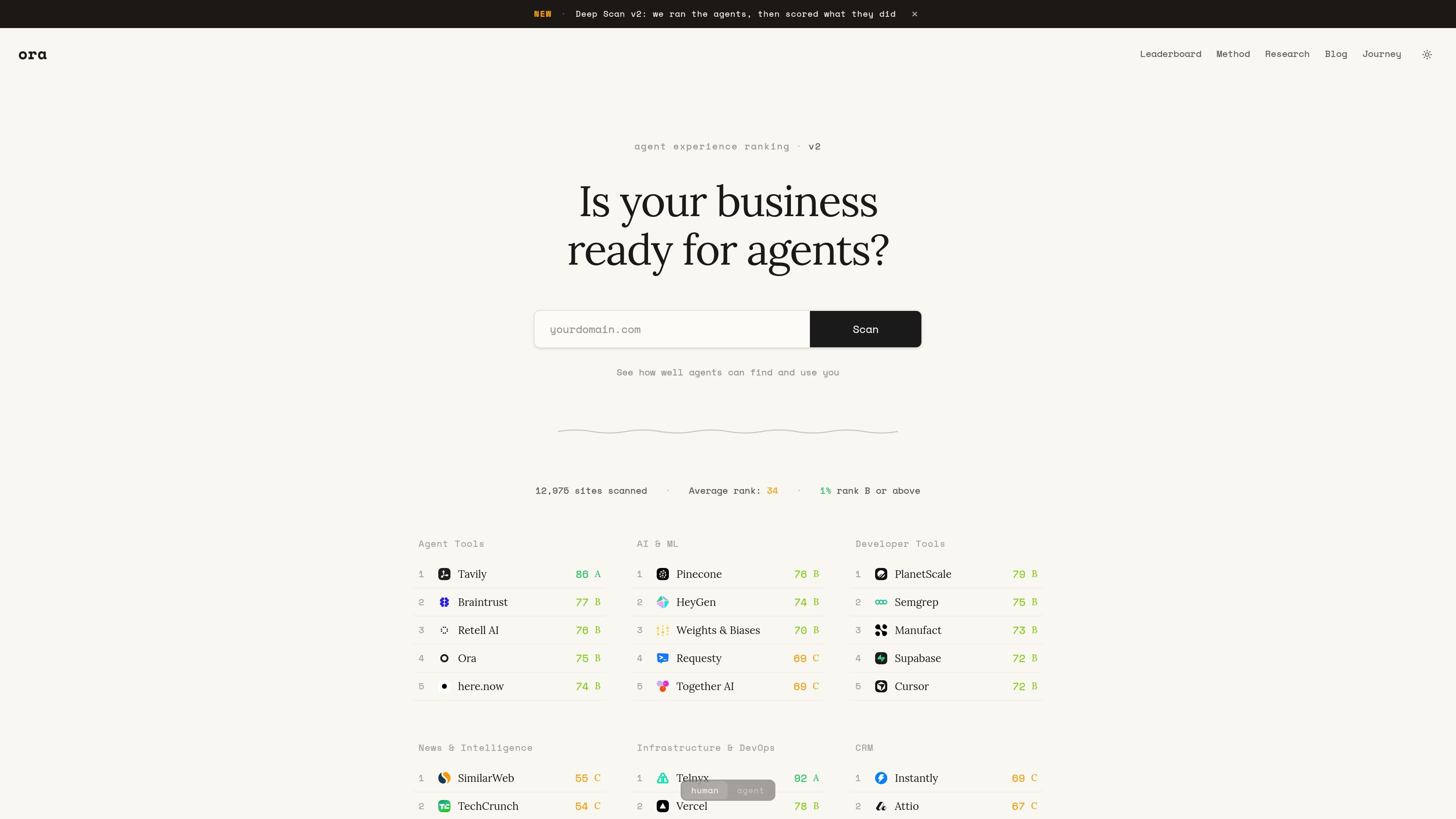
ora 透過掃描網域、MCP 伺服器 URL 或 MCP 應用程式 URL,評估企業對 AI 代理的準備度。

免費及付費方案
Orgo preview
Orgo logo

Orgo

AI 智能體基礎設施

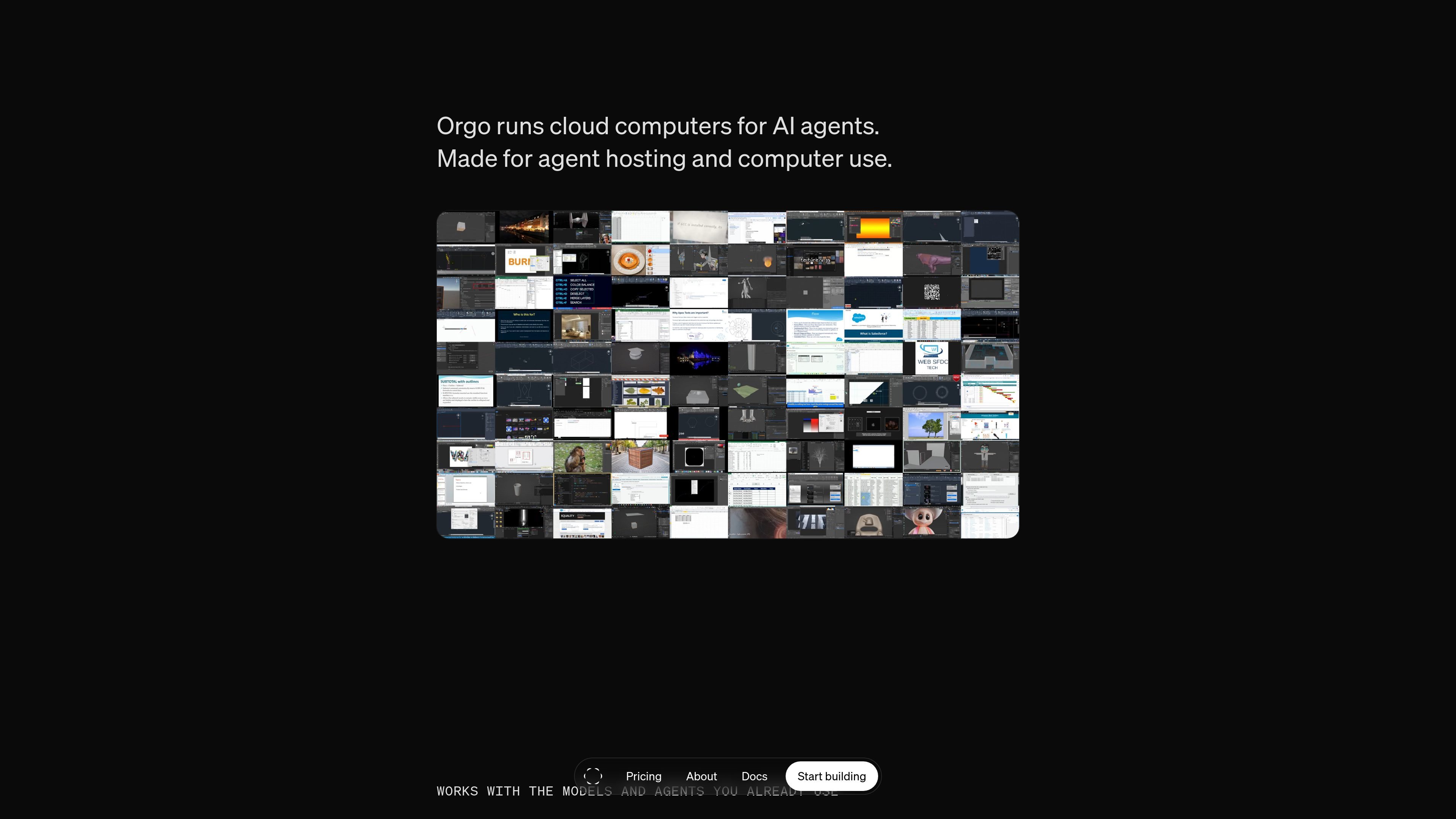
Cloud Linux desktops that AI agents can provision and control through APIs, SDKs, or MCP.

免費及付費方案
DMV - Department of Machine Verification preview
DMV - Department of Machine Verification logo

DMV - Department of Machine Verification

AI 智能體基礎設施

Register an identity in the .agent community and receive a content-addressed certificate ID.

免費
agentcad preview
agentcad logo

agentcad

AI 3D模型生成器

An open-source local CAD CLI and MCP server for AI agents to build and inspect CAD models.

免費及付費方案
ilolink preview
ilolink logo

ilolink

MCP 工具

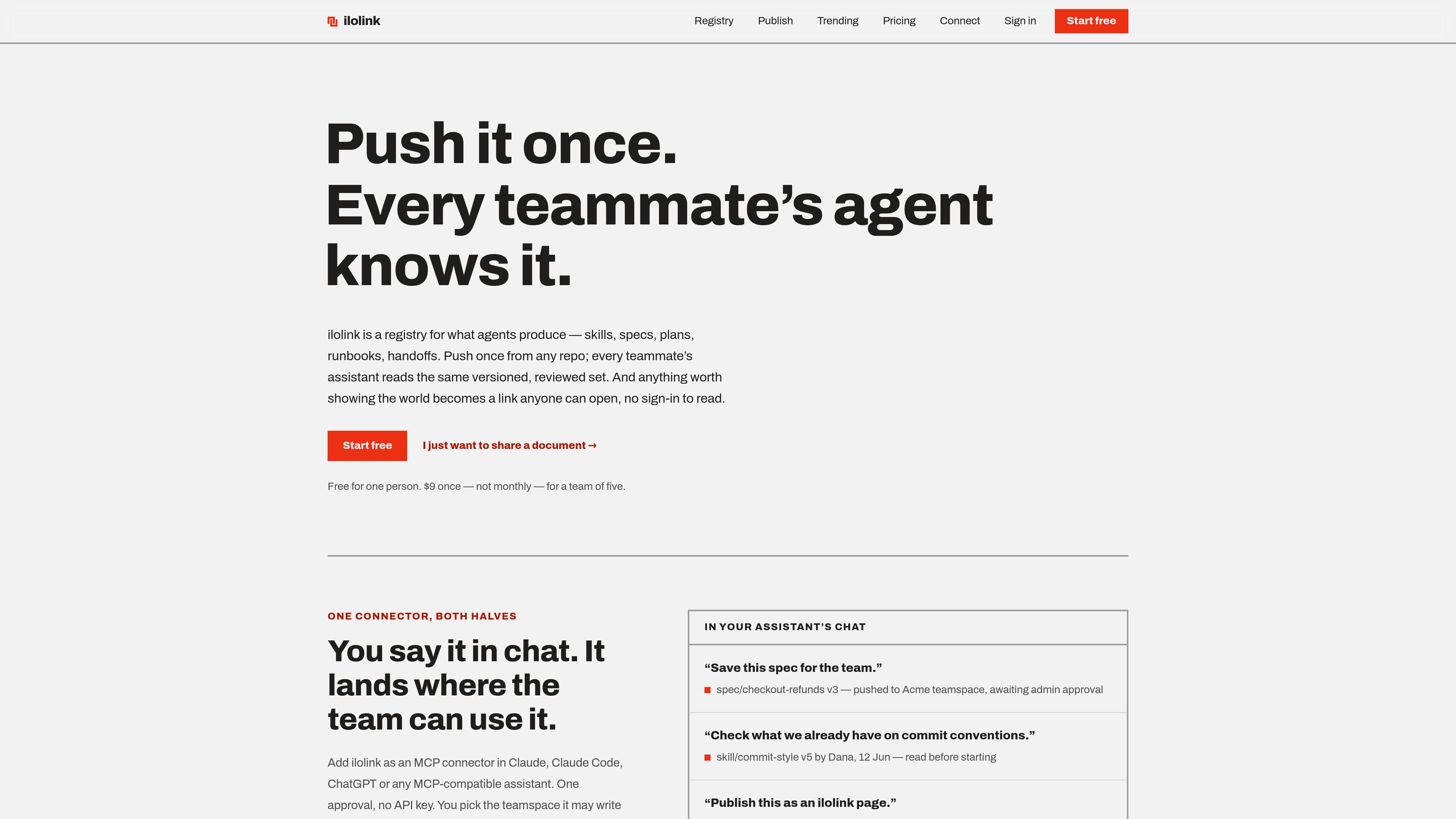
ilolink 可將 Markdown、HTML、PDF、DOCX 等文件發布為可分享的連結,任何人無需登入即可開啟。它也提供閱讀分析數據,包括瀏覽次數、閱讀完成度、熱點圖、留言和回應,並為團隊 AI 助理提供 MCP 連接器。

免費及付費方案
TraceBug preview
TraceBug logo

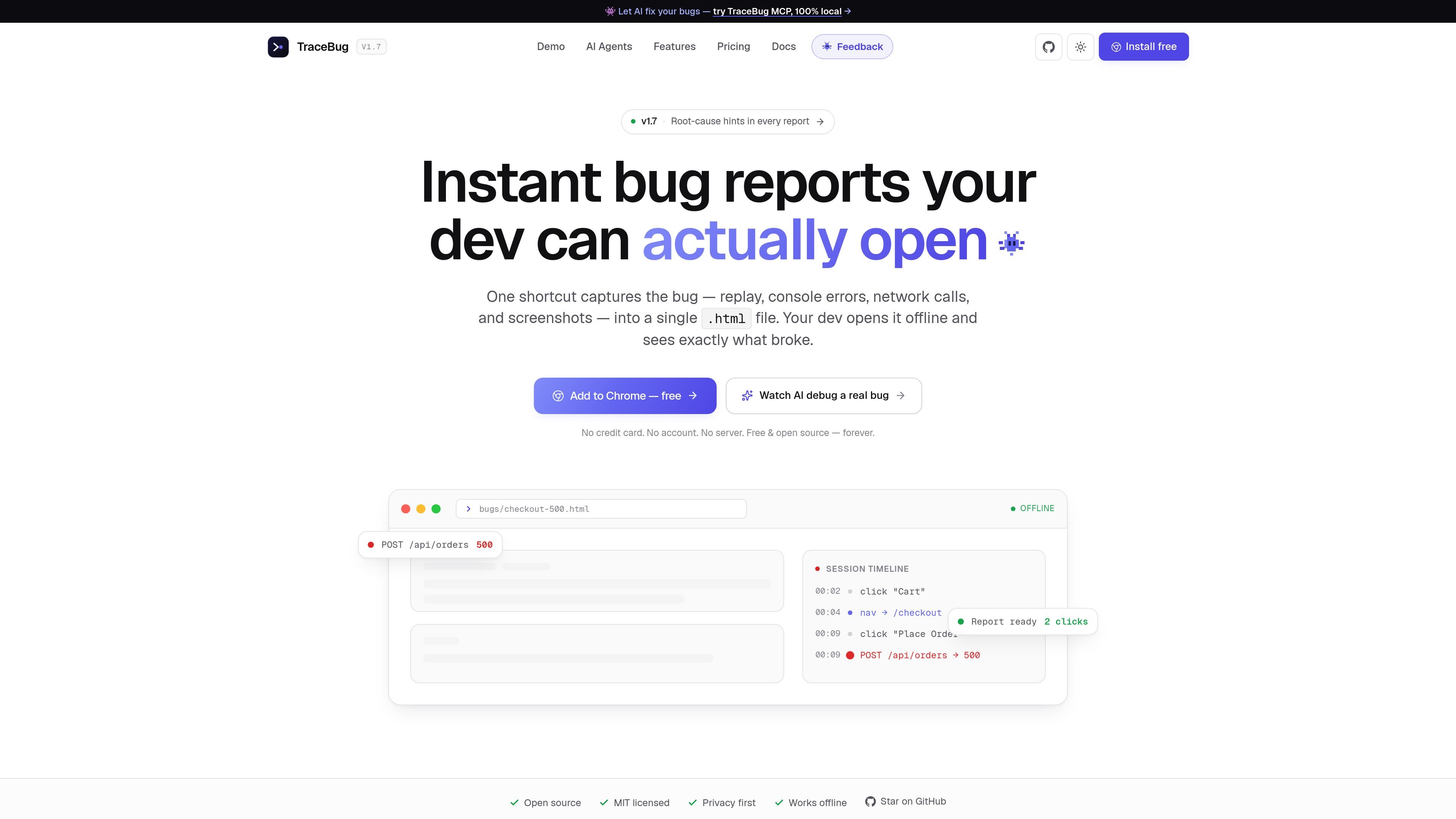
TraceBug

AI開發者工具

TraceBug 是一款在地優先的錯誤回報工具,可將瀏覽器問題擷取為獨立的 .html 報告,方便離線交接給開發者。它也支援以本機 MCP 進行除錯,並可匯出至常見的問題追蹤與分享流程。

免費及付費方案
ShootClip preview
ShootClip logo

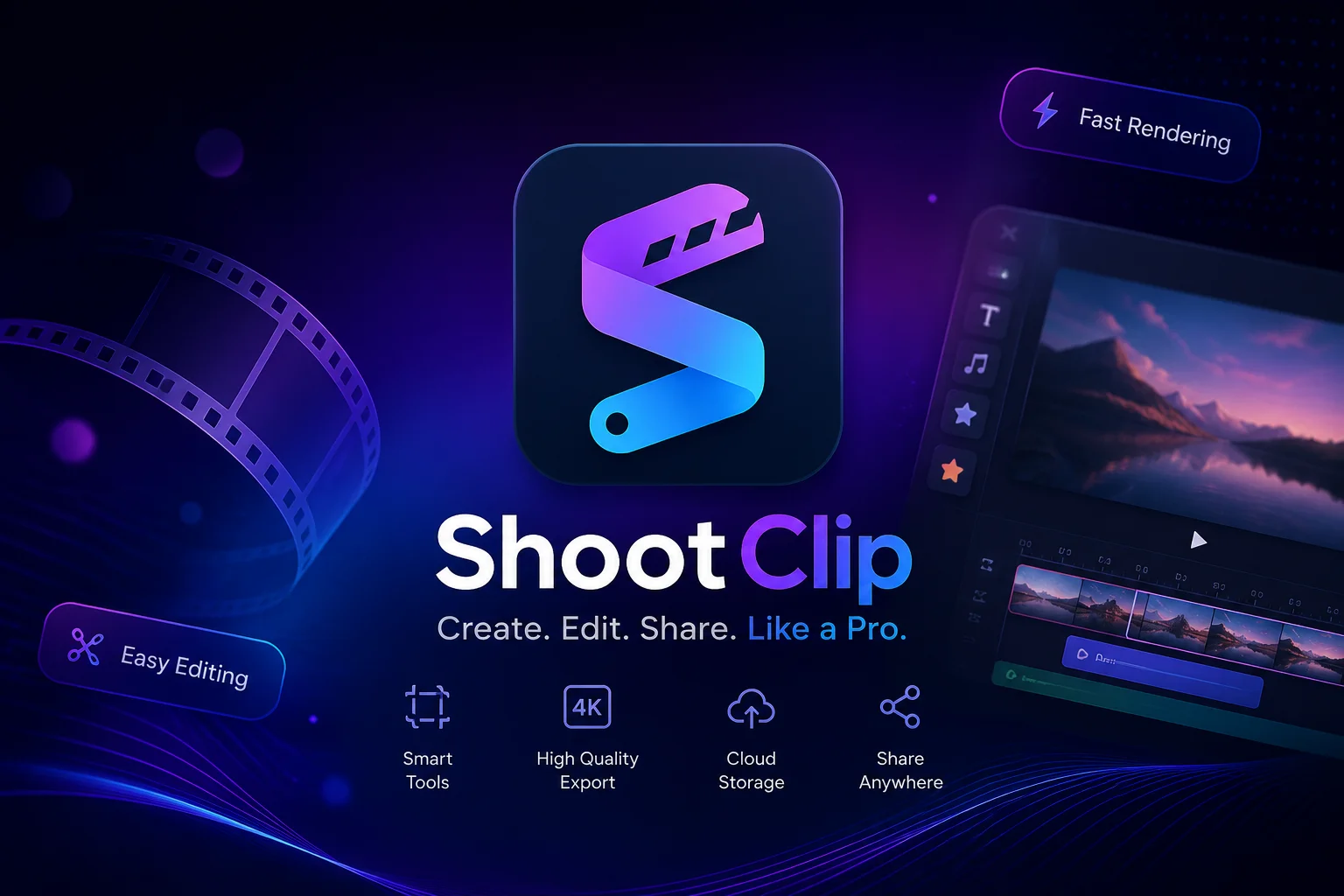
ShootClip

AI 字幕產生器

ShootClip 是一款 macOS 影片編輯器,提供專業時間軸工具、AI 字幕和內建 MCP 伺服器,讓 AI 助理在你剪輯影片時與你協同工作。

免費及付費方案
Fern preview
Fern logo

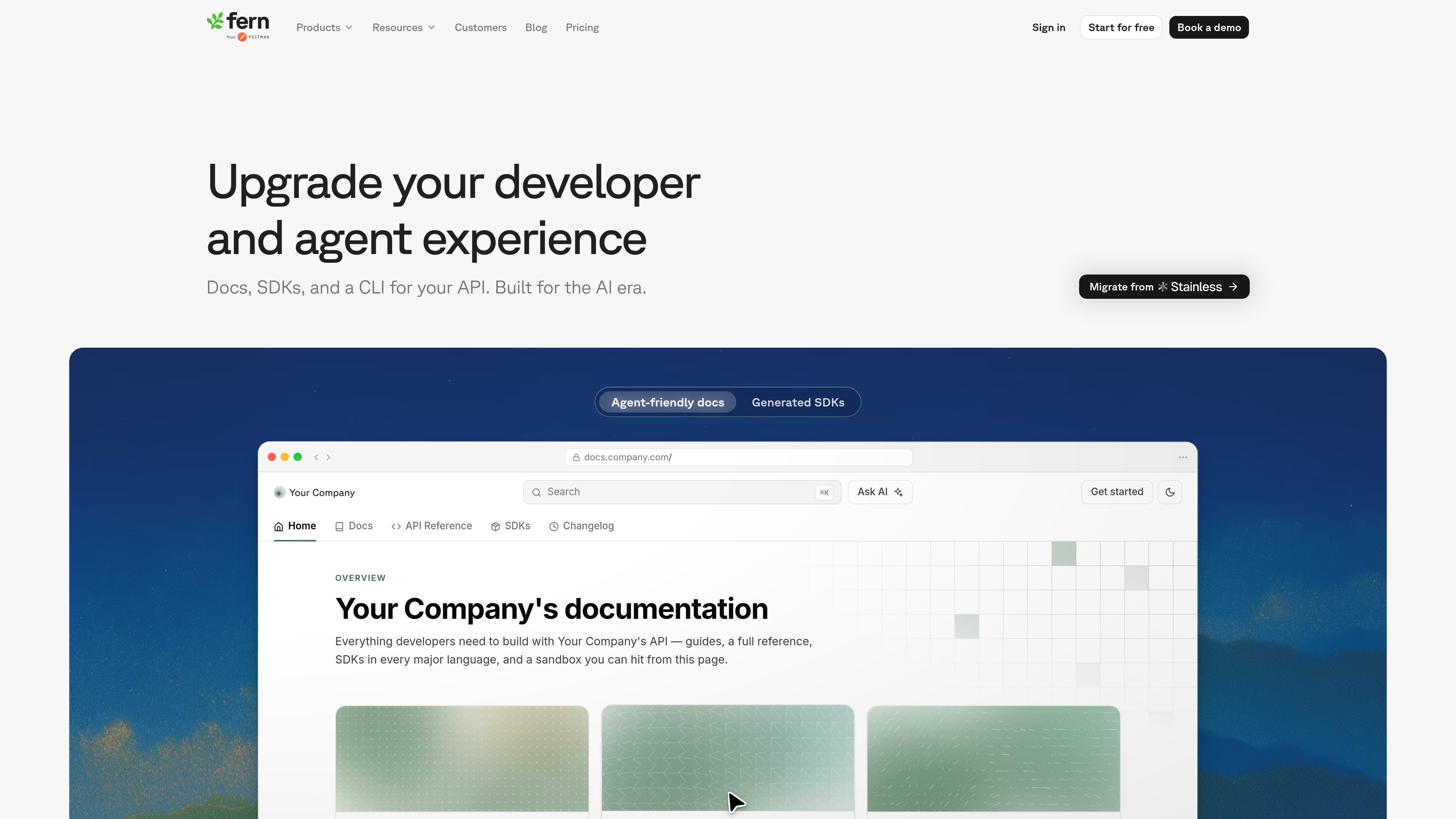
Fern

MCP 工具

Fern 將 OpenAPI 規格轉換為文件、SDK 與品牌化 CLI,並提供 AI 搜尋、llms.txt 與 MCP 伺服器。

免費及付費方案
MotherDuck preview
MotherDuck logo

MotherDuck

AI SQL助手

MotherDuck 是基於 DuckDB 的雲端資料倉庫,支援 SQL 分析與面向客戶的資料應用。

免費及付費方案
Langflow preview
Langflow logo

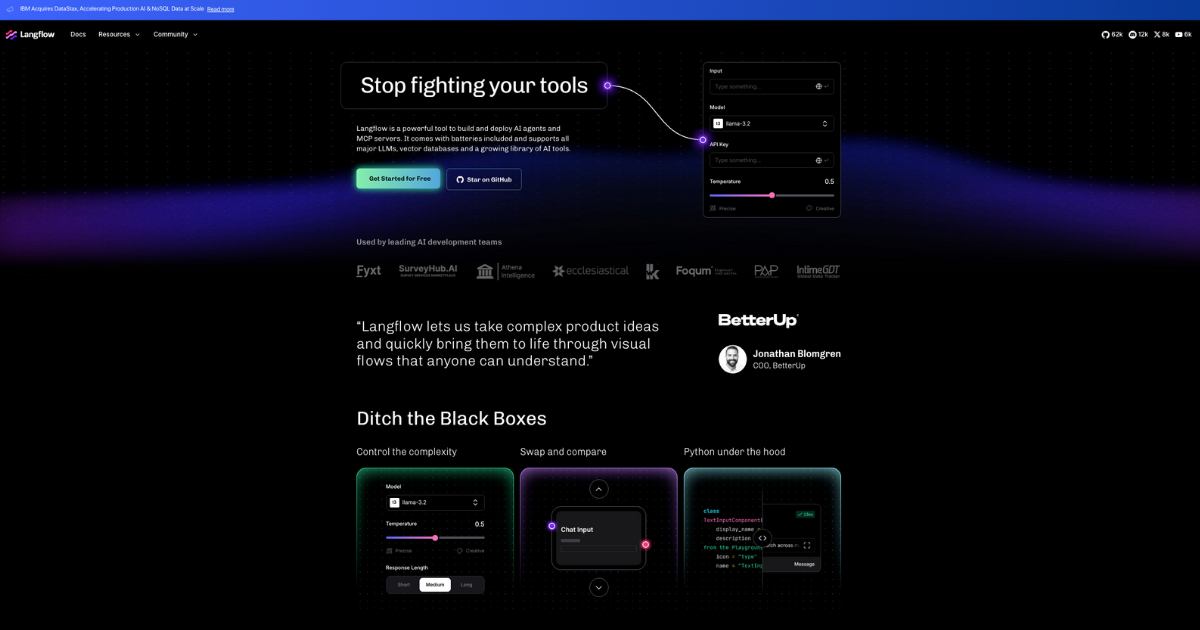
Langflow

AI應用建立器

A low-code builder for developers creating AI agents, RAG applications, and MCP servers.

免費及付費方案
Bravo Studio preview
Bravo Studio logo

Bravo Studio

MCP 工具

Bravo Studio 是一個無程式碼行動應用平台,可將 Figma 設計轉換為原生 iOS 與 Android 應用,並提供 Bravo MCP 與 Bravo To Go。

免費及付費方案
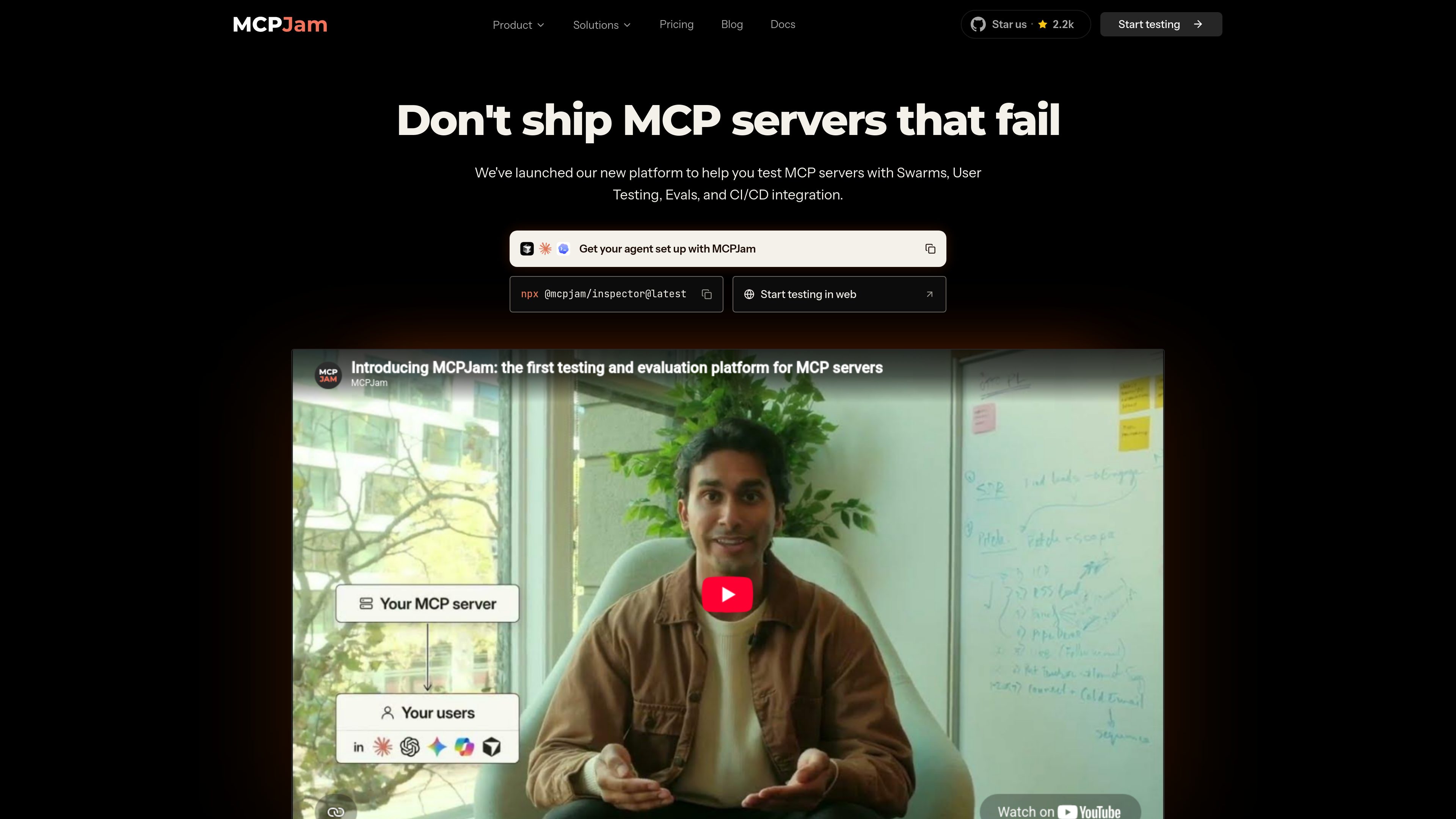
MCPJam preview
MCPJam logo

MCPJam

AI 測試助手

MCPJam is a testing and evaluation platform for MCP servers. It helps developers inspect servers locally, run user and model-based tests, and add behavior checks to CI/CD workflows.

免費及付費方案
Credal preview
Credal logo

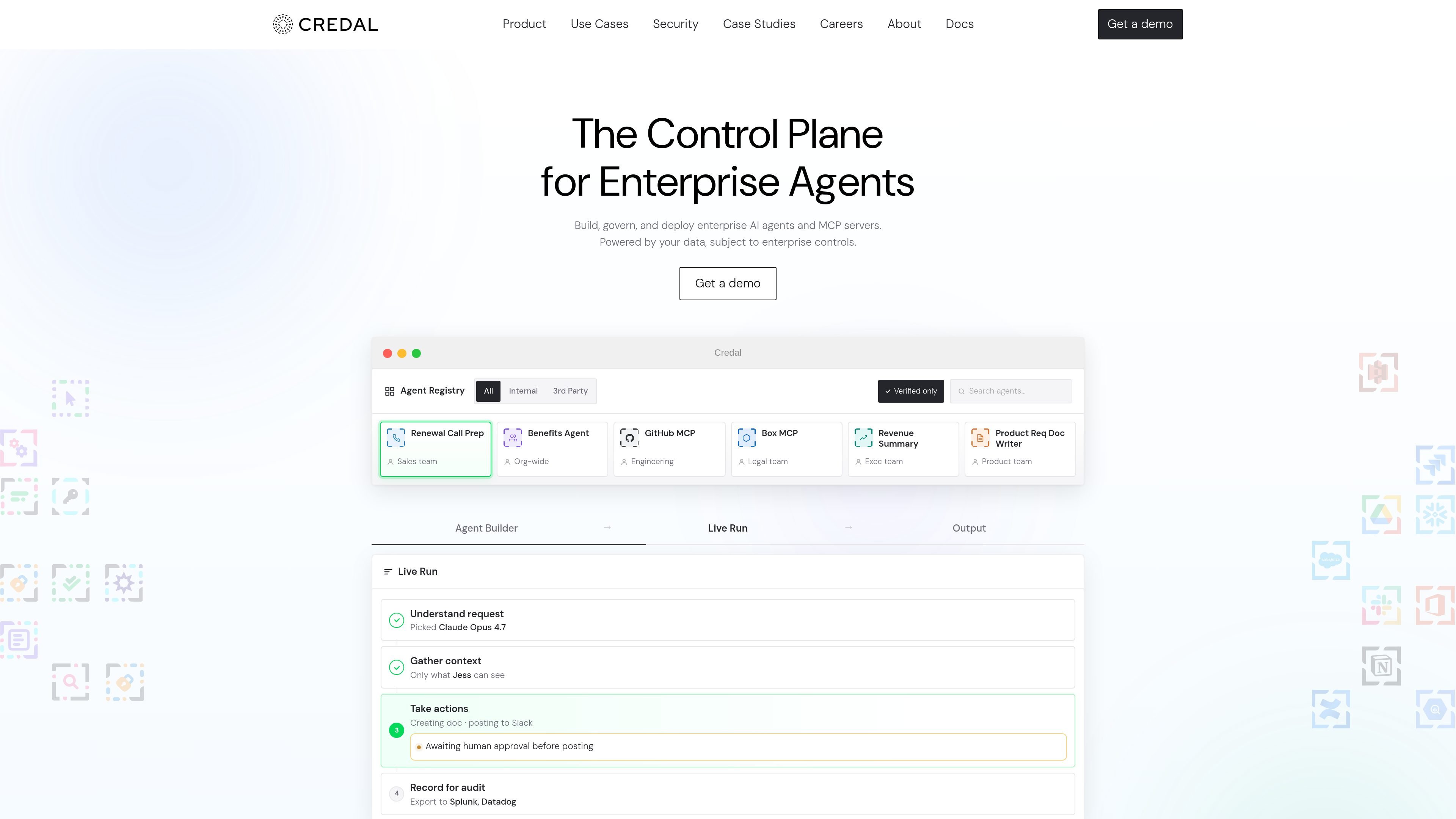
Credal

AI 智能體建立工具

Build and govern enterprise AI agents and MCP servers with shared business context.

免費及付費方案
OpenSEO preview
OpenSEO logo

OpenSEO

AI SEO工具

Open-source SEO research, rank tracking, audits, and AI-agent workflows for organic growth teams.

免費及付費方案
Qencode MCP Server preview
Qencode MCP Server logo

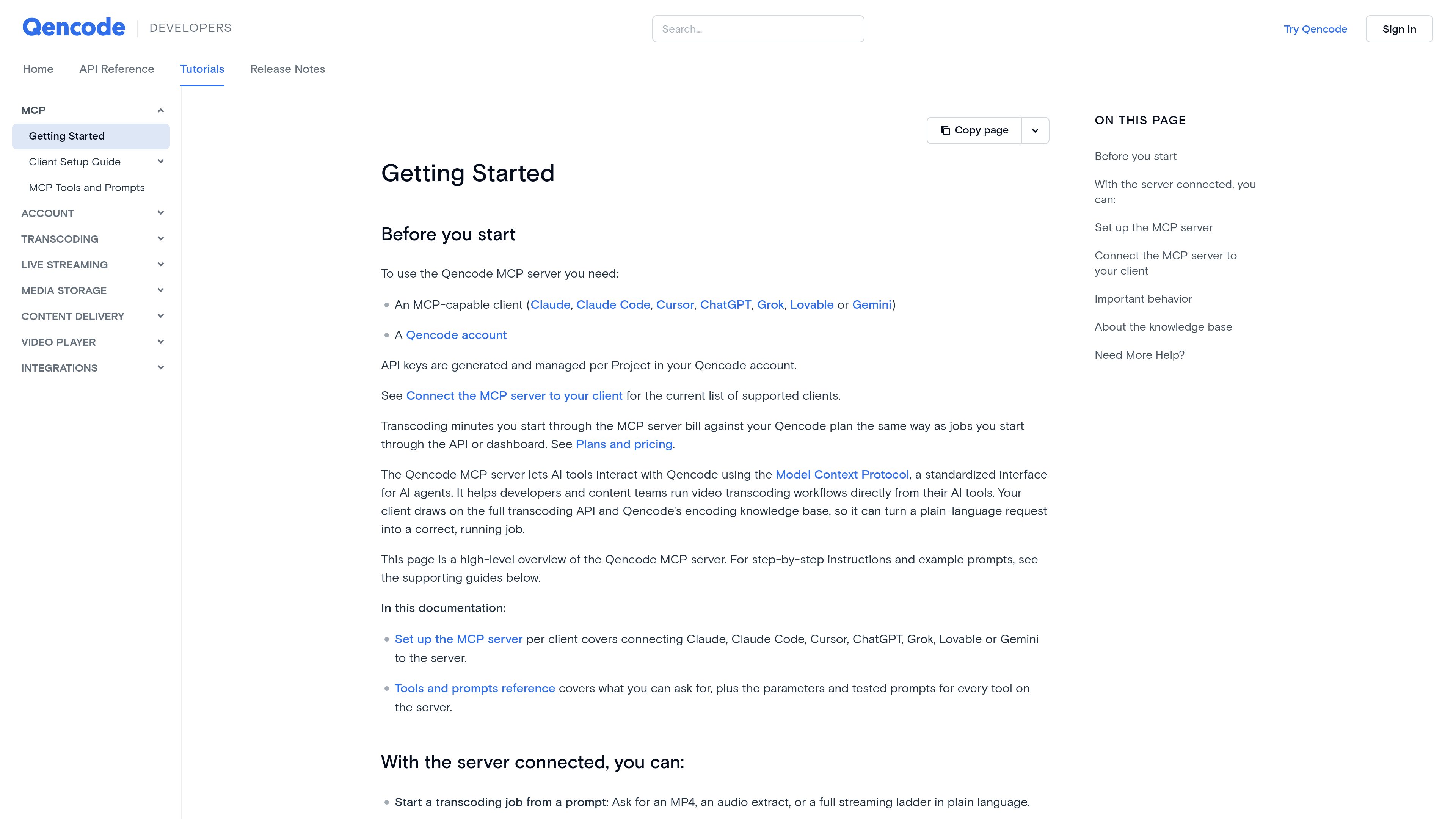
Qencode MCP Server

AI 影片 API

Qencode MCP Server connects MCP-capable AI clients to Qencode’s video processing and media storage workflows. Developers and content teams can describe transcoding, analysis, delivery, and storage tasks in natural language and run them through Qencode.

免費及付費方案
US Global Mail MCP Server preview
US Global Mail MCP Server logo

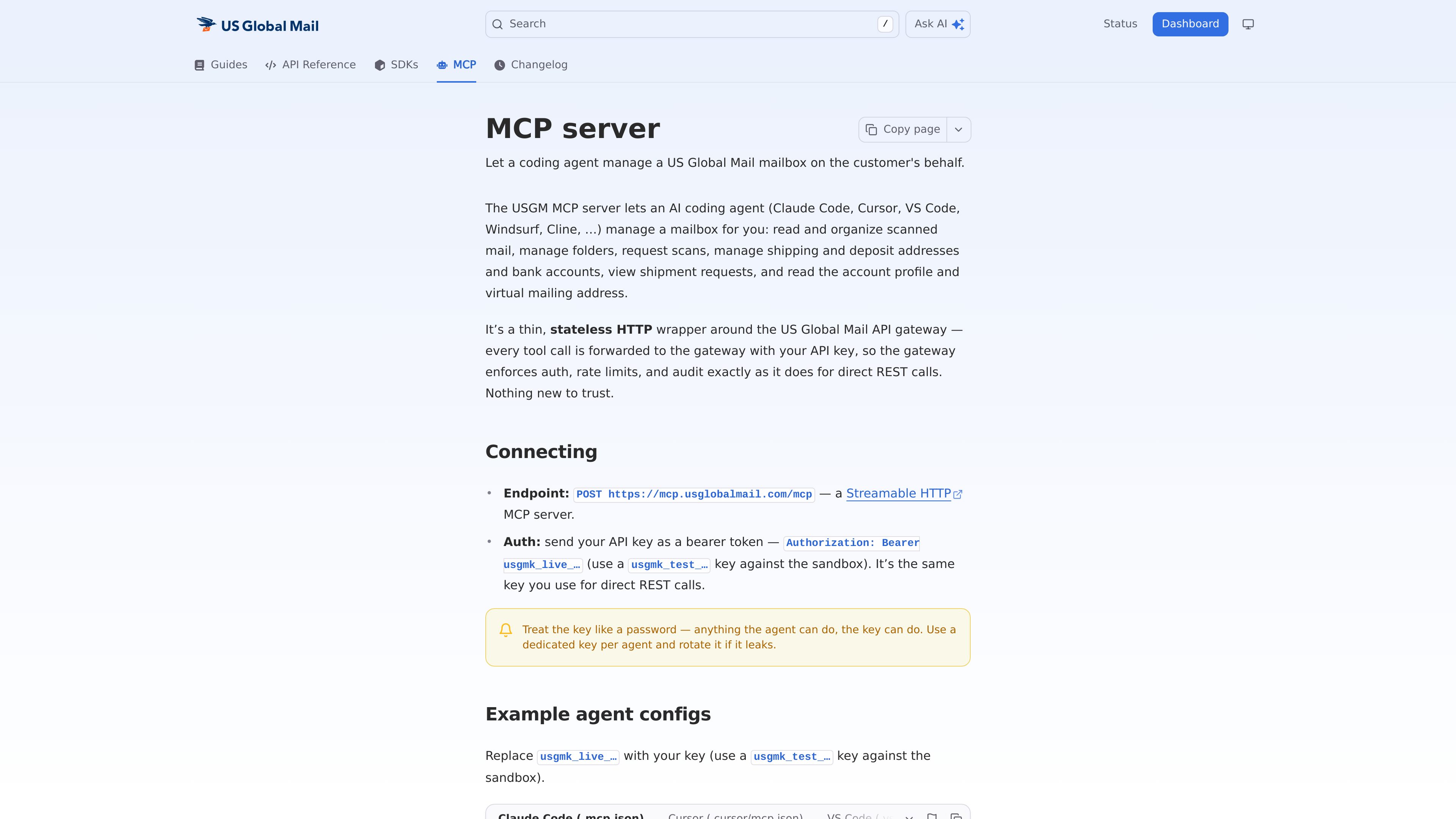
US Global Mail MCP Server

MCP 工具

A stateless Streamable HTTP MCP server that lets compatible AI coding agents manage a US Global Mail mailbox through the USGM API. It supports mailbox organization, scan requests, address and bank-account management, shipment viewing, and account lookup using an API key.

免費及付費方案

treg.to preview
treg.to logo

treg.to

AI 智能體基礎設施

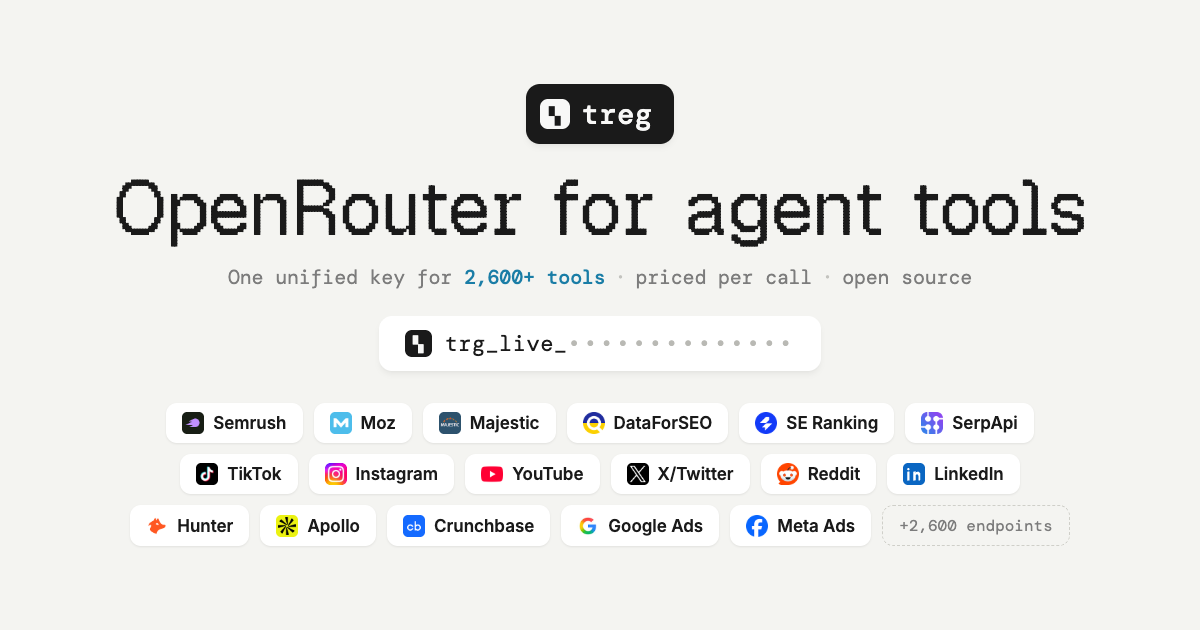
treg.to is an API gateway and MCP server for calling tools and data providers through one endpoint and credential. It helps agents and developers use cataloged SEO, enrichment, advertising, social, scraping, and other data tools without managing separate provider keys for every metered call.

免費及付費方案
Simple Commenter preview
Simple Commenter logo

Simple Commenter

AI開發者工具

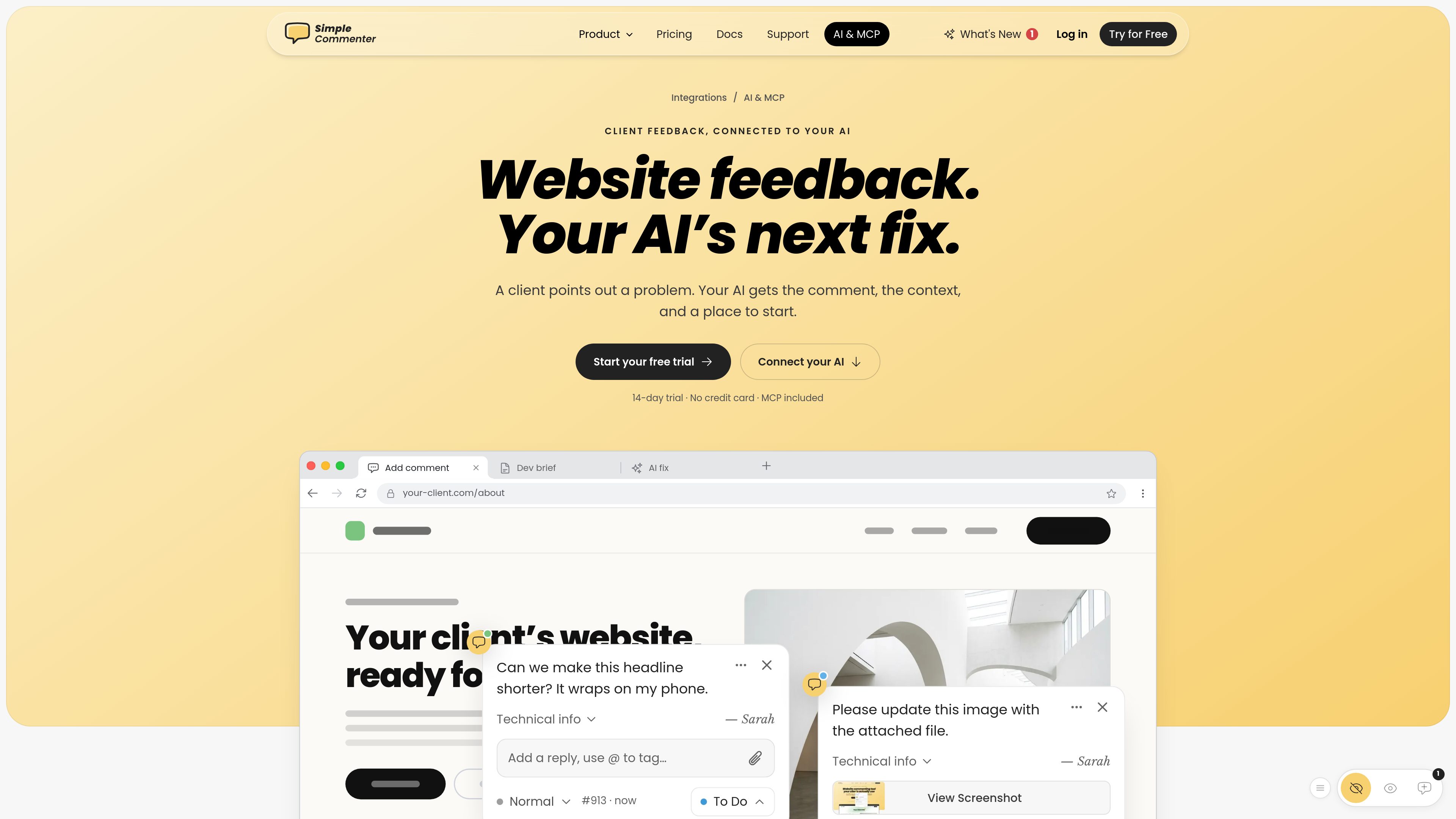
Simple Commenter is a website feedback platform with an MCP server that connects comments and page context to AI tools such as ChatGPT, Claude, Cursor, and Codex. It helps web teams turn review comments into clearer next steps and fixes.

免費及付費方案
CoreSpeed preview
CoreSpeed logo

CoreSpeed

AI 智能體基礎設施

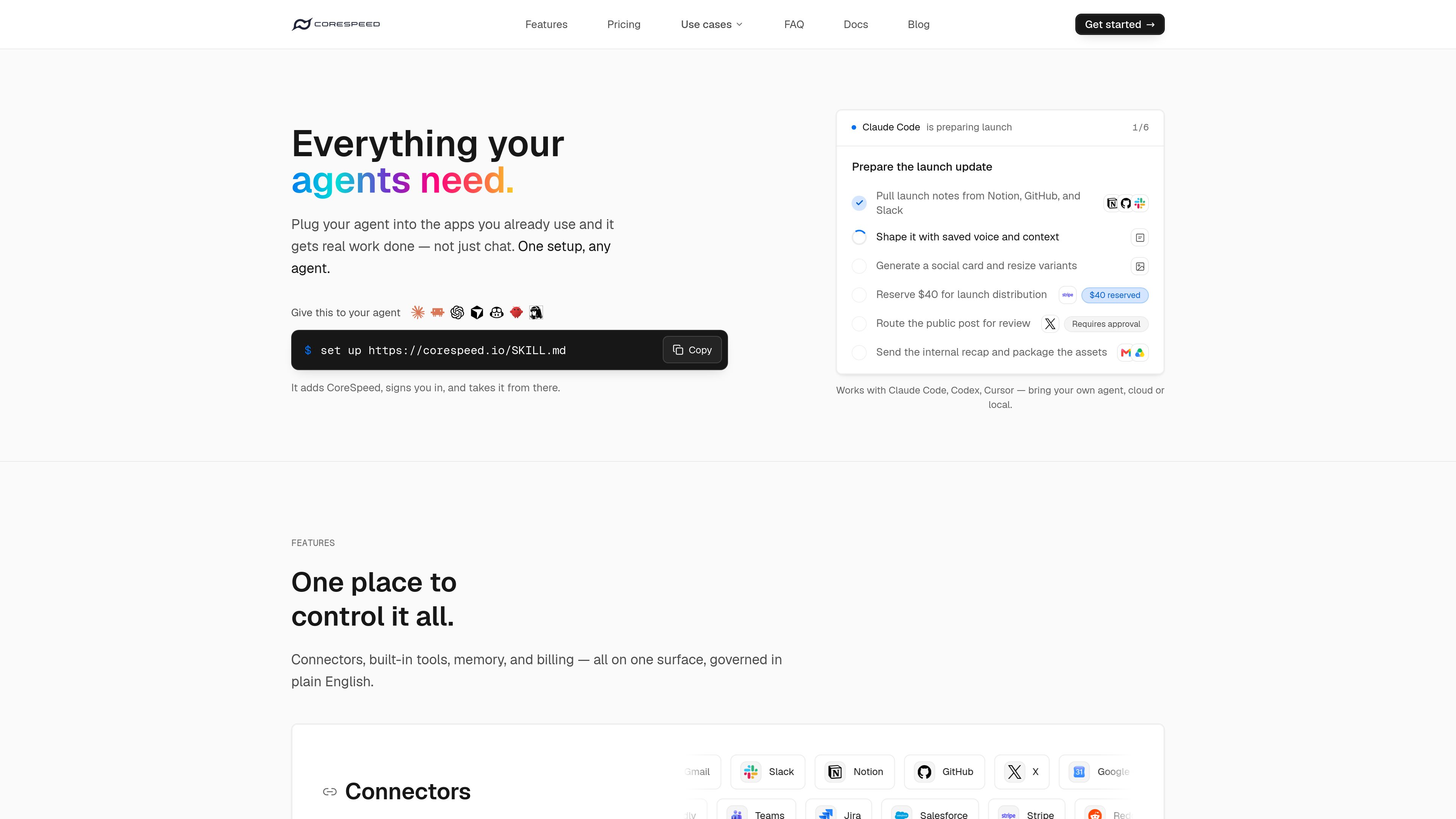
An MCP endpoint that gives AI agents shared app connections, memory, tools, and spending controls.

免費及付費方案
crosswalk preview
crosswalk logo

crosswalk

AI知識庫

An MCP-based inbox and sharing space for reading newsletters and group updates with AI assistants.

免費及付費方案

常見問題

如何比較「MCP 工具」中的產品?

先根據產品簡介和收費模式縮小範圍,再查看工具官網,確認所需功能、使用限制及最新方案。

在哪裡查看功能和價格?

點擊工具卡片進入詳細頁面查看產品介紹,再透過頁面上的官網連結確認最新功能、價格和使用限制。