
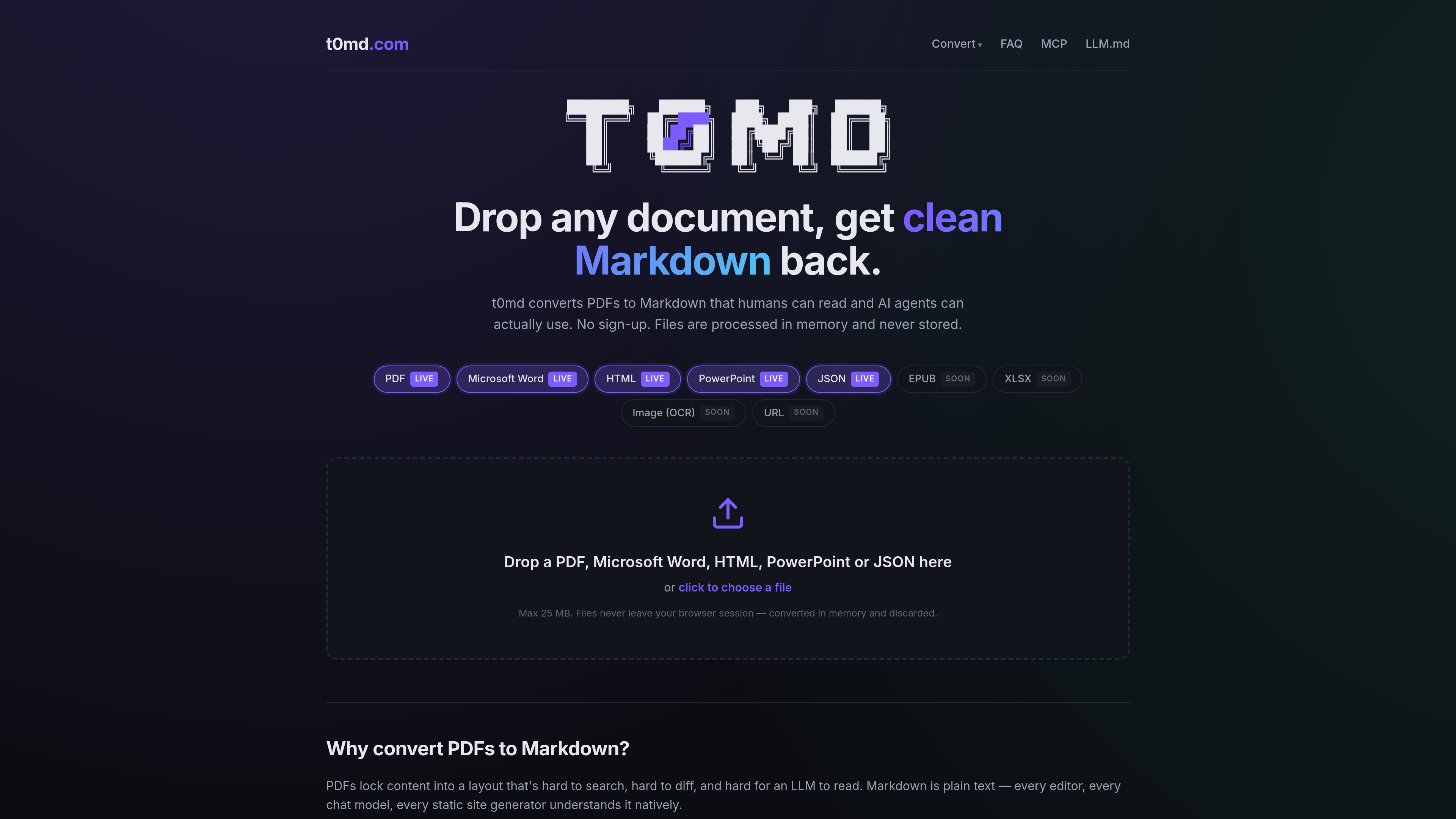
Five live input formats
Converts PDF, Microsoft Word (`.docx`), PowerPoint (`.pptx`), HTML, and JSON into Markdown. EPUB, XLSX, image OCR, and URL conversion are listed as upcoming rather than available now.

t0md converts PDF, Word, PowerPoint, HTML, and JSON files into clean Markdown for people and AI agents. It also provides a remote MCP server for converting documents inside compatible agent tools.
t0md is a document-to-Markdown converter for PDFs, Microsoft Word files, PowerPoint presentations, HTML, and JSON. Upload a supported file in the browser to preview the result, copy the Markdown, or download a .md file. Browser conversion is free, requires no sign-up, and accepts files up to 25 MB.
The product is intended for workflows where documents need to be readable by people, searchable and diffable in text tools, or supplied to language models. It preserves common structures such as headings, lists, and paragraph breaks, while tables and complex layouts are handled on a best-effort basis because PDFs are layout-oriented rather than semantic.
t0md also provides a remote MCP server for compatible AI agents. The recommended streamable-HTTP endpoint is https://t0md.com/mcp; a legacy SSE endpoint is available for older clients. Agents can call convert_to_markdown to convert supported files during a conversation, receive Markdown inline, and get a temporary download link.
Converts PDF, Microsoft Word (`.docx`), PowerPoint (`.pptx`), HTML, and JSON into Markdown. EPUB, XLSX, image OCR, and URL conversion are listed as upcoming rather than available now.
Upload a file in the web interface, inspect the Markdown preview, copy the result, or download it as a `.md` file. Browser uploads are limited to 25 MB.
PDF text is extracted with layout information, then processed with heuristics that identify lists, promote short all-caps lines to headings, collapse excess blank lines, and rejoin words split by hyphenation.
The `convert_to_markdown` MCP tool lets compatible agents convert supported documents mid-conversation. It auto-detects format from the filename and content and returns Markdown inline with a download link valid for 10 minutes.
A multipart `POST /convert` endpoint returns JSON containing Markdown, filename, page count, byte count, and conversion duration. `POST /mcp/upload` provides an upload ID for larger agent workflows.
The service states that uploaded documents are processed in memory and discarded. Generated MCP download links are retained for at most 10 minutes.
Convert academic papers or reports into text-oriented Markdown that can be pasted into an LLM context or processed by an MCP-compatible agent.
Move converted output into tools such as Obsidian, Notion, Bear, or a GitHub README instead of relying on screenshots or manually repaired copy and paste.
Use Markdown as a text-based representation for comparing drafts, tracking contract changes, and identifying paragraph-level revisions.
Connect the MCP server to Claude Code, Claude Desktop, Cursor, Windsurf, OpenClaw, Hermes, VS Code with an MCP extension, or Continue.dev so an agent can request conversion without leaving the chat.
Send supported files to `/convert` from an application or script and consume the returned JSON fields for Markdown, filename, pages, bytes, and processing duration.
Drop a PDF, Word, PowerPoint, HTML, or JSON file into the converter or choose it from your device. The result appears as a Markdown preview that you can copy or download as a `.md` file. No account is required.
PDF, Microsoft Word, PowerPoint, HTML, and JSON are live. EPUB, XLSX, image OCR, and URL-to-Markdown conversion are marked as coming soon.
Headings, bullet lists, numbered lists, and paragraph breaks are preserved where detected. Tables and complex layouts are best-effort because PDFs store visual layout rather than semantic document structure, so converted output should be reviewed when formatting is important.
Add `https://t0md.com/mcp` as a streamable-HTTP MCP server in a compatible client, then ask the agent to convert a document. The primary tool is `convert_to_markdown`; it returns Markdown inline and a one-time download URL. The SSE endpoint at `https://t0md.com/mcp/sse` is available for older clients.
The site states that browser uploads are converted in memory and discarded. MCP-generated download links expire after 10 minutes. The MCP server is available without an API key today.
流量数据仅供参考。

www.simplecommenter.com
Simple Commenter is a website feedback platform with an MCP server that connects comments and page context to AI tools such as ChatGPT, Claude, Cursor, and Codex. It helps web teams turn review comments into clearer next steps and fixes.

postfleet.ai
Postfleet 为 AI 代理提供邮件基础设施:在代理读取前筛选收件、清理内容,并将干净邮件提取为类型化 JSON。支持托管和本地 MCP 访问,以及面向非 MCP 流程的 REST。

jigsawstack.com
面向开发者的 AI 平台,支持提取、转换、验证和 Web 工作流

codia.ai
AI 平台将截图、PDF、幻灯片、图片和 Figma 文件转换为可编辑设计、结构化数据及可用于生产的代码

fovea.run
Fovea 可通过 Web 应用、REST API 或 MCP 服务器,将上传的视频转换为符合您提供的 schema 的结构化 JSON。适用于团队或智能体需要在使用前验证视频衍生数据的工作流。

digitap.ai
面向银行和金融科技团队的 AI API 平台,支持数字化开户、信贷审批与财务洞察