
MCP server for website feedback
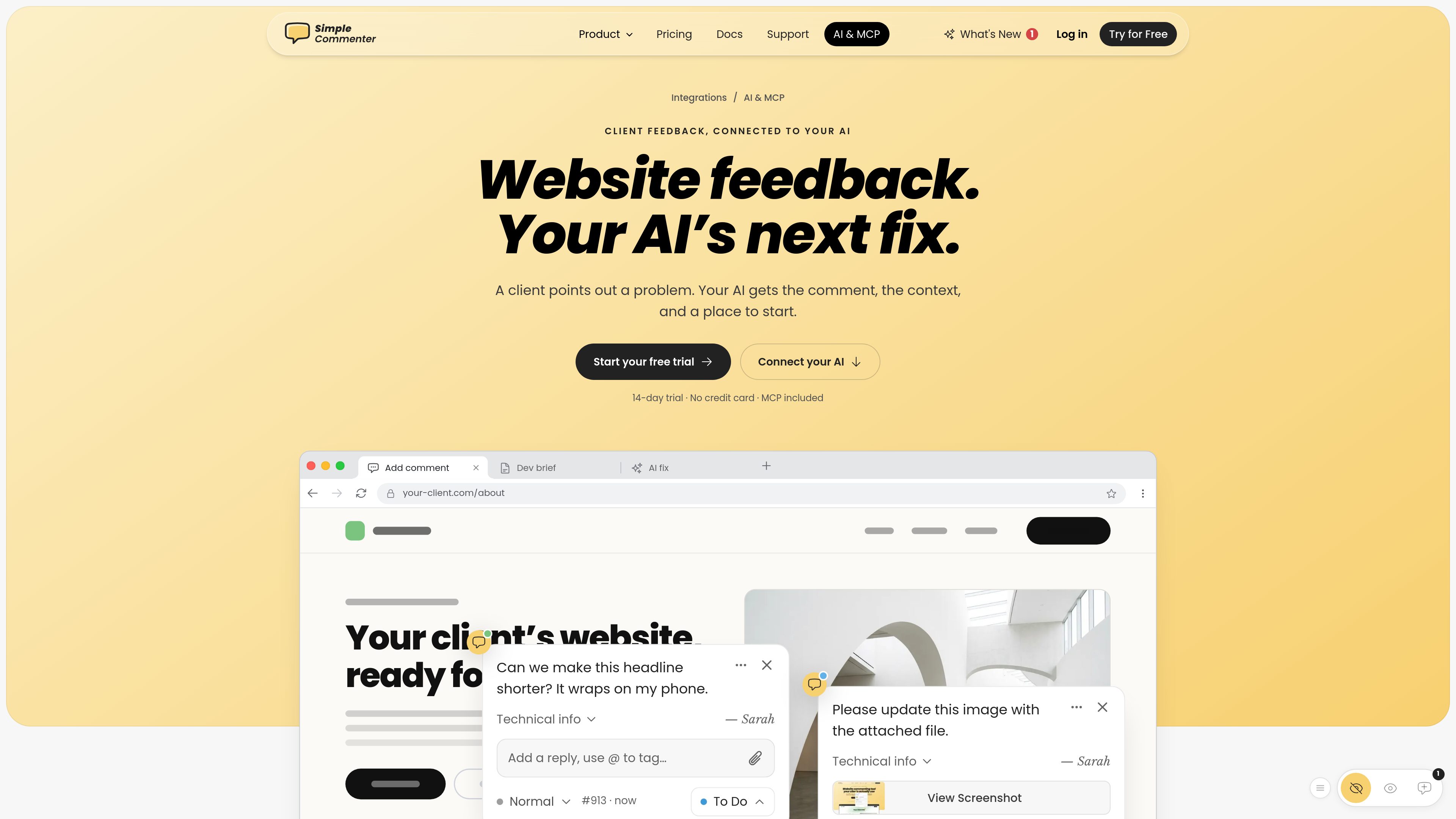
Connects Simple Commenter comments and website context to compatible AI clients so an assistant can retrieve feedback and use it as input for review or fixes.

Simple Commenter is a website feedback platform with an MCP server that connects comments and page context to AI tools such as ChatGPT, Claude, Cursor, and Codex. It helps web teams turn review comments into clearer next steps and fixes.
Simple Commenter is a website feedback platform with an MCP server for connecting visual website comments to AI clients. It gives an AI assistant access to feedback, page context, and a starting point for work such as reviewing a comment or drafting a change. Supported AI clients named by the product include ChatGPT, Claude, Cursor, and Codex.
Feedback is collected through Simple Commenter’s website widget or Chrome extension and managed in a project workspace. Comments can carry context such as the page URL, status, priority, and available browser or operating-system information. Teams can also connect the same project to task managers, chat tools, email, or webhooks alongside the AI connection.
The product is intended for agencies, freelancers, and product or development teams handling website reviews. Setup is performed from the integrations area using the connection instructions for the selected AI client. A 14-day trial is available without a credit card, and the pricing page lists the AI Agent/MCP service as an included integration on paid plans.
Connects Simple Commenter comments and website context to compatible AI clients so an assistant can retrieve feedback and use it as input for review or fixes.
The AI integration page presents connection options for ChatGPT, Claude, Cursor, and Codex, with setup commands or instructions to copy for the selected client.
Feedback is organized around the relevant page and may include a page URL, status, priority, browser, operating system, and comment discussion, giving teams more than a standalone message.
Feedback submitted through the embedded widget or Chrome extension can enter the same project workflow, so the capture method does not require a separate review process.
A project can use several integrations at once, including Asana, ClickUp, GitHub, Jira, Linear, Monday.com, Slack, Trello, email, and webhooks, alongside the AI connection.
An agency can expose a client’s page-specific feedback to an AI assistant, then ask for a concise interpretation, proposed copy, or implementation starting point without manually copying the comment into a separate chat.
A product or development team can use comment details such as the affected URL, status, and priority when deciding which review items need investigation or follow-up.
Teams can use the MCP connection for analysis while sending feedback to Jira, GitHub, Linear, Asana, or another supported work-management tool for assignment and delivery.
Client feedback captured through the website widget or Chrome extension can be managed in the same project, helping agencies and freelancers maintain a shared review record.
The AI integration page names ChatGPT, Claude, Cursor, and Codex. Simple Commenter provides connection instructions or setup commands for the supported clients.
It connects website feedback with relevant context, such as the comment and its page, so the assistant has a starting point for reviewing the issue or proposing a fix.
Open the Integrations area in the Simple Commenter dashboard, select the AI connection, and follow the setup instructions for the chosen client. The integration page is designed to let users copy the required commands.
Yes. Simple Commenter says multiple integrations can be connected to the same project. Teams can combine the AI workflow with tools such as Slack, Jira, Asana, GitHub, or webhooks.
The product offers a 14-day free trial with no credit card, and its integrations page says integrations are available during the trial. The pricing page lists AI Agent and the MCP service among the integrations included with paid plans.

tracebug.dev
TraceBug 是一款本地优先的错误报告工具,可将浏览器问题记录为独立的 .html 报告,便于离线交接给开发者。它还支持基于本地 MCP 的调试,并可导出到常见的问题跟踪和分享流程。

modelcontextprotocol.io
MCP Inspector is an open-source visual testing tool for Model Context Protocol (MCP) servers. It is intended for developers who need to inspect and test MCP server behavior through a visual interface.

t0md.com
t0md converts PDF, Word, PowerPoint, HTML, and JSON files into clean Markdown for people and AI agents. It also provides a remote MCP server for converting documents inside compatible agent tools.

harnessmanager.devmesh.xyz
Harness Manager is a free, open-source native Mac workspace for managing AI coding tools, MCP servers, skills, updates, and model comparisons. It helps developers inspect their local setup, discover additions, review updates, and compare models in one app.

coplaydev.github.io
Unity MCP is an open-source GitHub project that connects AI assistants with the Unity Editor. It provides LLM-accessible tools for managing assets, controlling scenes, editing scripts, and automating Unity tasks.
sourcegraph.com
Sourcegraph 帮助企业团队和 AI 代理理解并处理复杂的大型代码库。