Audio and video transcription
Upload audio and video files and have Scribewave transcribe them automatically. The site says it supports common formats such as MP3, WAV, M4A, and MP4, along with large files up to 5 GB and long files up to 5 hours.
Scribewave is a web-based AI transcription tool for audio and video files. It produces transcripts, subtitles, and translated text, with editing and export features for review workflows.
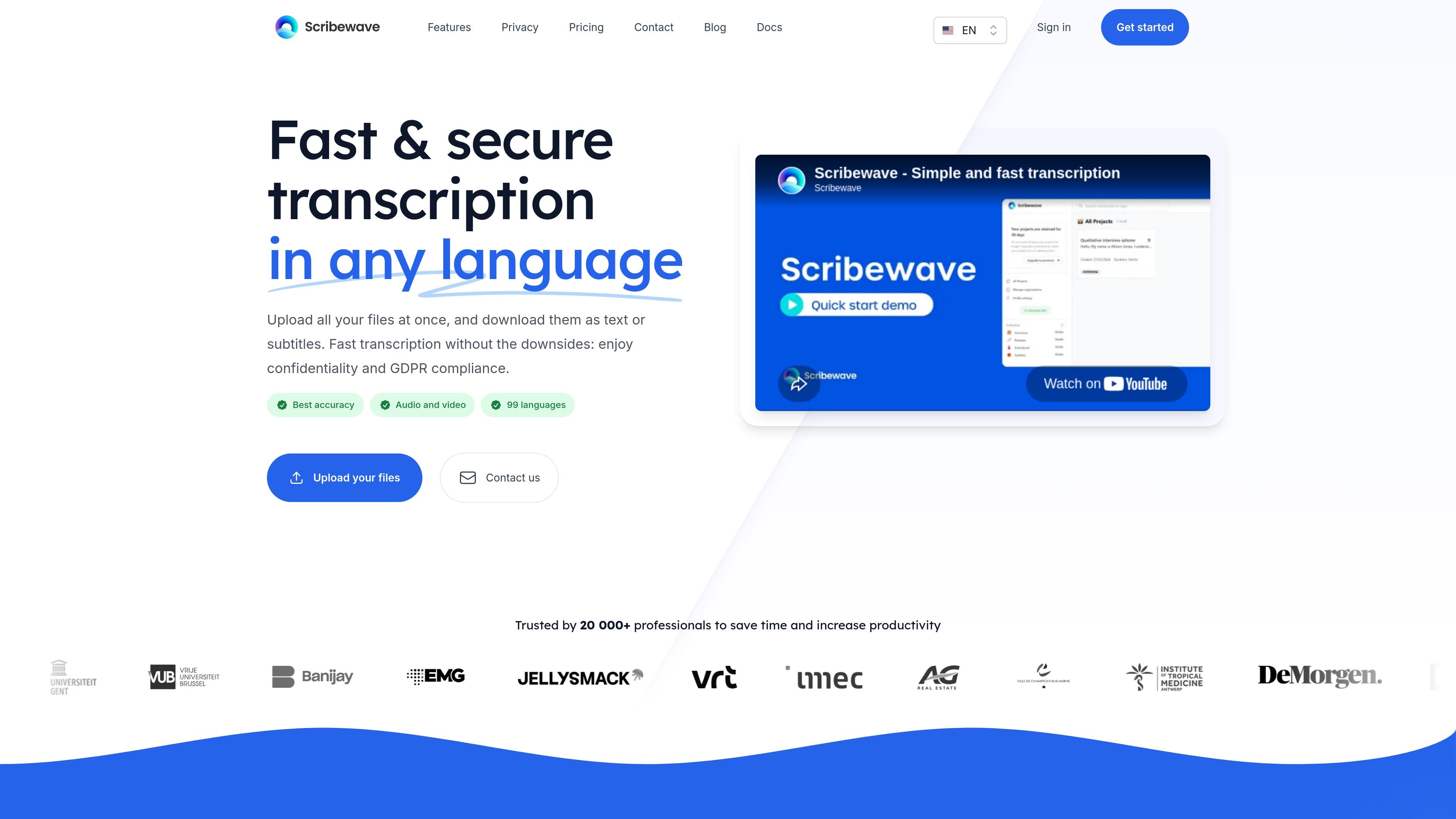
Scribewave is an online transcription tool for audio and video files. It turns uploads into transcripts, subtitles, and translated text, with a browser-based editor for reviewing and refining results before export.
The site emphasizes private, secure transcription, multilingual support, and workflows that reduce manual review time. It also adds AI-assisted features such as summaries, chapterization, meeting notes, and question answering with timecode references.
Upload audio and video files and have Scribewave transcribe them automatically. The site says it supports common formats such as MP3, WAV, M4A, and MP4, along with large files up to 5 GB and long files up to 5 hours.
Use a browser-based editor that lets you play the source media while reading the transcript. Text highlights follow the spoken paragraph, and you can edit either in document form or on a timeline.
Apply custom vocabularies to preserve names, acronyms, terminology, and preferred spellings. This helps keep transcripts consistent across repeated files and reduces repetitive cleanup.
Click any word in the transcript to jump the audio playhead to that exact moment. Scribewave describes this as millisecond-precise click-to-audio sync for faster verification and review.
Identify speakers in interviews and other multi-speaker recordings with diarization tools. The product page says it is designed to handle overlapping speech and support faster speaker-tag editing.
Export transcripts and subtitles in delivery-ready formats such as SRT, VTT, DOCX, Microsoft Word, and Google Docs. The site also mentions subtitled video export and audio-to-video output with waveforms and subtitles.
Review interviews, lectures, or meetings in a browser editor where you can play the recording, verify wording, and correct the transcript without leaving the text view.
Prepare subtitles for video content by uploading the source file, editing the transcript, and exporting subtitle formats such as SRT or VTT, or burned-in video.
Maintain consistent terminology across recurring projects by defining preferred spellings for names, acronyms, and domain-specific terms before or during transcription.
Work with multi-speaker recordings such as interviews by using diarization tools to separate speakers and make speaker-tag edits more quickly.
Turn finished transcripts into summaries, chapterized notes, or meeting notes using the built-in AI assistant, with timecode references for follow-up navigation.
Scribewave is designed for audio and video transcription, and the site also highlights subtitles, translations, and transcript export. The editor lets you review the transcript while playing the source media, with word-level highlighting and AI assistance for summaries and notes.
The site says Scribewave supports almost every audio and video format, including MP3, WAV, M4A, and MP4, and accepts large files up to 5 GB and up to 5 hours long.
Scribewave describes its editor as supporting both document-style editing and timeline-based editing. It also adds click-to-audio sync, custom vocabularies, speaker diarization, and export options such as SRT, VTT, DOCX, Word, and Google Docs.
The pricing page confirms a free account entry point and a pay-as-you-go transcription-hours offer. The site does not expose specific prices or plan limits in the provided content.
The site says transcripts can be used in 99 languages in its description, while the body text mentions support for 90 languages and dialects during transcription. Based on the provided pages, Scribewave clearly supports multilingual transcription, but the exact count varies by page text.