Local Music Organizer logo

Local Music Organizer

Freemium
访问

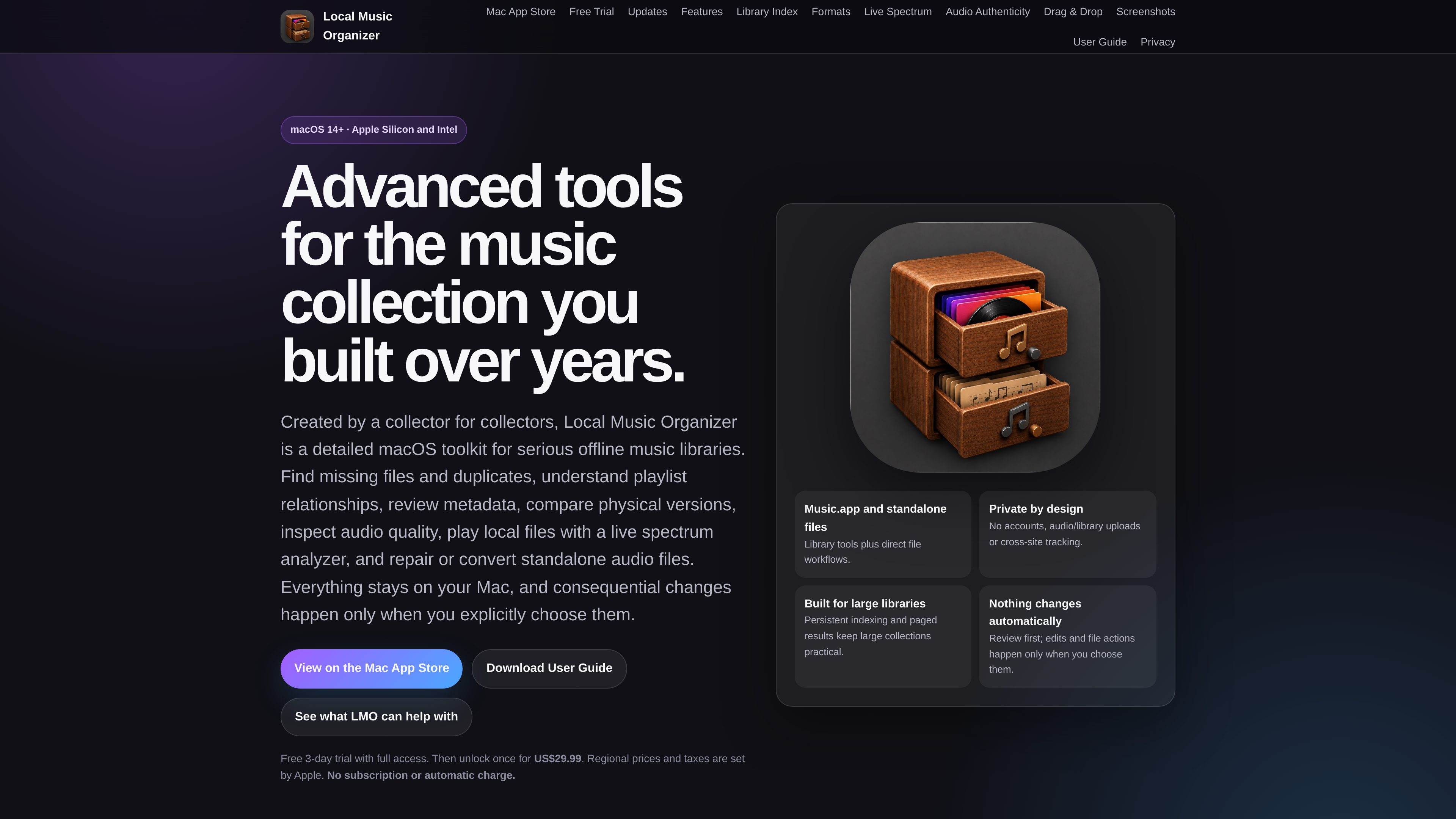
A macOS toolkit for organizing local Music.app libraries, investigating audio and metadata problems, comparing recording versions, and working with standalone audio files. It is designed for offline collections and keeps changes under explicit user control.

什么是 Local Music Organizer?

Local Music Organizer is a macOS toolkit for serious offline music collections. It works with Music.app records and physically available standalone audio files to help users index a library, investigate missing or duplicate content, inspect technical audio information, compare versions, maintain metadata, and repair or convert files.

The app saves a Library Index for library-wide tools, supports paged results for large collections, and provides Standard and Deep analysis modes. Dashboards and searches are diagnostic until the user explicitly chooses an action; supported changes are reviewed first and several relinking, renaming, metadata, and conversion workflows include verification or rollback safeguards.

Music.app subscription content, streaming audio, and cloud-only files are outside the documented local-file workflow. The product states that processing stays on the Mac without accounts or audio/library uploads.

Local Music Organizer 能做什么?

Library indexing and diagnostics

Build a saved Library Index from Music.app records, include playlist usage, use Standard or Deep analysis, and refresh smaller changes without rebuilding the entire collection. Dashboard categories can be opened to inspect the underlying tracks.

Missing-file, duplicate, and relationship checks

Health Check distinguishes missing Music.app records from orphan physical files. Playlist Duplicates, Library Duplicates, Track Usage, Library Map, and Playlist Compare help investigate repeated entries, file relationships, and playlist membership.

Metadata, numbering, and file maintenance

Review supported Music.app fields and local filenames for formatting issues, edit selected tags, discover track or disc numbering problems, and perform selected cleanup or safe physical filename renames. Manual edits include an Undo Last Change option.

Audio inspection and authenticity analysis

Audio Inspector reports codec and container details, bitrate, sample rate, bit depth, channels, duration, file size, a spectrogram, and raw technical output. Authenticity analysis flags possible lossy-to-lossless conversion, bandwidth limits, bitrate mismatches, or sample-rate upscaling as estimates for review.

Version comparison and local playback

Quality Duplicates identifies same-song candidates pointing to different physical files. A/B Compare provides playback-only comparison with temporary loudness matching, adjustable alignment, and A/B spectrum views; Live Spectrum supports local file playback.

Repair, conversion, and shuffle creation

Repair / Convert supports included engines for common and specialist formats and batch normalization of sample rate and lossless bit depth. Vinyl De-click provides short before-and-after samples, while Shuffle Builder creates a new playlist using spacing rules without changing the original.

使用场景

“Reconcile an incomplete or damaged library”

Use Health Check to identify missing local paths, orphan files, or inaccessible records. Review exact matches, relink an existing Music.app record when appropriate, or remove a confirmed missing record; the app does not move or delete physical files during relinking.

“Audit imports and album completeness”

Check Music.app Track and Disc totals for missing numbered positions, missing discs, or conflicting totals without querying the Internet. An optional notification can check affected newly added Artist–Album releases after a complete library index is available.

“Choose between different masters or releases”

Use Quality Duplicates to find same-song candidates that reference different files, then compare paths, playlist usage, and technical facts. A/B Compare lets you audition selected passages with temporary loudness matching without rewriting either source.

“Clean up metadata and filenames”

Scan Music.app titles, artists, albums, and local filenames for repeated spaces or parenthesis-spacing problems. Review individual rows or batch-select fixes, and use supported tag editing or verified filename renaming when a change is intentional.

“Inspect and prepare standalone files”

Open local audio files without adding them to Music.app to review technical properties or authenticity evidence, play them with a live spectrum, remove vinyl clicks through sample comparison, or convert and normalize files after verification.

常见问题

What does the app require on first launch?

After starting the free three-day trial or activating the full version, open Setup, choose the primary music and log folders, and allow Music.app Automation access when macOS requests it. Then build the Library Index. Keeping Include playlist usage enabled on the first full build prepares playlist-relationship tools.

Does Local Music Organizer upload my music or require an account?

The product states that it uses no accounts, audio or library uploads, or cross-site tracking. Its workflows are designed to operate on the Mac with local Music.app data and physically available files.

Can it work without adding a file to Music.app?

Yes. Audio Inspector, authenticity analysis, Live Spectrum, and supported repair or conversion workflows can work directly with physically available local audio files. Library-wide Music.app organization tools still depend on Music.app records and the saved Library Index.

What happens during the trial and after it ends?

The home page states that the app offers a free three-day trial with full access, followed by a one-time US$29.99 unlock. Regional prices and taxes are set by Apple, and the product states that there is no subscription or automatic charge.

Does it support streaming or cloud-only Apple Music content?

No. Apple Music subscription content, cloud-only or online-only files, and streaming audio are outside the documented supported local-file workflow. Network and NAS workflows have also not been validated as a supported release workflow.

快速信息

Platform
macOS 14 or later; Apple Silicon and Intel
Primary data sources
Local Music.app libraries and physically available standalone audio files
Trial and license
Free 3-day trial with full access; one-time US$29.99 unlock stated on the home page
Data model
Local processing; no account or audio/library uploads stated
Library workflow
Saved Library Index with paged results; Standard and Deep analysis modes
Supported scope
Streaming, cloud-only content, and undocumented network/NAS workflows are outside the documented scope

Local Music Organizer 流量分析

流量数据仅供参考。

域名评分
93

Local Music Organizer 替代品

ScreenMark logo

ScreenMark

ceritmustafa.github.io

ScreenMark is a macOS menu bar app for live screen annotation, zoom, whiteboard overlays, freeze frames, and recording. It is designed for presenters, teachers, workshop facilitators, and anyone who needs to explain on-screen content without leaving their workflow.

apra-fleet logo

apra-fleet

apra-labs.github.io

apra-fleet runs a fleet of AI agents across multiple machines and provider CLIs. It provides a common execution model for combining Claude, Codex, Copilot, Antigravity, and local models.

Focus Button logo

Focus Button

button.focusbear.io

Focus Button is a physical timer that starts a distraction-blocking session through the Focus Bear app. It is designed for students, knowledge workers, and anyone who benefits from a tactile way to begin focused work.

Design Studio logo

Design Studio

www.mondaymerch.com

Design Studio is Monday Merch’s browser-based tool for placing a brand, artwork, or text on customizable merchandise. Users can start from a template or a blank design, preview multiple product sides, and move toward ordering without design software.

SoloUno logo

SoloUno

www.solouno.io

SoloUno is a self-help app for people working to reduce or manage body-focused repetitive behaviors (BFRBs) such as nail biting, skin picking, and hair pulling. It combines habit tracking, trigger awareness, habit-free challenges, urge sessions, and daily reflection.

deadeye logo

deadeye

deepaksinghcs14.github.io

deadeye is a plugin for coding agents that selects a suitable model and effort level for each task, while trimming verbose command output before it enters context. It is built for Claude Code and also supports Codex CLI, Gemini CLI, Cursor, and Windsurf on an experimental basis.