
Governed self-hosted workspaces
Provision self-hosted workspaces on your own infrastructure so developers and approved agents work in a governed environment rather than on decentralized laptops.

Coder is enterprise development infrastructure for running AI coding agents and developer workspaces on infrastructure you control. It supports governed, self-hosted environments with audit logging, access controls, and deployment options for cloud, on-premises, and air-gapped setups.
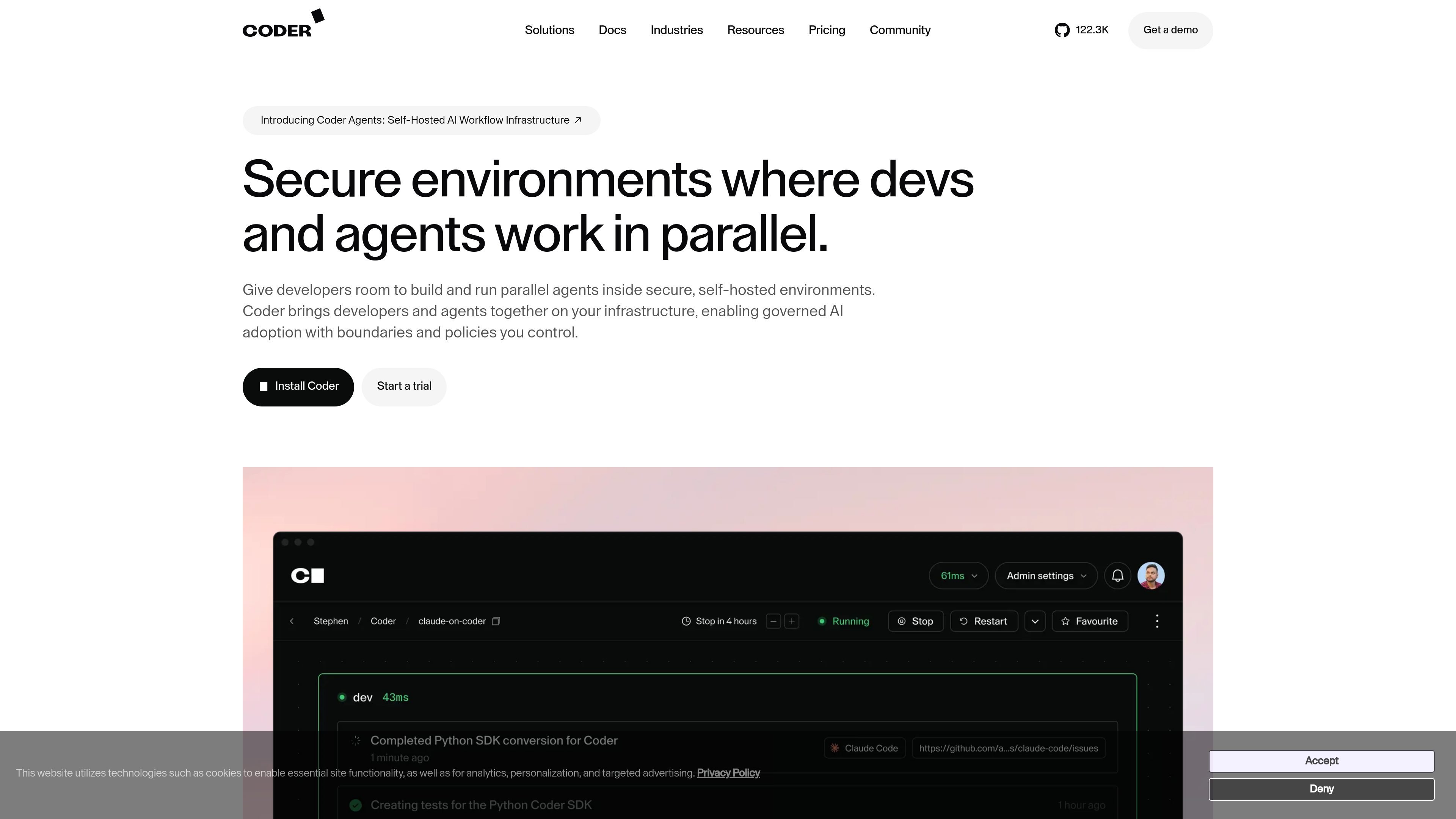
Coder is enterprise development infrastructure for teams that want to run AI coding agents and developer workspaces on infrastructure they control. The product combines self-hosted workspaces, agent governance, and platform administration features so organizations can standardize how developers and approved agents access code, tools, and compute.
The site presents Coder as a platform for developers, platform engineers, and enterprise teams that need secure, governed environments with audit logging, access controls, and deployment flexibility. It supports cloud, on-premises, and air-gapped setups, with templates and integrations that let teams define environments as code and reuse them consistently.
Provision self-hosted workspaces on your own infrastructure so developers and approved agents work in a governed environment rather than on decentralized laptops.
Run coding agents inside isolated workspaces with controls for agent permissions, model governance, usage limits, and centralized visibility into prompts, tool calls, and activity.
Define repeatable environments with Terraform-based templates so developers can create workspaces consistently across teams and projects.
Support web IDEs, desktop IDEs, and plugins, including VS Code, JetBrains, Cursor, and Jupyter, so teams can keep existing developer workflows.
Deploy on cloud infrastructure, on-premises, or in air-gapped environments to meet different security and deployment requirements.
Add platform controls such as SSO, roles, groups, resource quotas, autostart/autostop, and audit logging to support enterprise administration.
Platform teams can standardize developer environments with Terraform templates, roles, groups, SSO, and quotas so onboarding and access management happen through a single control plane.
Engineering organizations can run AI coding agents in governed workspaces with permissions, audit logging, and model controls instead of letting agents operate in unmanaged environments.
Security-conscious teams can keep source code and agent activity inside their own infrastructure, including air-gapped environments, while still supporting IDE-based development.
Distributed teams can give developers access to the same workspace patterns across macOS, Linux, and Windows using web or desktop IDEs and plugins.
Teams with cost controls needs can set quotas, autostart/autostop behavior, and workspace policies to reduce idle environments and keep compute usage predictable.
Coder Premium adds governed, self-hosted infrastructure features such as multi-organization access controls, audit logging, unlimited Git and external auth integrations, high availability, and ticket-based global support with SLA. The pricing page also notes an AI Governance add-on is available.
Yes. The pricing page presents a free Community plan and a Premium plan, and the pricing page also offers a trial path for Premium.
Coder can be deployed on your own infrastructure, including cloud and air-gapped on-premises environments. The docs page also describes local or single-server installs for individual developers, small teams, and open source community members.
Coder Workspaces supports web-based and desktop IDEs, including VS Code, JetBrains, Cursor, and Jupyter. The docs page also says Coder is used with a single CLI for both server and client.
The source says Coder is self-hosted, governed, and designed to keep source code and agent activity inside your infrastructure with audit logging and access controls. The provided pages do not confirm every certification or compliance framework, so those should be verified separately.