
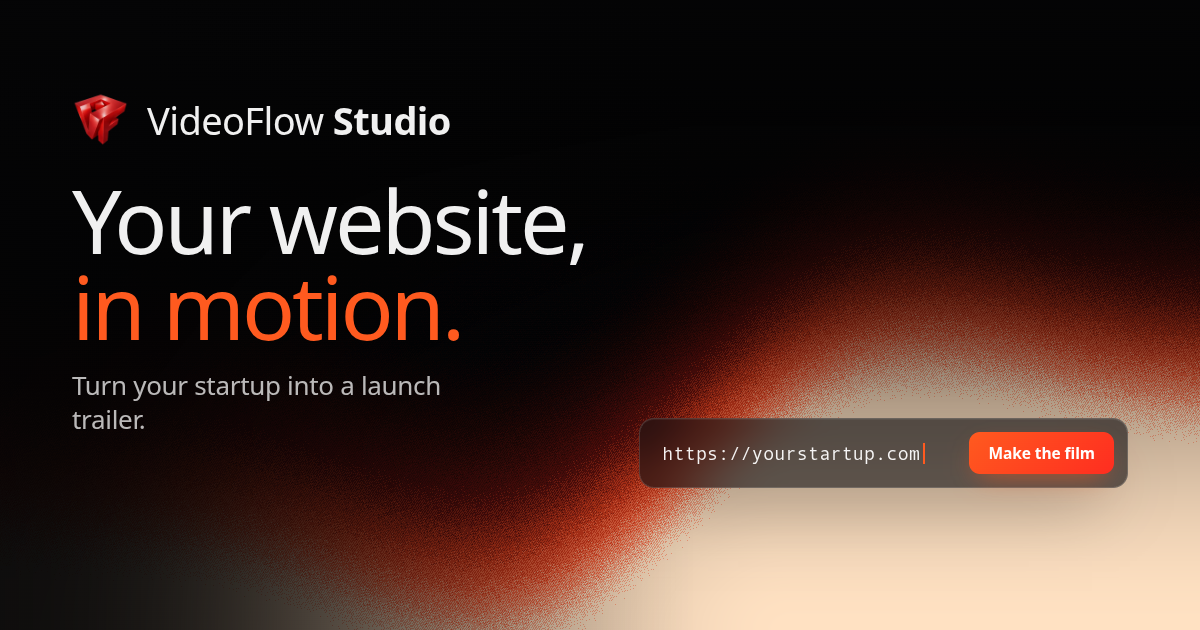
Website-to-video planning
Crawls and screenshots the live site, then identifies product, audience, brand, typography, colour, and feature information to inform the film.

VideoFlow Studio is a CLI-based video agent harness that turns a product website URL into a launch video using your own Claude Code or Codex subscription. It plans scenes, renders locally with the open-source VideoFlow engine, reviews the encoded film, and keeps the result editable.
VideoFlow Studio is a CLI-based video agent harness that turns a product’s public website into a launch video. It crawls and screenshots the site, extracts product and brand details, plans a visual concept, builds scenes, and renders the film through the open-source VideoFlow engine.
The resulting project remains a structured, portable document rather than only a locked video export. Users can revise it through plain-language requests to the coding agent or make direct changes in the browser editor, while the agent can review the rendered frames and correct visual issues before delivery.
Crawls and screenshots the live site, then identifies product, audience, brand, typography, colour, and feature information to inform the film.
Guides a coding agent through concept selection, scene design, layer placement, and timing without requiring the user to hand-code each scene.
Keeps films as portable VideoFlow documents containing layer, timing, and property data that can be adjusted in the browser editor.
Lets users request changes such as retiming an end card or changing a scene, with the agent applying the request to the existing film plan.
Checks the encoded frames for visual problems, including positioning and contrast issues, and can correct findings before the user receives the version.
Uses structured VideoFlow data to draw text, shapes, and motion, supporting sharp output at different sizes and editable visual elements.
Turn a public product website into a short film that presents the product, visual identity, and a central feature in motion.
Create video previews from changing product pages or deployment branches, then retain the project for subsequent revisions.
Use an existing terminal-based workflow with Claude Code or Codex instead of adopting a separate timeline-authoring process.
Ask for targeted revisions in natural language, or open the same project in the browser editor when direct visual control is preferred.
Keep a portable project alongside MP4 exports so the film can be edited and exported again rather than treated as a one-time render.
Install the CLI with `npx @videoflow/studio`, approve the code shown in a browser, and use your own Claude Code or Codex subscription. The agent and rendering compute run on your machine and account.
You can request changes in plain language through the same agent or edit the project in the built-in browser editor. Versions can be downloaded as MP4 or as the portable project document.
The pricing page says the free plan includes eight renders and edits per month. Starting a new film or asking for a change counts as one; resuming or recovering a failed run does not count again.
No. Studio is the harness around an existing Claude Code or Codex subscription, which remains on the user’s own account.
Studio provides the planning, agent workflow, review passes, dashboard, and editor. VideoFlow is the open-source, Apache-2.0-licensed engine that renders the structured film project.
Traffic data is for reference only.

www.buzzy.now
Buzzy AI is a professional video engine for creating long-form AI videos, including films and commercials, with workflows designed to keep scenes consistent and editable. It gives users more structured control over video generation than a simple prompt-to-clip tool.

pexo.ai
Pexo is an AI video agent that turns ideas into polished, publish-ready videos through conversation, with flexible inputs and a credit-based subscription.

agent.vizard.ai
Vizard Agent is an AI video creation tool that turns your footage or a blank prompt into videos, helping transform an idea, template, or existing video into a finished project.
focalml.com
Focal is an AI video creation platform that turns ideas or scripts into finished videos, shows, and cinematic scenes, with visuals, voiceovers, and editing in one workflow.

magiclight.ai
Magiclight.AI is an AI video generator that turns stories, scripts, text, images, music, and voice into finished long-form videos up to 50 minutes, with free and paid plans.

sand.ai
AI video generation with Magi-1 for turning images into videos and extending clips, plus an open-source canvas workflow.