
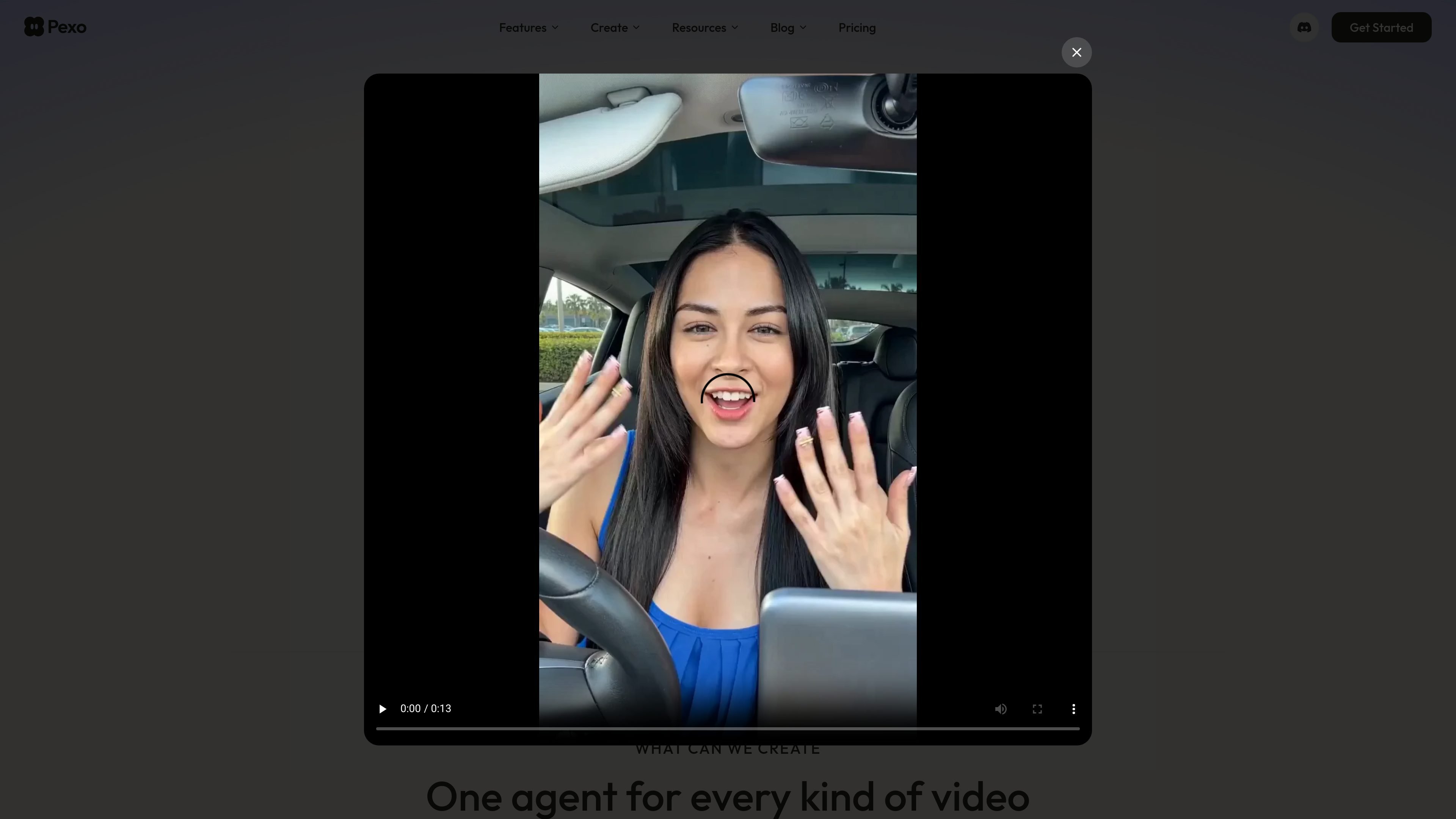
Natural-language video creation
Describe an idea in plain language and Pexo turns it into a finished video without requiring prompt syntax.

Pexo is an AI video agent that turns ideas into polished, publish-ready videos through conversation, with flexible inputs and a credit-based subscription.
Pexo is an AI video agent that turns ideas into finished videos through natural conversation. It is positioned as a tool for people who want to describe what they need, share supporting assets, and receive a polished video without working through a traditional editing pipeline.
The site presents Pexo as a multi-step creation assistant rather than a single prompt box. It can plan the creative direction, select models and references, produce complete videos with audio and captions, and support revisions through visual feedback. The product also shows publish-ready outputs for platforms such as TikTok, YouTube, Instagram, and X, plus a connection flow for using Pexo inside OpenClaw.
Describe an idea in plain language and Pexo turns it into a finished video without requiring prompt syntax.
Upload product photos, clips, audio files, images, scripts, or a reference link and use them as input for the video plan.
Pexo can handle text-to-video, image-to-video, URL-to-video, audio-to-video, and script-to-video requests from the same interface.
The product says it plans the creative work, builds storyboards, selects references, and then produces complete videos with narration, music, subtitles, and transitions.
Users can review options, adjust direction, and make revisions with visual feedback without restarting the project from scratch.
Pexo can route work across leading AI models and also includes AI avatar, image generation, and music generation capabilities.
Create ad-style videos for products by starting with photos, a product page link, or a short brief and letting Pexo assemble a publish-ready video.
Turn a script or plain-language explanation into a clear video with narration, subtitles, and transitions for onboarding or teaching content.
Make short videos for TikTok, YouTube, Instagram, X, and similar channels when you need platform-ready output without manual editing.
Use Pexo to convert audio, images, or a creative brief into a story-driven video when the source material is mixed rather than a single script.
Connect Pexo to OpenClaw when you want to generate videos directly inside chat instead of switching into a separate editing workflow.
Pexo is designed for creating product ads, social posts, explainers, launch videos, personal memories, and similar video content. The site also shows a conversational workflow where you can describe a video, add references, and iterate on the result.
The guide says you can start by sharing your vision and assets, then Pexo analyzes the inputs, proposes creative concepts, and produces a finished video. It also supports visual feedback for revisions on the video itself.
Pexo can produce short-form social videos, product demos, brand ads, story videos, and publish-ready clips. The home page also highlights text-to-video, image-to-video, URL-to-video, audio-to-video, script-to-video, AI avatar, image generation, and music generation workflows.
The pricing and credit rules pages show subscription plans with credits that cover the full workflow, including visuals, audio, captions, and editing. Subscription credits expire at the end of the billing cycle, and add-on credits are available to subscribers.
Pexo can be connected to OpenClaw for in-chat video creation. The connection flow shown on the site uses a Pexo login, invite code, API key, and an OpenClaw install step.
Traffic data is for reference only.

tagshop.ai
Tagshop AI turns product URLs, images, or ideas into ad-ready UGC videos for brands, marketers, and agencies.

agent.vizard.ai
Vizard Agent is an AI video creation tool that turns your footage or a blank prompt into videos, helping transform an idea, template, or existing video into a finished project.

focalml.com
Focal is an AI video creation platform that turns ideas or scripts into finished videos, shows, and cinematic scenes, with visuals, voiceovers, and editing in one workflow.

happyhorsevideo.com
HappyHorse turns text prompts, images, and video references into cinematic short clips with AI—start free, then scale output with flexible plans and credit packs.

pai.video
PixVerse is an AI video creation platform that turns text and images into videos, with templates, quick apps, and intelligent agent tools for fast content generation.

lunair.ai
Lunair is an AI video creation tool that turns text prompts into branded animated explainer videos through natural language.