
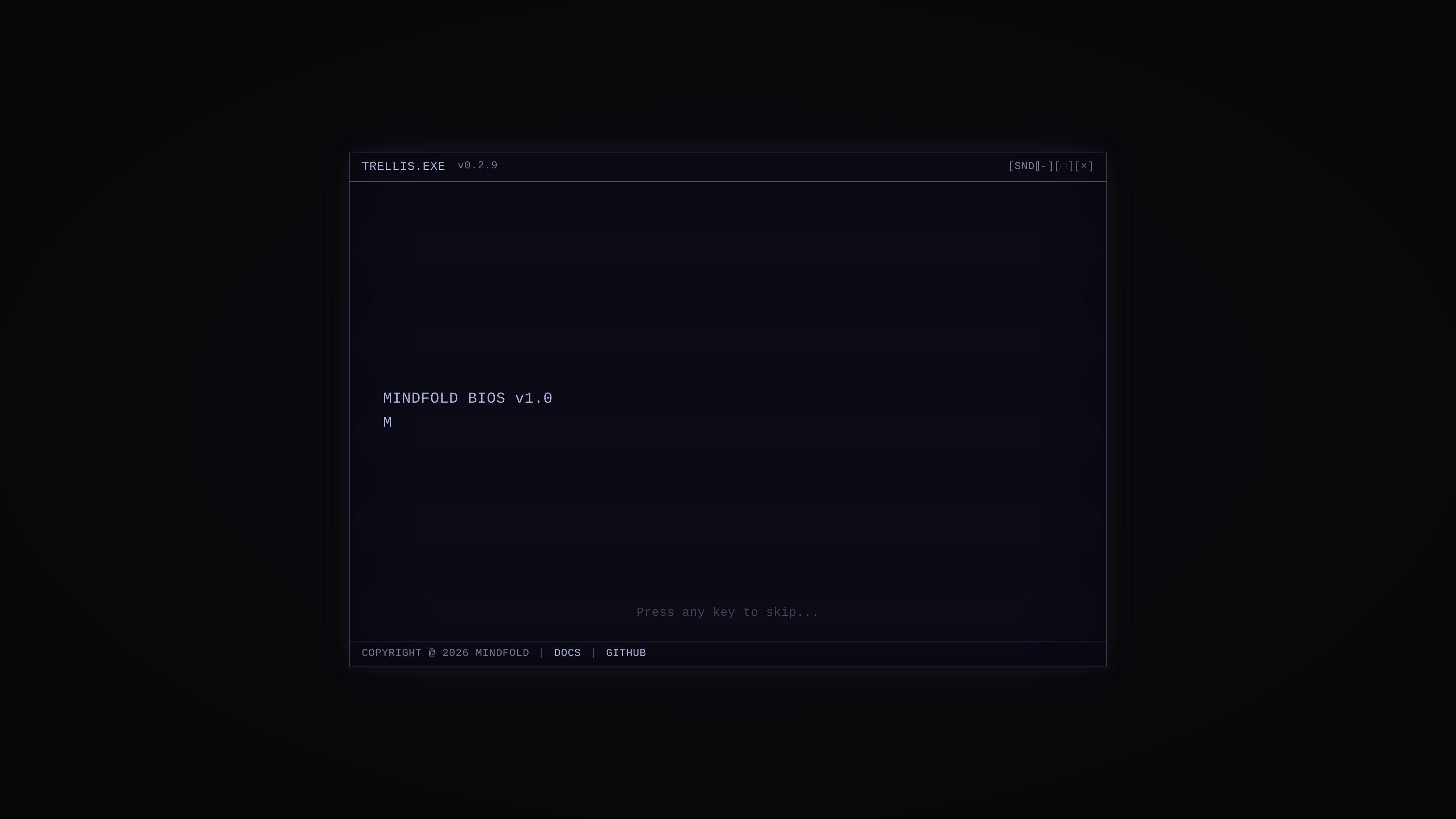
Framework and toolkit positioning
Positions the product as an all-in-one framework and toolkit rather than a single-purpose app, suggesting it is meant to support a broader AI-assisted workflow.

Trellis is an AI framework and toolkit for Claude Code and Cursor, with docs and GitHub resources.
Trellis is an AI framework and toolkit positioned for use with Claude Code and Cursor. The site presents it as a developer-oriented product rather than a general-purpose consumer app.
The homepage text emphasizes a versioned executable-style identity and links to documentation and GitHub. That suggests Trellis is meant to support an AI-assisted coding workflow where users can learn more through project docs and source materials.
Positions the product as an all-in-one framework and toolkit rather than a single-purpose app, suggesting it is meant to support a broader AI-assisted workflow.
Explicitly references Claude Code and Cursor in the product description, indicating the product is built around those AI coding environments.
The homepage presents a terminal-like interface and references a versioned executable name, which suggests a developer-oriented workflow and product surface.
The homepage links to docs and GitHub, giving users a path to source information and implementation details outside the landing page.
Developers who want an AI-oriented framework and toolkit for work inside Claude Code or Cursor can use Trellis as the project layer around that workflow.
Builders evaluating the project can start from the homepage, then follow the docs and GitHub links to inspect implementation details before adopting it.
Teams that already use Claude Code or Cursor and want a more structured setup around those tools may use Trellis as a shared starting point.
Trellis appears to be intended for use with Claude Code and Cursor, but the source does not provide setup steps or supported connection methods.
The source describes Trellis as an AI framework and toolkit, but it does not specify the exact outputs it generates or the formats it supports.
The available pages do not document team features, collaboration controls, or organization-level usage.
The pricing page returned a 404 during collection, so the source does not confirm plan names, pricing levels, or trial details.
Traffic data is for reference only.

oomol.com
OOMOL connects Gmail, GitHub, and Notion to AI agents for reuse across Codex, Claude Code, and Cursor, with free, paid, and usage-based plans.

conductor.build
Conductor is a Mac app for running Claude Code, Codex, and Cursor agents in parallel isolated workspaces, so developers can delegate tasks, review diffs, and merge locally.

apps.mergeable.io
Diffsmith is a native macOS app for reviewing local git changes made by AI coding agents such as Claude Code, Cursor, Codex, and Copilot. Add inline comments and send them back to the agent as a prompt or via a local MCP server.

www.agentconnect.md
AgentConnect lets teams bring ACP agents such as Claude Code, Codex, and Gemini CLI into Slack, Telegram, Discord, and GitHub, where they can take on work in the channels teams already use to collaborate. It’s open source and self-hostable, with roles, tools, memory, and configurable triggers for agent workflows.

heimwall.ai
HeimWall is a macOS app and team observability product that detects secrets, PII, and other confidential data in prompts sent to AI coding tools such as Cursor, Claude Code, Copilot, and Windsurf. Raw prompts stay on-device by default, while only redacted signals are shared for team reporting.

www.coolplugz.com
CoolPlugz is an orchestration layer for Claude Code that gathers context, runs structured workflows, and helps deliver coding tasks with less constant supervision. It’s for developers looking to reduce context switching across Jira, GitHub, Slack, Notion, and CI.