
On-device prompt capture
HeimWall reads the prompt composer itself on macOS so it can catch text before the AI tool sends it to its own cloud. The source pages describe three capture paths: Accessibility, clipboard polling, and a local TLS proxy.

HeimWall is a macOS app and team observability product that detects secrets, PII, and other confidential data in prompts sent to AI coding tools such as Cursor, Claude Code, Copilot, and Windsurf. Raw prompts stay on-device by default, while only redacted signals are shared for team reporting.
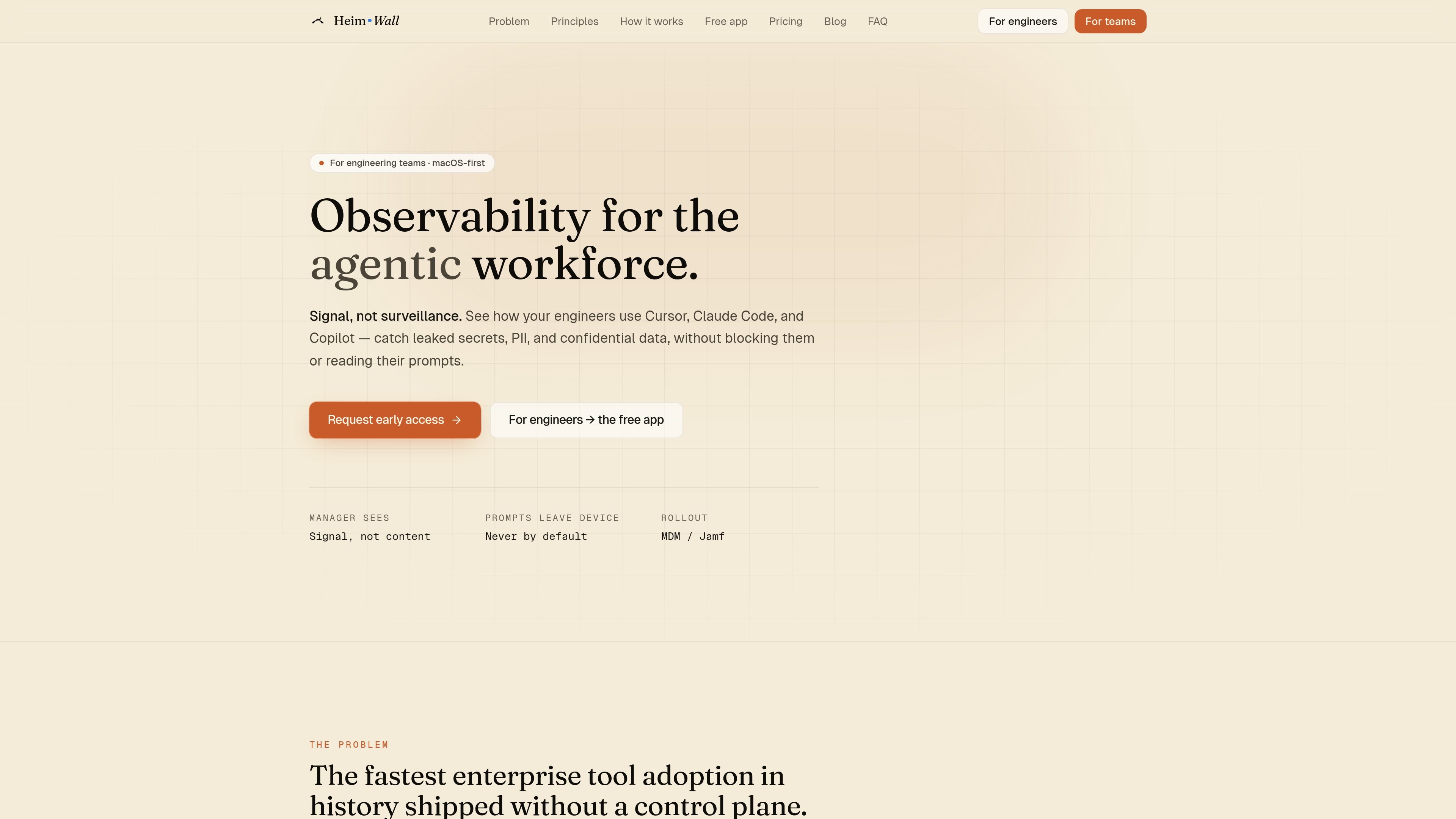
HeimWall is a macOS-first observability tool for engineering teams adopting agentic coding assistants. It is designed to detect secrets, PII, and other confidential data in prompts used with tools such as Cursor, Claude Code, Copilot, and Windsurf, while keeping raw prompt text on the engineer’s machine by default.
The product positions itself as “signal, not surveillance”: the free individual app stays local-only, and the team product uplifts only redacted metadata so managers can see patterns, trends, and safety scores without reading prompts. The source pages also describe an early-access team workflow, MDM/Jamf rollout, and a tiered pricing model from free solo use to custom enterprise deployment.
HeimWall reads the prompt composer itself on macOS so it can catch text before the AI tool sends it to its own cloud. The source pages describe three capture paths: Accessibility, clipboard polling, and a local TLS proxy.
The detection engine is layered. Deterministic regex rules catch hard-shaped secrets and common PII, and a pretrained on-device classifier can handle fuzzier leaks without training on customer prompts.
When a match is found, the raw value is replaced locally before any event is recorded or shared. Team-visible records carry a masked snippet, category, severity, and related metadata instead of the original prompt.
Individual users get a local-only safety layer with no account and no uplink. Team users enroll the same agent in an organization so managers can see redacted signal without accessing raw prompts.
The team product exposes a manager dashboard with Safety Score, category breakdowns, and per-engineer trends. The pricing page also lists a company control panel for de-identified aggregates.
Team plans add admin and alerting surfaces that the pricing page associates with higher tiers, including SSO, SCIM, SIEM export, Slack, and PagerDuty integrations.
An individual engineer can use the free Mac app to catch accidentally pasted secrets or PII before sending a prompt to an AI coding assistant. The app works locally and does not require an account.
A team lead can enroll developers in the team product and review Safety Score trends, category breakdowns, and per-engineer patterns instead of inspecting prompt content directly.
A security or platform team can roll the agent out through MDM/Jamf, then layer on organization-level policies, SSO, SCIM, SIEM export, and alerting where those tiers are available.
A company using multiple agentic coding tools can standardize on one on-device detection layer rather than relying on separate native controls from each vendor. HeimWall is positioned as tool-agnostic across the supported apps.
An enterprise interested in stronger governance can evaluate the higher tiers that mention on-prem deployment, BYOK, and SOC 2 Type II materials, while keeping the same detection engine across tiers.
HeimWall runs on macOS as a menu-bar app for individual developers, and as an enrolled agent for teams. The free individual app stays entirely on-device, while team use adds redacted signal for a manager dashboard.
The source pages explicitly list Cursor, Claude Code, Copilot, and Windsurf at launch. HeimWall instruments the local app rather than using a browser extension, and the FAQ notes that new agentic tools are added over time.
The setup shown for the free Mac app is to download the DMG, move it to Applications, and grant Accessibility so it can read the prompt box in supported AI tools. The product page says the app is signed and notarized and does not require an account.
For teams, the agent sends redacted metadata rather than raw prompts. The manager dashboard can show Safety Score, category breakdowns, and per-engineer trends, and the pricing page says sealed payloads can be opened only with 2FA, written justification, and employee notification.
Pricing is split across Solo, Team, Business, and Enterprise. Solo is free forever; Team and Business are per-seat paid plans; Enterprise is custom and includes options such as on-prem deployment, BYOK, and SOC 2 Type II materials.
Traffic data is for reference only.

apps.mergeable.io
Diffsmith is a native macOS app for reviewing local git changes made by AI coding agents such as Claude Code, Cursor, Codex, and Copilot. Add inline comments and send them back to the agent as a prompt or via a local MCP server.

www.medley.sh
Medley is a Claude Code plugin that turns prompts into coordinated multi-agent mission plans and displays their structure at a URL. Built for developers running research, outreach, operations, and coding in Claude Code with parallel agents and human checkpoints.

0011.ai
0011.ai is a managed AI coding platform with a visual browser workflow and terminal helper for Claude Code and OpenAI Codex, plus usage tracking, project files, and macOS and Windows support.

github.com
GitHub Copilot is GitHub’s AI coding assistant and agent platform, helping developers write code, run background tasks, and manage agent-driven work across their workflow.

conductor.build
Conductor is a Mac app for running Claude Code, Codex, and Cursor agents in parallel isolated workspaces, so developers can delegate tasks, review diffs, and merge locally.

oomol.com
OOMOL connects Gmail, GitHub, and Notion to AI agents for reuse across Codex, Claude Code, and Cursor, with free, paid, and usage-based plans.