
Prompt decomposition
Convert a prompt into a mission plan with a target, budget, deadline, and check-ins before the agents start work.

Medley is a Claude Code plugin that turns prompts into coordinated multi-agent mission plans and displays their structure at a URL. Built for developers running research, outreach, operations, and coding in Claude Code with parallel agents and human checkpoints.
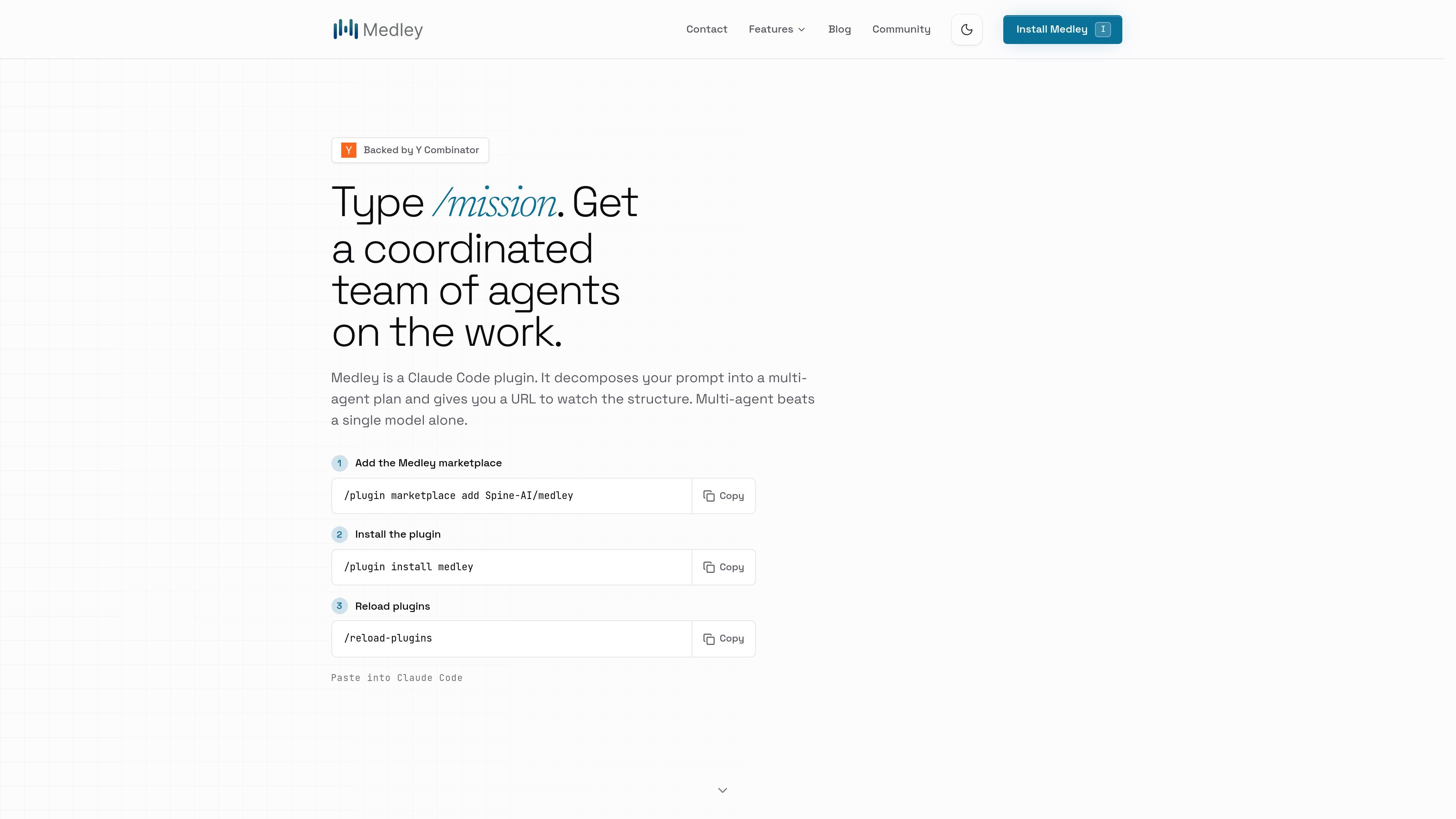
Medley is a Claude Code plugin that adds a /mission command for turning a single prompt into a coordinated multi-agent plan. Instead of asking one model to do everything in one session, it decomposes the work, assigns steps to agents, and shows the structure at a URL.
The product is built for work that stretches beyond a narrow coding task: research, outreach, docs, hiring, operations, and other company-building work that benefits from parallel execution and human checkpoints. Medley stays inside Claude Code, uses the models you already have access to there, and is described as free on the site.
Convert a prompt into a mission plan with a target, budget, deadline, and check-ins before the agents start work.
Run coordinated work across multiple agents, including parallel steps and explicit handoffs between sub-tasks.
Use different models where they fit, including Claude, GPT, Gemini, Grok, Qwen, DeepSeek, Ollama, and Llama as shown on the site.
See the same task tree, status, and handoffs in the terminal and in a browser URL for the mission board.
Work with adjacent tools and company systems such as GitHub, Slack, Notion, Linear, Jira, Gmail, Google Drive, and more.
Keep missions inside Claude Code rather than moving to a separate dashboard or app.
Break a customer-acquisition goal into research, outreach drafting, lead list building, and review steps so the work can move in parallel instead of one session at a time.
Coordinate coding and non-coding work together when a launch needs copy, research, implementation, and approval gates in one mission.
Run research-heavy work such as finding signal, summarizing sources, or preparing a report with multiple agents working on separate subtasks.
Use Medley for ops work like hiring, calendar coordination, docs, or outreach where the task is less about a single code change and more about a managed sequence of actions.
Keep a project moving over time with a shared mission structure that survives beyond one terminal session and makes handoffs visible.
Medley turns a prompt into a multi-agent mission plan. It defines the target, budget, deadline, and checkpoints, then runs coordinated agents on the steps inside Claude Code.
No. Medley is a Claude Code plugin, so you still work in Claude Code while Medley adds mission planning, multi-agent execution, and a URL for the structure.
No. Medley is free and uses the models you already have access to in Claude Code.
No. Medley asks before sensitive actions such as publishing, sending outbound, spending, or contacting people, and you can grant more autonomy over time.
Medley is local-first and bring-your-own-keys on Mac. The FAQ says missions, keys, and agent conversations stay on your device rather than on Medley’s servers.
Traffic data is for reference only.

kilo.ai
Kilo Code is a multi-agent AI coding plugin for JetBrains IDEs. It helps developers run and manage AI coding agents, review changes in isolated worktrees, and choose from a large model catalog without leaving the IDE.

conductor.build
Conductor is a Mac app for running Claude Code, Codex, and Cursor agents in parallel isolated workspaces, so developers can delegate tasks, review diffs, and merge locally.

jackalope.dev
Jackalope is a desktop workspace for running AI coding agents in parallel across separate Git worktrees. It helps developers carry project context between tasks, use supported agent tools, and review related changes together.

agentgrid.sh
AgentGrid is a desktop app for managing multiple AI agents on one infinite canvas, with terminals, browsers, notes, and code tools in a shared workspace. Built for developers orchestrating parallel agent work visually on macOS, Windows, and Linux.

superset.sh
Superset is a desktop tool for running multiple AI coding agents in parallel on your own machine. Separate work into isolated Git worktrees, review changes, and keep tasks moving without waiting for one agent at a time.

ponytail.dev
ponytail is a ruleset for AI coding agents that guides them toward the smallest code change that works. It helps developers and agent users avoid overengineering, reuse platform features, and keep changes concise.