
Content-aware search and answers
Search documents by their contents and ask questions across files. Answers cite their source, and the service indicates when information is not found.

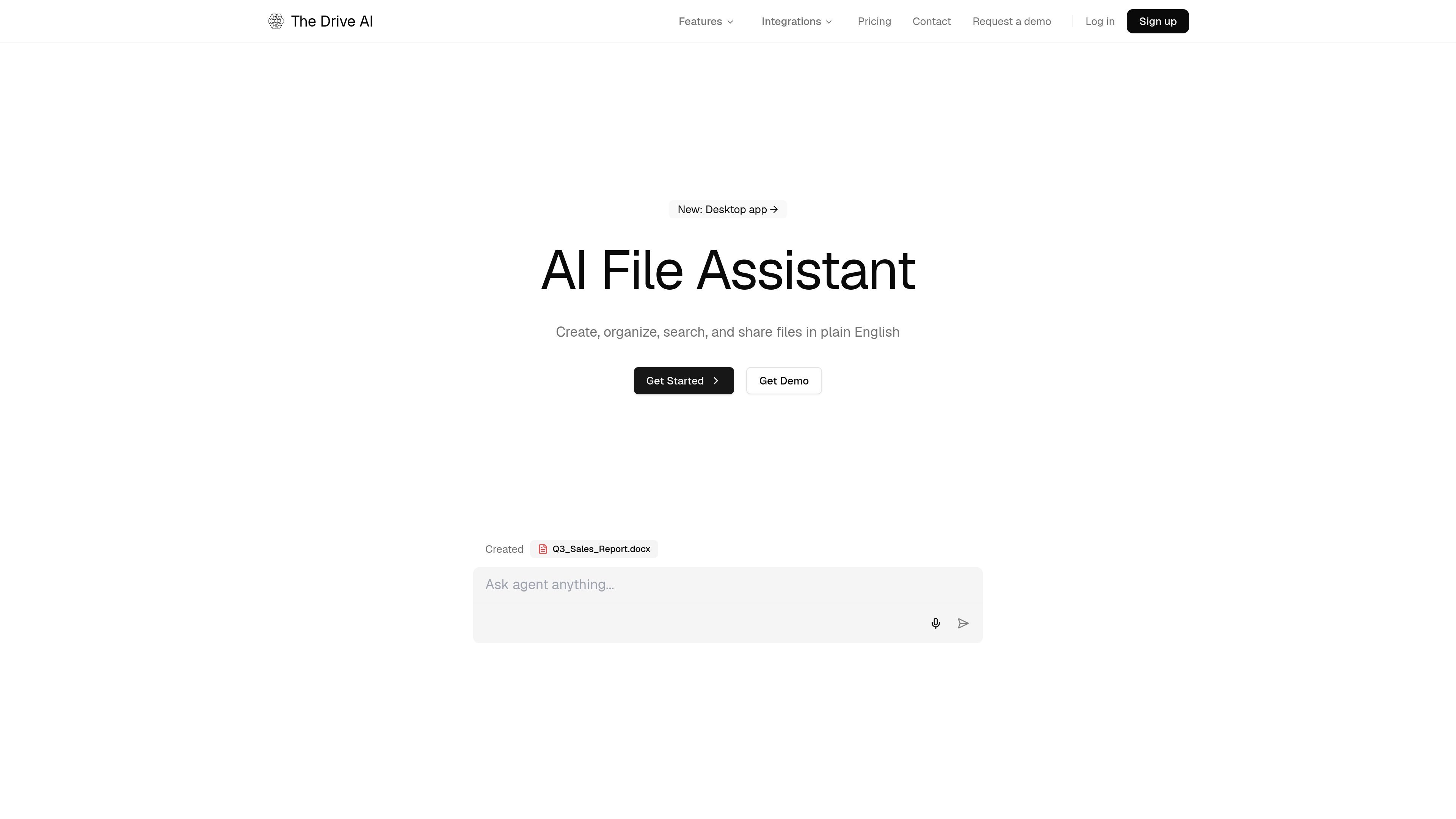
AI file management for organizing, searching, and working with documents across team drives.
The Drive AI is an AI document-management assistant for organizing, searching, and working with files through plain-English requests. It can read document contents rather than relying only on filenames, then propose filing, renaming, sharing, and document-creation actions. It works with files uploaded to its own workspace, and eligible plans connect it to Google Drive, OneDrive, SharePoint, and Dropbox so files can be organized in place. Users can review proposed changes, require approval for larger or external actions, and undo changes.
Search documents by their contents and ask questions across files. Answers cite their source, and the service indicates when information is not found.
Request tasks such as sorting, renaming, summarizing, merging PDFs, sharing reports, or sending documents for signature.
The assistant presents proposed changes; larger changes and actions sent to another person can wait for approval. Changes can be undone.
Define rules for incoming files so they can be read, named, moved, or routed as they arrive. Runs can be reviewed or replayed.
On Max and Team plans, the assistant can work with connected Google Drive, OneDrive, SharePoint, Dropbox, and Device files, as well as Gmail, Outlook, Slack, and Microsoft Teams workflows.
The workspace supports file requests and e-signatures, with signed copies able to be filed under the relevant matter in the legal workflow.
Read matter names, document types, and dates from pleadings, correspondence, exhibits, and scanned discovery, then organize them by matter. Search agreements or discovery and trace answers to their source documents.
Find invoices for a particular property or client, extract details for comparison, or organize records by client and year.
Set workflow rules for files arriving through connected drives, email, or collaboration services so recurring filing and naming tasks are handled consistently.
Use the assistant to organize and search personal study materials and ask questions across documents stored in the workspace.
Yes. Max and Team plans connect to Google Drive, OneDrive, SharePoint, and Dropbox, and the assistant can organize files in place. Uploading and importing files into The Drive AI workspace is also supported.
Small changes may apply immediately and can be undone. Larger changes and actions sent to another person wait for approval, with workspace administrators setting the approval threshold.
Yes. OCR makes scanned document contents searchable. For legal work, the document assistant runs alongside case-management software; it does not apply Bates numbering or produce an eDiscovery load file.
The free plan includes 20 assistant tasks per month, 10 workflow files per month, 1 GB of storage, and support for up to 50 files. Chatting that does not require searching files does not count as a task.
Team includes pooled usage and storage, admin controls, member management and multiple integrations. It has a three-seat minimum. New team workspaces can start a seven-day trial, limited to one trial per person; a card is required and billing starts when the trial ends.
Traffic data is for reference only.

speechify.com
Speechify reads documents and web content aloud, with voice typing and AI tools across devices.

anythingllm.com
AI app for chatting with documents, running LLMs, and using AI agents across desktop, cloud, or self-hosted deployments.

filegpt.app
Ask questions across documents, media, YouTube videos, and webpages with GPT-powered answers.

pdfgpt.chat
PDF GPT is an AI chat tool for summarizing, searching, and asking questions about PDF documents. It supports cited answers, multi-PDF search, and multilingual workflows.

www.nativdocs.co
Nativ Docs is a collaboration layer for AI-generated documents, presentations, and sites. It helps teams review, comment on, and improve AI-made work in context, rather than across separate chat threads.

paperchat.io
Web-based AI chat for searching, summarizing, and extracting information from uploaded documents with sourced answers.