
Context-anchored comments
Select exact text in a document and comment on the specific idea being discussed, so the question, context, and decision stay together.

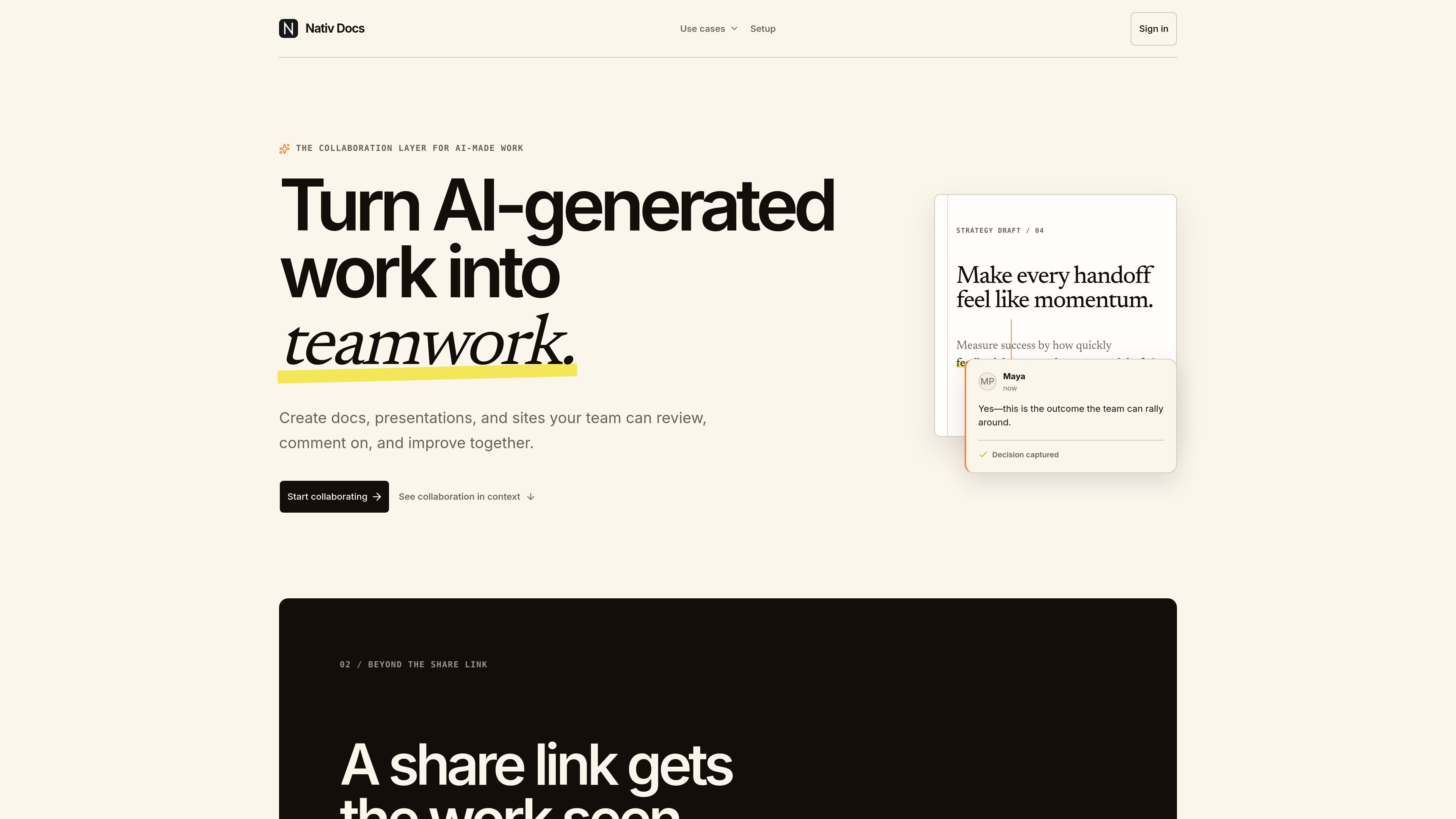
Nativ Docs is a collaboration layer for AI-generated documents, presentations, and sites. It helps teams review, comment on, and improve AI-made work in context, rather than across separate chat threads.
Nativ Docs is a collaboration layer for AI-made work. It is designed to take documents, presentations, and sites created with AI tools and give teams a place to review the work itself, discuss specific passages, and turn feedback into the next draft.
The product’s core idea is to keep the draft readable and reviewable in one place rather than pushing comments into a separate chat transcript or forcing teams to copy content between tools. The site positions Nativ Docs as a way to make handoffs more useful by attaching comments and decisions to the draft, so the team can move from first version to revised version with less manual reconstruction.
The site also shows a workflow for technical design reviews. In that flow, Markdown plans stay in Git while reviewers open a rendered version in Nativ Docs, leave anchored comments on exact passages, and then carry the resolved decisions back into the repository. A setup page also shows that the product can be connected to Codex or Claude Code through an MCP server and a global skill install.
Select exact text in a document and comment on the specific idea being discussed, so the question, context, and decision stay together.
Bring AI-generated documents, presentations, or sites into a shared space where teammates can respond to the draft itself rather than to a separate transcript.
The homepage explicitly mentions documents, presentations, and sites, giving teams a common review flow across different output formats.
The product emphasizes turning feedback into the next draft and preserving decisions, which helps teams avoid losing context between review rounds.
The technical design review page shows Markdown files being rendered for review, so engineering plans can be discussed in readable form without copying them into another editor.
The setup page documents connecting Nativ Docs to Codex or Claude Code by adding the MCP server and installing a skill globally.
Teams can review a draft launch brief or launch plan, comment on the exact wording, and capture decisions before the next revision.
Engineering teams can keep RFCs, ADRs, or implementation plans in Git, review a rendered Markdown copy in Nativ Docs, and commit the resolved feedback back to the repository.
A slide deck created with AI can be brought into Nativ Docs so stakeholders can comment on the content and tighten the next draft without switching to a separate chat thread.
AI-generated site copy or pages can be reviewed collaboratively, with comments attached to the relevant text instead of discussed indirectly elsewhere.
Teams using Codex or Claude Code can connect Nativ Docs through the documented setup flow and move AI-produced work into a shared review space.
Nativ Docs gives teams a place to review AI-generated work, comment on the draft itself, and turn feedback into the next version.
The homepage explicitly mentions documents, presentations, and sites, and the technical design page shows Markdown plans being reviewed in context.
For technical design reviews, GitHub remains the source of truth for the plan while Nativ Docs is used as the review room for rendered Markdown and anchored comments.
Yes. The technical design review page says Markdown is rendered as a readable document so product, design, security, and operations teammates can review it without working directly in a diff.
The setup page says to sign in to Nativ Docs, add the Nativ Docs MCP server, and add the Nativ Docs skill globally through skills.sh.
Traffic data is for reference only.

speechify.com
Speechify reads documents and web content aloud, with voice typing and AI tools across devices.

anythingllm.com
AI app for chatting with documents, running LLMs, and using AI agents across desktop, cloud, or self-hosted deployments.

gavel.io
Gavel is a legal software platform for AI contract review and document automation, helping teams review, redline, and draft in Microsoft Word while turning intake into completed documents.

pdf.ai
PDF.ai lets you chat with PDFs to ask questions, get summaries, and find information, with API tools to parse, extract, and split documents.

filegpt.app
Ask questions across documents, media, YouTube videos, and webpages with GPT-powered answers.

go-legal.ai
AI legal documents and contracts platform with templates, review, experts, and signing workflows