
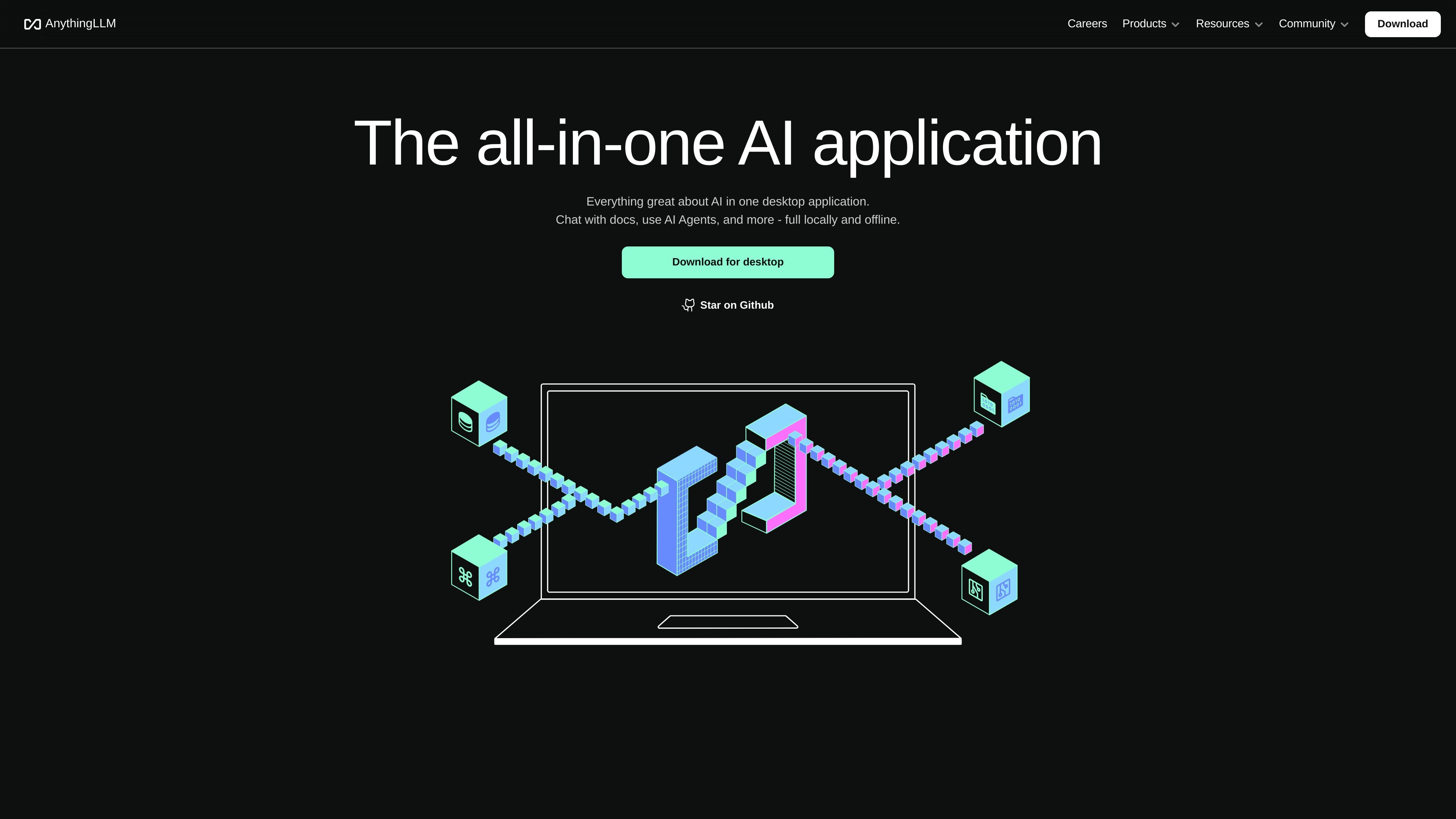
Document chat
Use the app to chat with PDFs, Word documents, CSV files, codebases, and other document types, including documents imported from online locations.
AI app for chatting with documents, running LLMs, and using AI agents across desktop, cloud, or self-hosted deployments.
AnythingLLM is an AI application for chatting with documents, running LLMs, and using AI agents from a single interface. The product is offered as a local desktop app, a hosted cloud service, and a self-hosted option, with the desktop version positioned as private by default and ready to use without technical setup.
The site emphasizes support for local and cloud models, document ingestion across common business file types, and a workflow that keeps data on the user’s machine unless they choose otherwise. The cloud offering adds multi-user access, admin controls, and white-label options for teams that need shared deployment and governance.
Use the app to chat with PDFs, Word documents, CSV files, codebases, and other document types, including documents imported from online locations.
Run local models in a click or connect to local and cloud LLM providers, including built-in support for private defaults and enterprise providers such as OpenAI, Azure, and AWS.
Use AI agents inside the same interface, with the product describing built-in agent support and agent skills in its community ecosystem.
Store models, documents, chats, embedder, vector database, and agent data locally by default when using the desktop app, with nothing shared unless you allow it.
Work from a single desktop application with a simple UI, built-in API, and support for text-only and multimodal models.
Extend the product with plugins, integrations, custom data connectors, custom agents, and white-labeling for team deployments.
Use the desktop app to keep documents, chats, and model activity on a single machine when local privacy is the priority.
Connect the app to an existing LLM provider and ask questions across PDFs, spreadsheets, documents, or codebases without building a custom RAG stack.
Deploy the cloud or self-hosted version for a team that needs shared access, tenant isolation, and admin controls.
Use white-label and customization options when the product needs to match an organization’s branding or workflow.
Use the built-in API, plugins, and agent skills to embed AnythingLLM into broader product or automation workflows.
AnythingLLM is available as a local desktop app and as a hosted cloud or self-hosted option. The desktop app is designed for private, local use; the cloud and self-hosted plans are aimed at teams that need multi-user access and admin controls.
The desktop product is described as local by default, with documents, chats, and the model stored on the machine running it. The cloud offering is also positioned around privacy, while the pricing page notes private instances and multi-user access.
The pricing page shows three hosted options: Basic at $50 per month, Pro at $99 per month, and Enterprise with contact sales pricing. It also says Desktop is the easiest way to get started and is available as a separate installable application.
AnythingLLM is suitable if you want to chat with documents, use AI agents, and work privately with local or cloud models. It may be less suitable if you need a fully managed SaaS with no local setup only, since the product emphasizes desktop, Docker, and self-hosted deployment options.
Traffic data is for reference only.

elephas.app
Mac AI productivity app for sensitive documents with local-first indexing, redaction, and offline or cloud AI

filegpt.app
Ask questions across documents, media, YouTube videos, and webpages with GPT-powered answers.

speechify.com
Speechify reads documents and web content aloud, with voice typing and AI tools across devices.

thedrive.ai
AI file management for organizing, searching, and working with documents across team drives.

skilldocs.dev
SkillDocs is a collaborative markdown workspace for editing, commenting on, and sharing the documents that agents run on. It combines live multiplayer editing with an MCP-based workflow for pushing skills from local files, collecting feedback, and pulling changes back.
www.nativdocs.co
Nativ Docs is a collaboration layer for AI-generated documents, presentations, and sites. It helps teams review, comment on, and improve AI-made work in context, rather than across separate chat threads.