
Text-prompt editing agents
Main, Motion Designer, Audio, and Research operate on the same project and timeline. Ask answers, Plan proposes a workflow, and Edit makes a change that can be reviewed.

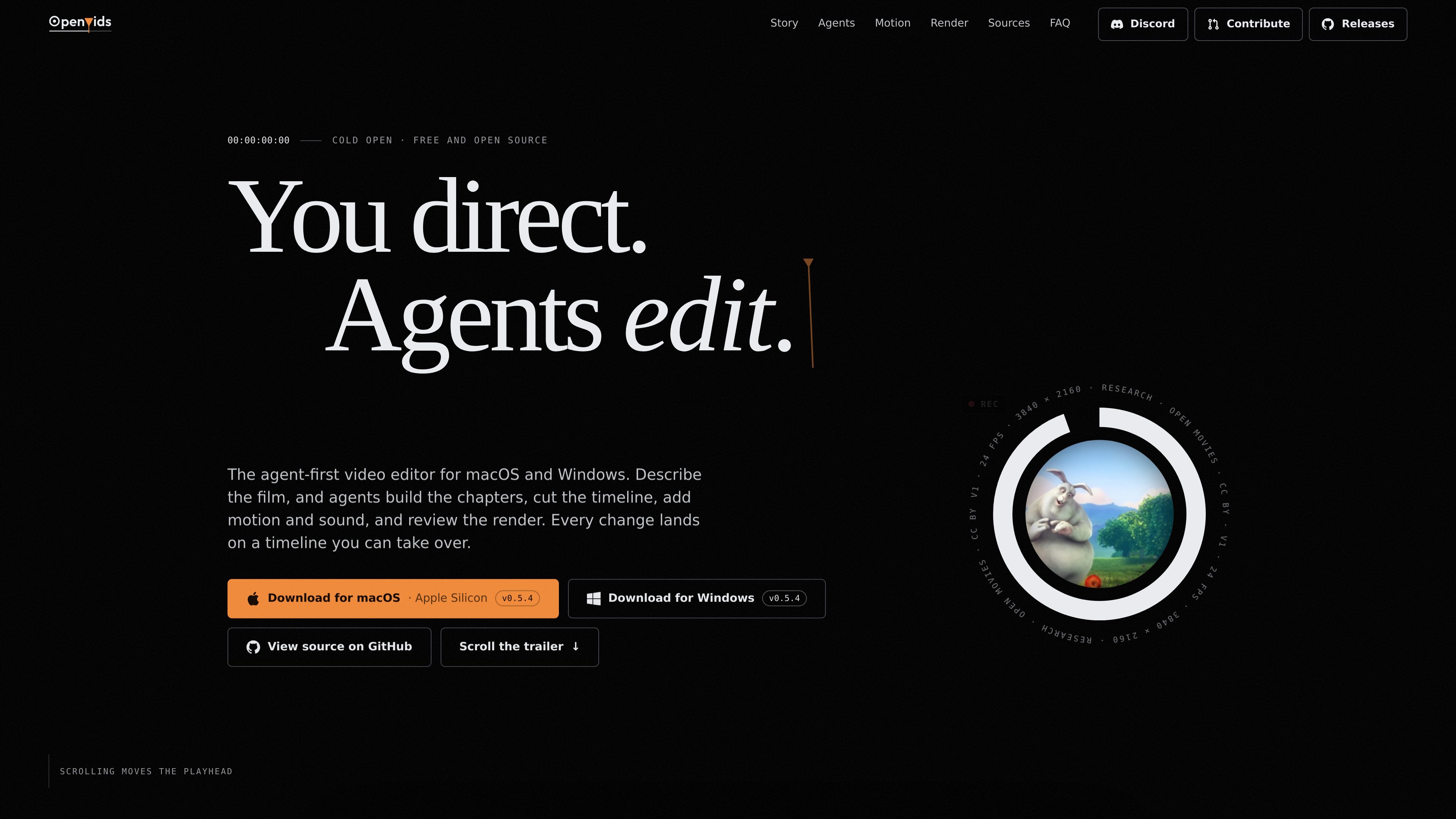
An open-source AI video editor for macOS and Windows that turns story briefs and text prompts into reviewable timeline edits.
OpenVids is an open-source, agent-first video editor for macOS and Windows. It organizes editing around a story-led workflow: media is collected in the Media workspace, chapters are arranged in a Story Graph, and Build turns the graph into a rough cut on the timeline. Editors can then refine the result with text prompts or direct timeline edits.
Four agents—Main, Motion Designer, Audio, and Research—work in Ask, Plan, and Edit modes. Ask answers without changing the cut, Plan proposes a pass, and Edit applies a timeline change. Each result is placed in the project as a reviewable change, allowing the editor to inspect, adjust, or take over the work. OpenVids also includes source and license tracking for research and an agent-assisted render review step.
Main, Motion Designer, Audio, and Research operate on the same project and timeline. Ask answers, Plan proposes a workflow, and Edit makes a change that can be reviewed.
Organize a film as chapters with a purpose and target length, then let agents attach shots, sound, and motion before Build lays the structure onto the timeline.
Describe titles, lower thirds, logo stings, or caption styles in a sentence. The resulting motion work is built into the project so it can be scrubbed, adjusted, and reused.
The demo workflow includes dialogue loudness cleanup, music-bed trimming, rough-cut assembly, caption preparation, and matching between interview angles.
Research returns footage selections and tracks licenses and credits. After rendering, review passes can flag issues such as awkward cuts and black frames, while pacing findings remain an editorial decision.
Start with an interview chapter structure and ask Main to center the cut on a strong answer, preserve the interview beats, and use supporting B-roll to bridge angle changes.
Define chapters such as a cold open, problem, feature tour, field section, and outro. Build can assemble the chapter roles into a first cut while keeping missing media visible as placeholders.
Use Motion Designer prompts for title stings, lower thirds, logo animations, and caption styles, then review the results directly in the project and reuse them across the edit.
Ask Research for relevant B-roll or other footage selections and use its license and credit tracking to keep source information attached to the project.
The site provides downloads for macOS and Windows. The listed macOS download is for Apple Silicon; the site also lists a Windows v0.5.4 download.
No. Agents assemble and modify the project, but the editor retains the final calls on performance, pacing, chapter purpose, and fine cuts. Every change lands on a timeline that can be reviewed or edited manually.
Ask answers a request without changing the cut, Plan proposes a pass for review, and Edit changes the timeline. The mode determines how far the agent takes the prompt.
The Research agent can find footage and sources, track licenses and credits, flag disputed sources, and prepare credit lines to copy. The available evidence does not establish specific source libraries or export restrictions.
Traffic data is for reference only.

openchatcut.com
OpenChatCut is a free, open-source, local-first video editor for conversational, AI-assisted editing on a real multitrack timeline. Turn prompts into editable cuts while keeping projects, exports, and timeline changes under your control.

movavi.com
Movavi Video Editor is a desktop video editor for cutting, cropping, and enhancing clips with timeline tools and AI-assisted helpers. It offers a free download, broad format support, and documented Windows system requirements.

story.com
Story’s timeline-based video editor for combining uploaded footage, generated scenes and AI editing suggestions.

devmotion.app
DevMotion is a browser-based AI video creation and editing platform for product launches, demos, ads, and feature announcements. It turns prompts or product URLs into editable HTML-based video projects with animation, voiceover, music, captions, and timeline controls.

www.supercut.cc
Supercut is a private AI video editor that runs in a browser or desktop app, letting creators describe edits such as trimming, reframing, captioning, color grading, and audio cleanup in plain English. It also includes a multitrack timeline and screen recorder for local video workflows.

www.aivideoeditor.app
AVE is a local-first AI video editor for Mac with a real timeline, reviewable edit plans, and local export. It helps creators, marketers, editors, and Mac teams turn footage into polished deliverables while keeping projects on-device by default.