
Screen, webcam, and meeting recording
Record screen and webcam videos, with meeting recording included on the pricing page. The product also supports no time limits on the free Starter plan.

Screen recorder and knowledge base that turns recordings into SOPs with AI search and sharing
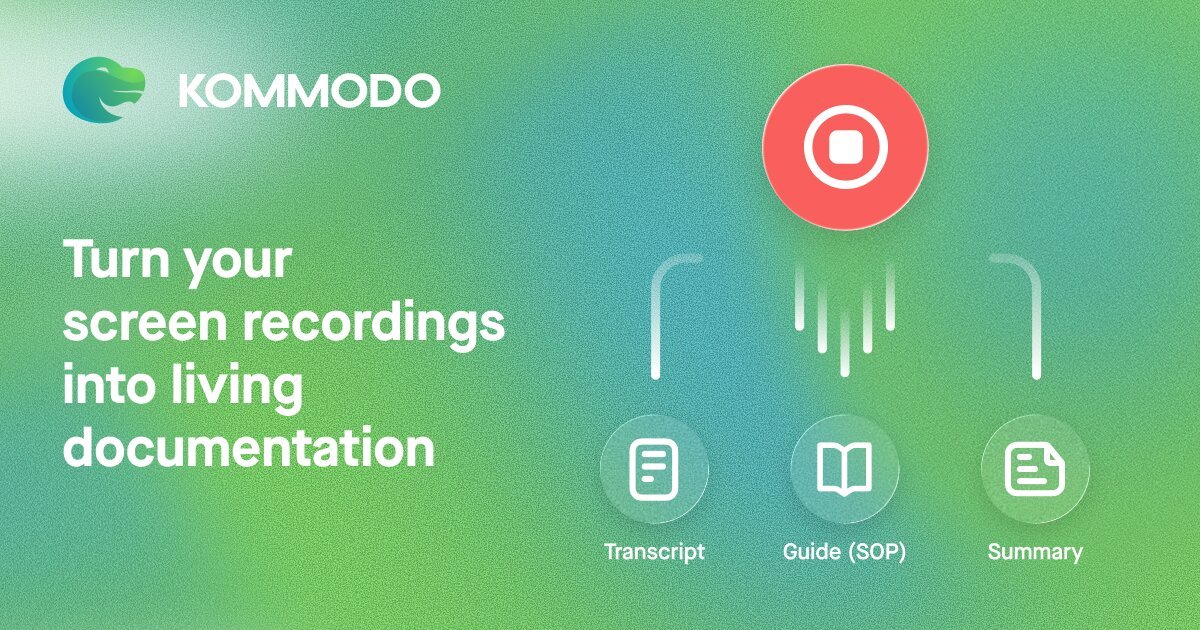
Kommodo is a screen recorder and knowledge base for teams that combines video capture, documentation, and AI search in one browser-based product. The site positions it as a tool for recording screens, turning recordings into SOPs, and organizing video knowledge for sharing and reuse.
It supports screen and webcam recording, meeting capture, transcript-based editing, AI-generated meeting summaries, and a page builder for turning videos into shareable landing pages. The pricing page also frames it as a team product with roles, permissions, folders, collaboration features, and calendar-based meeting recording.
Record screen and webcam videos, with meeting recording included on the pricing page. The product also supports no time limits on the free Starter plan.
Turn recordings into step-by-step SOPs and tutorials automatically, including guides with up to 10 steps on the Starter plan.
Use transcript-based editing in the cloud editor to refine recordings after capture, including crops, deletions, and dub-over workflows mentioned on the use-case pages.
Sync with Google Calendar to record meetings and generate summaries, weekly recaps, and action items that can be shared to Slack or Jira.
Search across the video library and ask questions with the built-in AI assistant, which returns answers with links back to source videos and guides.
Turn videos into landing pages with links, files, buttons, text, branding, and custom domains for organized sharing.
Create company presentations, product demos, and internal announcements by recording the screen, editing the result, and sharing it as a link or branded page.
Record lectures, supplemental lessons, or student submissions, then share the video through a simple link or organized folder for class use.
Capture scheduled calls through Google Calendar, then generate summaries, weekly recaps, and action items for Slack or Jira follow-up.
Turn recurring processes into SOPs and tutorials so teams can reuse the same instructions instead of rewriting them from scratch.
Store recordings in a searchable library so teams can find past videos, ask the AI assistant questions, and reference the original source clips.
Kommodo’s Starter plan includes 15 videos with no time limits, no watermarks, and sharing capabilities, plus AI transcription, instant link sharing, and guides with up to 10 steps. The pricing page also notes that paid plans add features such as HD recording, custom branding, and team features.
The pricing page says recordings on the Starter plan stay accessible, and the account owner can download or remove created content at any time. Premium is positioned for unlimited videos and permanent access to a full library.
Yes. The pricing page describes a cloud video editor with transcript-based editing, and notes that it is available on the Starter plan with a limited feature set.
Yes. The product mentions analytics for every video, including viewer identification when the viewer has a Kommodo account and the duration watched.
The site says you can sign in to chat directly from the dashboard, and also points users to the Kommodo Community for guides and questions.
Traffic data is for reference only.

helpjuice.com
Build a searchable knowledge base for customer support, SOPs and employee onboarding. Helpjuice combines article editing, access controls and analytics, with AI writing, search and chat included in its AI-Knowledge Base plans.

docsie.io
Docsie turns recordings, PDFs, SOPs, websites, and expert knowledge into structured documentation, training, portals, and AI-ready answers.

useopyt.com
Opyt turns the bookmarks, follows, likes, and subscriptions you already make into a growing knowledge base for your AI client. It serves that source material through MCP so clients such as Claude, Cursor, Codex, and Windsurf can search, read, and analyze it.

ima.qq.com
A Tencent AI workspace combining knowledge-base search, reading, and writing for study and office work

document360.com
Document360 helps teams draft, review and publish knowledge-base articles, with file/video AI drafts, approval workflows and cited answer search.

super.work
Slite is an AI knowledge base for team documentation and knowledge management. It helps teams write, verify, search, and maintain docs so information stays accurate over time.