
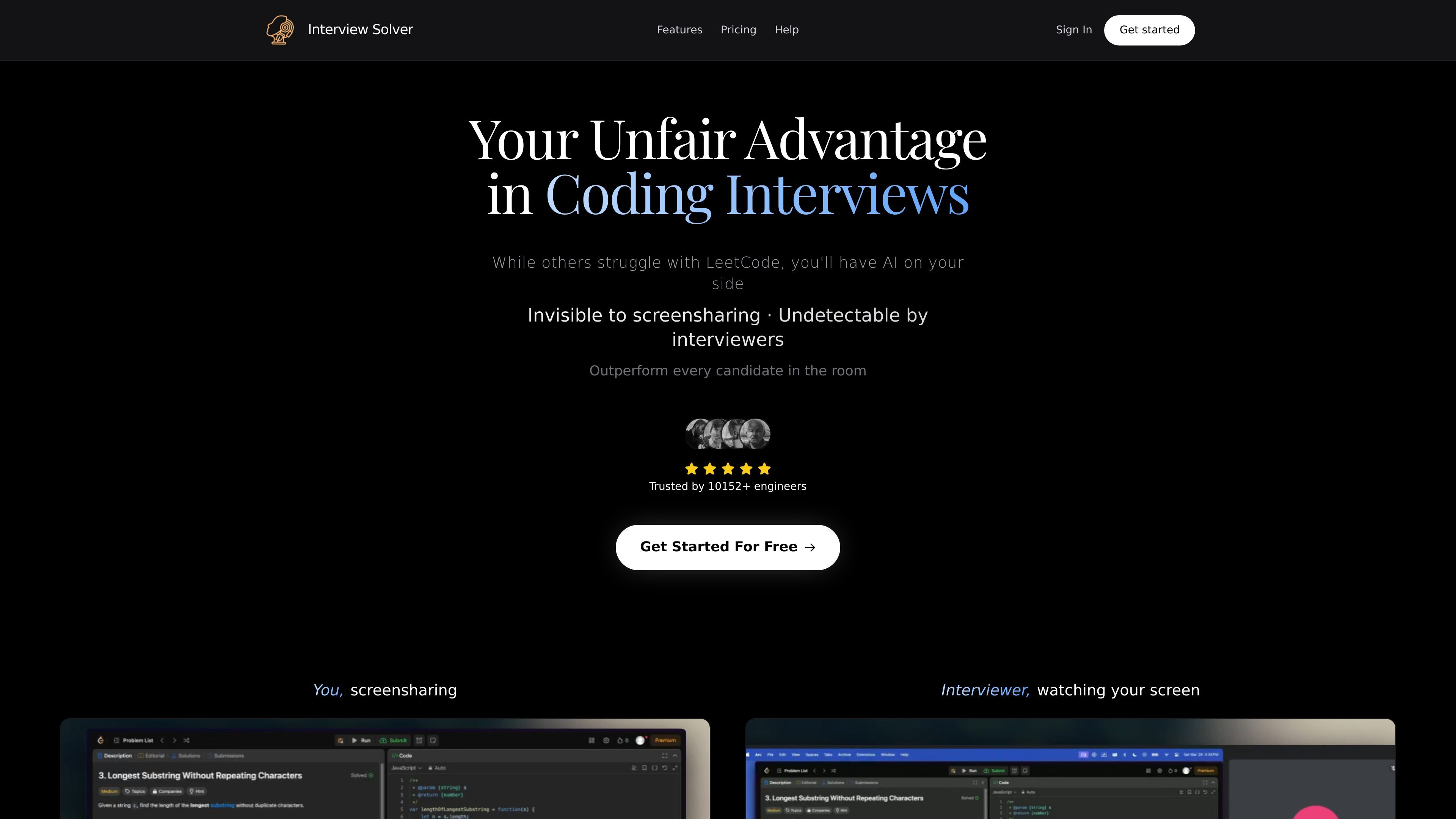
Desktop app with global hotkeys
Runs as a desktop application rather than a browser extension, with global hotkeys so you can trigger the copilot without alt-tabbing.

Interview Solver is a desktop AI copilot for live coding and system design interviews, helping candidates capture questions, transcribe audio, and generate structured answers.
Interview Solver is a desktop AI copilot for live coding and system design interviews. It is positioned as an interview assistant that can help users respond to LeetCode-style problems, capture screen content, and follow spoken interview questions in real time.
The product is built around a workflow that uses hotkeys, screen capture, audio transcription, companion mode, and document upload so candidates can get answers during interviews without relying on a browser extension. The site presents it for individual job seekers preparing for technical interviews on macOS and Windows.
Runs as a desktop application rather than a browser extension, with global hotkeys so you can trigger the copilot without alt-tabbing.
Captures the current screen or a selected window and sends it to the AI copilot for problem solving, including LeetCode-style questions.
Transcribes both system audio and microphone input so the copilot can follow the interviewer’s questions and the conversation context.
Lets you keep a second display open for code and chat results, and can be used from another device through companion mode.
Supports document upload so you can reference your resume, project docs, or other technical materials while answering questions.
Includes syntax highlighting and flowchart-style output for code and system design responses.
Use Interview Solver while solving algorithm questions in a live interview, especially when you need screen capture, transcription, and hotkeys to stay in the flow of the conversation.
Use the system design-oriented output, including flowcharts and structured responses, when the interviewer asks about architecture, trade-offs, or broader design decisions.
Upload your resume, project notes, or technical docs before the interview so the copilot can reference material that is specific to your background.
Run the app on a second device or companion display if you want code and chat results visible without switching away from your interview window.
Use the free tier to evaluate the app with your own setup before deciding whether the monthly plan is worth it.
Yes. The site says you can start with a free trial after signing up, and the app can be used for free during that trial. The FAQ also says the free tier includes 10 free messages.
The documentation says Interview Solver is a desktop app for macOS and Windows. It is designed to run alongside screen sharing and uses global hotkeys instead of a browser extension.
The docs describe a workflow where you install the app, log in, choose your programming language in Custom Instructions, select the screen or window you want to share with the AI copilot, and use hotkeys during the interview to send the current screen or selected text.
The site describes support for coding interviews and system design questions. It also mentions document upload so you can reference your resume, project docs, or technical materials during an interview.
The FAQ says the app is designed to be undetectable to interviewers and proctored assessments, and the docs note a best-results recommendation to keep screen resolution at 1920x1080 or lower, or to share only relevant windows.
Traffic data is for reference only.

sorinai.com
Sorinai is a desktop AI notepad for meetings on Mac and Windows. It fills note templates during live calls, lets you ask an AI copilot questions mid-call, and offers a free Starter plan and paid team tiers.

vervecopilot.com
AI interview assistant with live transcription, suggestions, and mock interviews

transkriptor.com
Transkriptor turns audio and video into editable text with AI for meetings, lectures, interviews, calls, and voice notes. Available on web, desktop, mobile, and Chrome, with summaries, exports, and custom vocabulary.

uniscribe.co
Transcribe audio and video, then create summaries, mind maps, and key questions.

www.voicegecko.dev
VoiceGecko is a free, open-source desktop dictation app that runs speech recognition locally on your device, helping you transcribe speech without uploading transcripts to the cloud.

cluely.com
AI meeting assistant with live notes, instant answers, and real-time transcription