
Text-to-image generation
Create photos from text prompts for social media, advertising banners, product cards, logos, avatars, and other image tasks. The homepage says prompts can be written in your native language.

Homiwork is a browser-based AI catalog for creating and editing images, video, music, and text, with 70+ tools, a free first generation without sign-up, and a Telegram Mini App.
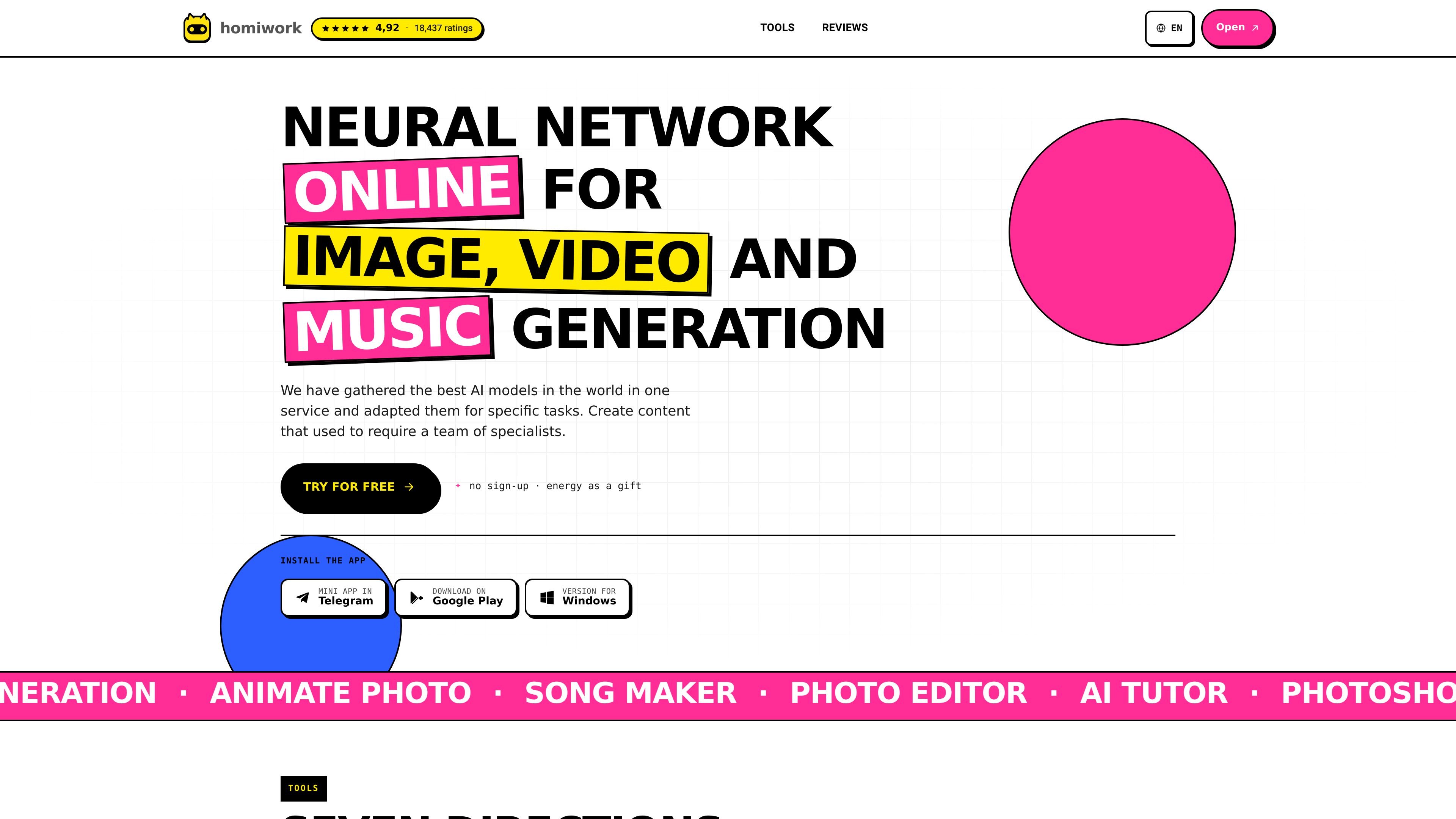
Homiwork is an online AI tool catalog for generating and editing images, video, music, and text. The site presents it as a browser-based service with more than 70 tools, including image generation, photo editing, photo animation, song creation, and study help.
A reader can use the service directly in the browser, without installing software, and the homepage says the first generation is free without sign-up. Some tools are specialized, such as the AI photoshoot generator, which turns an uploaded photo into studio-style portraits or themed shots, and song generation, which can produce music and vocals from a text prompt or user lyrics.
Create photos from text prompts for social media, advertising banners, product cards, logos, avatars, and other image tasks. The homepage says prompts can be written in your native language.
Edit photos by describing the change you want, including removing objects, changing backgrounds, and adding elements. The site presents this as a text-driven alternative to manual Photoshop-style editing.
Turn still photos into animation or generate clips from a text description. The homepage also positions this for short-form content, presentations, gifts, and older family photos.
Generate songs and vocal tracks from a description or from your own lyrics. The app page adds that users can control vocals and style and upload a reference track.
Access 70+ AI tools in one browser-based catalog, including image, video, music, text, study, and utility tools. The site says the first generation is free and no sign-up is required.
Use AI Photoshoot to upload a portrait and generate studio-style headshots or themed shoots. The photoshoot page includes quality levels, formats, and ready-made style prompts.
Generate social media visuals, ad banners, product cards, avatars, or logo concepts from text prompts, including prompts written in the user’s native language.
Upload a selfie or portrait and create LinkedIn headshots, business profile images, dating profile photos, or a consistent set of studio-style portraits.
Remove objects, change backgrounds, or add new elements to an existing image by describing the edit in plain language.
Create short animations or clips from still photos for Reels, TikTok, presentations, gifts, or restoring older family photos in motion.
Generate songs, jingles, or vocal tracks from prompts or lyrics for personal projects, video content, or branded material.
Yes. The homepage says first-generation access is free and available without sign-up, and the AI photoshoot page says the first generation in standard quality is always free.
The site says Homiwork works in the browser and does not require downloads or installations. It also mentions that an account is created automatically on first use to save results.
The available pages show tools for image generation, photo editing, photo animation, song generation, AI tutoring, and text generation. The photoshoot page also supports uploads, prompts, quality levels, and aspect ratios.
The photoshoot page says you upload a photo, describe the scene or choose a prompt, then generate and download the result. The main app page gives a similar flow for other tools: choose a tool, upload a photo or enter a prompt, generate, and download.
The Telegram link page says you can open Homiwork as a Telegram Mini App and start the bot from Telegram.
Traffic data is for reference only.

aitubo.ai
Browser-based AI image and video generator for creating and editing from text, images, or references.

getimg.ai
getimg.ai is an AI platform for creating and editing images, video, music, and speech from text prompts.

janusproai.org
GenImg AI is a web-based AI image generator for creating images from text or other images with FLUX.1 models. It offers free credits for registered users, paid credit plans, and model-specific pages for generation and editing workflows.

pixnova.ai
PixNova AI is a web-based creative studio for generating and editing images, videos, and audio, with browser tools for video generation, image editing, face enhancement, and more.

freecreate.app
FreeCreate brings text-to-image and short-video creation from prompts or still images into one browser workspace. Start generating without an account.

image-generator.com
AI Image Generator turns text prompts into images with style and aspect-ratio controls, prompt suggestions, and free access without sign-up.