
Text-to-image generation
Describe a subject, style, lighting, palette, and composition to create image outputs for visual exploration and design work.

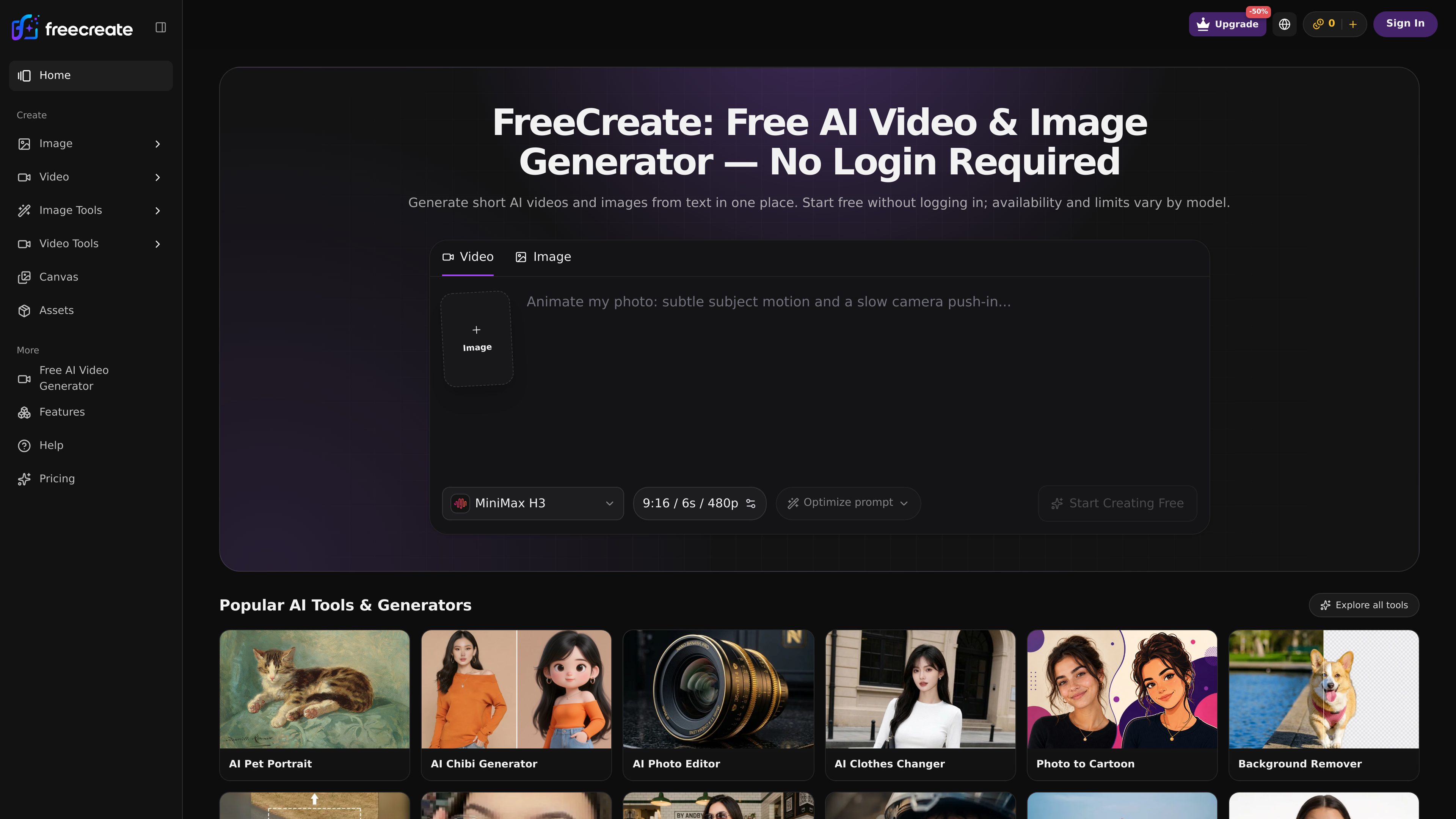
FreeCreate brings text-to-image and short-video creation from prompts or still images into one browser workspace. Start generating without an account.
FreeCreate is a browser-based tool for generating AI images and short videos. It brings text-to-image, prompt-based video, and still-image-to-video workflows into one workspace: choose an available model, provide a prompt or supported reference image, and generate a visual result. Users can start without logging in. Model capabilities, supported settings, and usage limits vary.
Describe a subject, style, lighting, palette, and composition to create image outputs for visual exploration and design work.
Create short video concepts from a text prompt or a still image. Prompts can describe action, camera direction, pacing, and atmosphere.
The tool library includes image editing, inpainting, image extension, and image-to-image workflows; reference-image support depends on the selected workflow.
Choose among available models for image generation, transformation, or video creation. Different models support different styles and creative workflows.
The workspace exposes controls such as aspect ratio and prompt optimization. Video settings such as duration and resolution depend on the selected model.
Users can start generating directly in the browser without creating an account. Generated results can be reviewed and downloaded.
Generate portraits, stylized characters, fantasy environments, or editorial scenes by describing the intended medium, mood, palette, and composition.
Create early product, packaging, or studio-scene visuals to compare creative directions before preparing a presentation or planning a photo shoot.
Make starting points for posts, stories, and launch graphics by specifying framing, colors, subject matter, and room for text.
Use a source image in a supported image workflow, then prompt for changes to its style, setting, color, or composition.
Turn a scene description or still image into a short clip to explore product motion, cinematic transitions, animation ideas, or social video concepts.
No. FreeCreate says users can start in the browser without creating an account.
Depending on the selected workflow, you can enter a text prompt, upload a reference image, or use a still image as the basis for a video.
The interface shows aspect-ratio controls and some model settings include duration and resolution. Available controls vary by model.
The plan information states that free images include a watermark. It does not make the same statement about every output type.
Yes. The workflow describes reviewing a generation and downloading the content you want to keep.
Traffic data is for reference only.
Traffic analytics are not available yet.
Traffic analytics are not available yet.
Traffic analytics are not available yet.

aitubo.ai
Browser-based AI image and video generator for creating and editing from text, images, or references.

pixnova.ai
PixNova AI is a web-based creative studio for generating and editing images, videos, and audio, with browser tools for video generation, image editing, face enhancement, and more.

decohere.ai
Browser-based AI generator for images, art, and short videos, with free real-time creation and paid video, upscaling, and commercial-use features.

homiwork.com
Homiwork is a browser-based AI catalog for creating and editing images, video, music, and text, with 70+ tools, a free first generation without sign-up, and a Telegram Mini App.

hidreamai.com
AI image and video creation from prompts, images, and audio

openvideomaker.com
OpenVideoMaker is an online workspace for generating AI images and videos with multiple models, prompts, reference media, and iterative creative tools. It supports workflows for short-form storytelling, social content, and product advertising.