
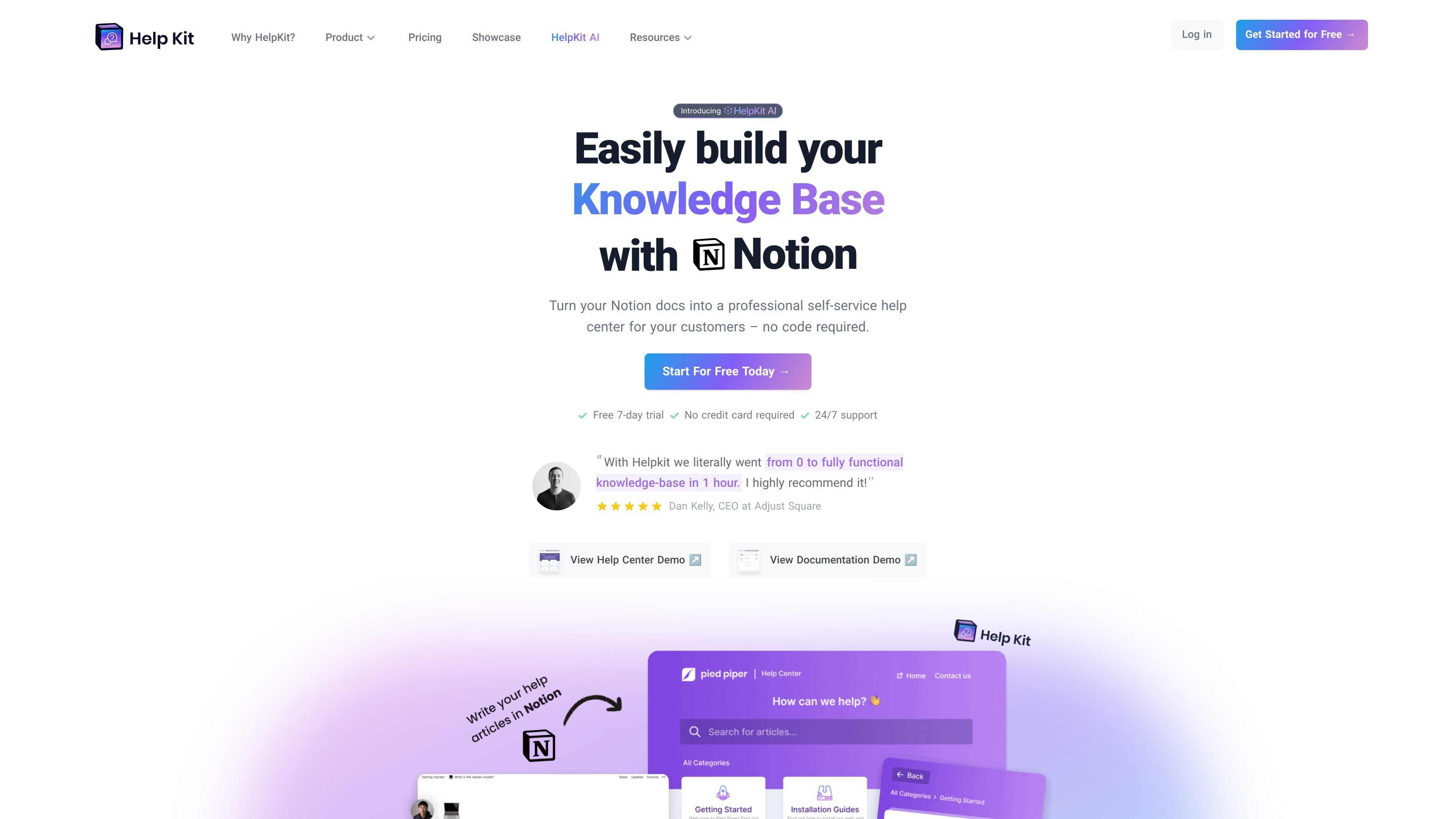
Hosted knowledge base from Notion
Turn a public Notion page into a hosted help center or documentation site instead of publishing the raw Notion page.

HelpKit turns Notion docs into a hosted help center or customer documentation site with search, analytics, widgets, and optional AI chatbot.
HelpKit turns Notion into a hosted self-service help center or documentation site. It is designed for teams that already write product content in Notion and want to publish that content on a branded site without building custom infrastructure.
The product keeps article editing inside Notion, then adds publishing, custom domains, search, analytics, and embedding options on top. The site can be used as a public help center, an internal protected documentation site, or an embeddable widget for web and mobile apps.
Turn a public Notion page into a hosted help center or documentation site instead of publishing the raw Notion page.
Connect a custom subdomain so the published site matches your brand, such as a support domain for customers.
Serve full-text search across your help content so visitors can find answers without browsing manually.
Embed a help widget on a website or mobile app so users can access answers without leaving the product.
Show localized or versioned documentation through different subpaths for languages or product versions.
Track article reactions and search intents to understand which pages help and where users are searching.
Publish a customer-facing support center from Notion content, then connect a custom domain and brand it to match the product.
Create API docs, product documentation, or an employee wiki while keeping authorship and updates inside Notion.
Embed a support widget in a website or product interface so users can search for answers without opening a separate help site.
Add the mobile SDK to surface help content inside a mobile app when users need support in context.
Use HelpKit AI to answer common questions from the knowledge base and reduce repetitive support requests.
HelpKit is set up by connecting a public Notion page to HelpKit’s dashboard. The homepage describes a short flow: duplicate the Notion template, make the root page public, paste the URL into HelpKit, then customize and publish.
HelpKit is built around Notion, so your help articles stay in your Notion workspace while HelpKit turns them into a hosted help center or documentation site. The pricing page also says all content is powered by Notion.
Yes. The pricing page says HelpKit offers a 7-day free trial with no credit card required, and the homepage repeats that the trial is free with no credit card required.
HelpKit AI is an add-on that can be added to any subscription plan. Its pricing page says it costs +$49 per month and is trained on your knowledge base.
HelpKit supports most Notion blocks, but the pricing page says some complex block types such as calendars and databases are still being worked on.
Traffic data is for reference only.

helpjuice.com
Build a searchable knowledge base for customer support, SOPs and employee onboarding. Helpjuice combines article editing, access controls and analytics, with AI writing, search and chat included in its AI-Knowledge Base plans.

super.work
Slite is an AI knowledge base for team documentation and knowledge management. It helps teams write, verify, search, and maintain docs so information stays accurate over time.

komododecks.com
Screen recorder and knowledge base that turns recordings into SOPs with AI search and sharing

docsie.io
Docsie turns recordings, PDFs, SOPs, websites, and expert knowledge into structured documentation, training, portals, and AI-ready answers.

falconer.com
Falconer is an AI-powered company brain that keeps internal documentation accurate, searchable, and current by syncing with GitHub, Slack, and Linear—a shared source of truth for code, docs, and company knowledge.

useopyt.com
Opyt turns the bookmarks, follows, likes, and subscriptions you already make into a growing knowledge base for your AI client. It serves that source material through MCP so clients such as Claude, Cursor, Codex, and Windsurf can search, read, and analyze it.