
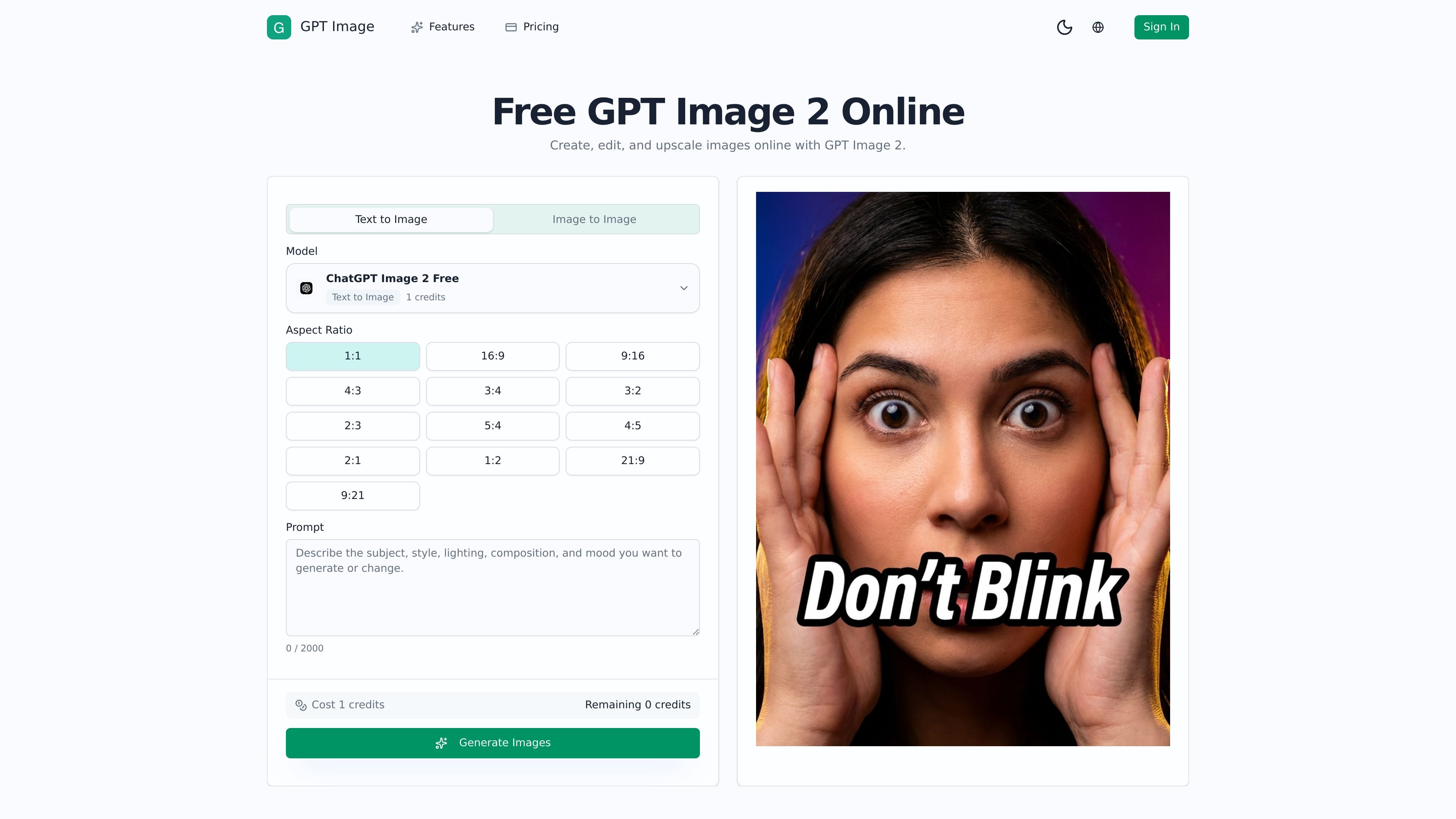
Text-to-image generation
Create new visuals from a written prompt, with selectable aspect ratios including square, portrait, landscape, and wide formats.

Prompt-first AI image generation and editing for creating, refining, and upscaling visuals.
GPT Image is a prompt-first AI image generator and photo editor built around GPT Image 2 workflows. It supports text-to-image creation, image-to-image editing, upscaling, and visual refinement from prompts, reference images, or both. Users can generate variations, compare results, and direct changes to subjects, backgrounds, mood, materials, color, lighting, and composition. The workspace is intended for practical visual production across ecommerce, advertising, social content, portraits, covers, thumbnails, and internal concept reviews.
Create new visuals from a written prompt, with selectable aspect ratios including square, portrait, landscape, and wide formats.
Start from an existing image and prompt changes to its style, background, mood, color treatment, or scene direction.
Upload one or more reference images to guide subjects, composition, materials, environments, or art direction.
Describe cleanup, unwanted-detail removal, background changes, and other edits in plain language instead of relying on a manual masking workflow.
Generate focused versions, compare outputs, and refine prompts to select a result suitable for a campaign, listing, thumbnail, or brand system.
Upscale and refine images while directing stable details such as faces, product silhouettes, packaging, palettes, framing, or recurring brand elements.
Transform a plain catalog or packshot image into a lifestyle-oriented product visual for product pages, paid social, and landing pages.
Use an approved source image to explore multiple advertising directions for different channels, audiences, or launch periods.
Retouch or restyle portraits while using references and prompts to help preserve the subject's identity and key visual details.
Adapt a base image into covers and thumbnails with changed art direction, composition, or visual hierarchy.
Create related illustrations, localized versions, seasonal adaptations, or platform-specific crops that remain aligned with a broader visual direction.
Text-to-image starts with a prompt to create a new visual. Image-to-image starts with an existing image and uses prompts to transform its style, background, mood, or other visual elements.
Yes. GPT Image supports multiple reference images so users can combine subject, style, environment, or composition cues in one generation.
The workflow is designed to preserve specified details such as a face, product silhouette, packaging, palette, or framing while changing other aspects through prompts and references.
The product supports creating, editing, transforming, upscaling, and refining images, with workflows for social media, advertising, ecommerce, portraits, covers, thumbnails, and concept reviews.
The pricing page lists a free plan with starter credits and watermarked outputs, alongside paid plans with larger credit allocations and additional production features.
Traffic data is for reference only.

dzine.ai
Dzine is a web-based AI image and design tool for generating, editing, and exporting visuals, with additional AI video workflows. It is aimed at users who want more direct control over composition, styling, and prompt-based edits than text-only generation typically allows.

vivago.ai
vivago.ai is a web-based AI platform for creating images and videos, with generation, enhancement, and editing tools. New accounts get 30 free credits, plus text-to-image, image-to-image, image-to-video, and 4K upscaling workflows.

fluxai.studio
FLUX AI is a web-based image generation platform for creating and editing visuals with the Flux model family from Black Forest Labs. It offers a free credit tier plus paid plans with private generations and commercial usage rights.

imageditor.net
ImageEditor is a web-based AI image editor for creating and refining images online, with text-to-image, image editing, background removal, upscaling, and commercial use.

starryai.com
AI image generation and editing for people creating artwork from words and photos.

app.reve.com
Reve is an image generation and editing product that combines natural-language edits with a drag-and-drop editor, giving users more control over composition, layout, and high-resolution output than prompt-only tools.