
Prompt-based AI inpainting
Select an area of an image and describe the desired change with a prompt, producing a generated edit for that region.

Free, open-source desktop image editor for AI-assisted inpainting with layers and PSD export.
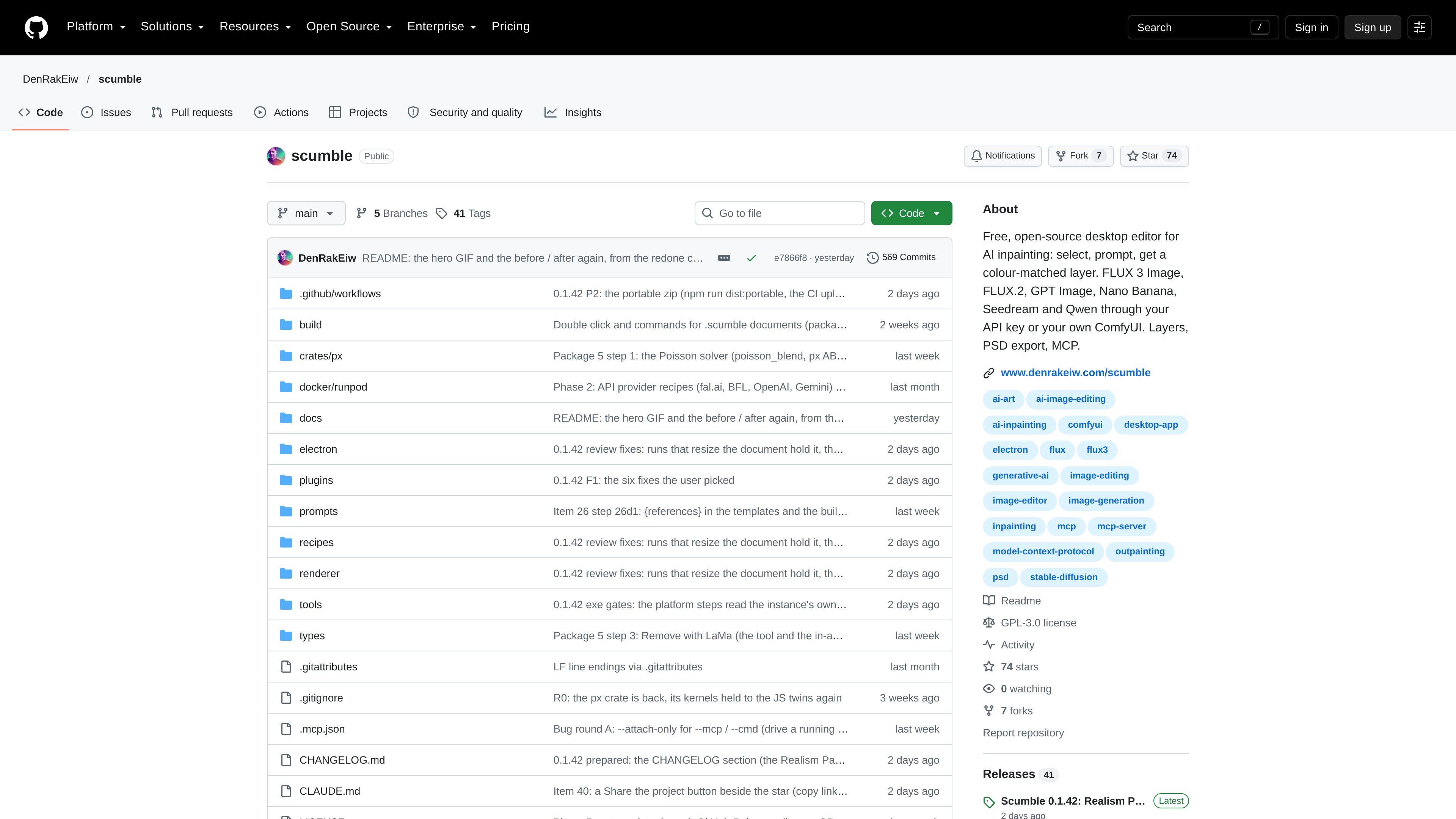
Scumble is a free, open-source desktop image editor focused on AI inpainting. Its central workflow is to select an area, enter a prompt, and generate a colour-matched layer for the edit. The project combines generative image editing with a layered document workflow and supports PSD export for continued work in compatible software.
The repository lists FLUX 3 Image, FLUX.2, GPT Image, Nano Banana, Seedream, and Qwen as model options. These can be used through an API key or through the user’s own ComfyUI setup. Scumble also advertises MCP support, although the available source does not describe the full command set or integration procedure.
Select an area of an image and describe the desired change with a prompt, producing a generated edit for that region.
The project is designed to place generated inpainting results as colour-matched layers, supporting further adjustment within the document.
The repository names FLUX 3 Image, FLUX.2, GPT Image, Nano Banana, Seedream, and Qwen as supported model options.
Connect to supported providers with an API key or use your own ComfyUI setup as the image-generation backend.
Work with layers in the editor and export documents in PSD format for continued editing in compatible image applications.
Scumble includes MCP support, providing a route for use with compatible Model Context Protocol tooling; detailed capabilities are not specified in the available source.
Select an unwanted or incomplete area, describe the replacement, and use inpainting to make a localized change without rebuilding the whole image.
Try alternate AI edits while keeping generated results in a layer-oriented document workflow, making it easier to compare or refine variations.
Use an existing ComfyUI setup as the generation backend when a user prefers to work with their own ComfyUI environment rather than only an API-key connection.
Export layered work as PSD when the image needs to move into another compatible editor for additional compositing or finishing.
Scumble is a free, open-source desktop editor for AI-assisted image inpainting. Its main workflow is selecting an area, entering a prompt, and generating a colour-matched layer.
The repository lists FLUX 3 Image, FLUX.2, GPT Image, Nano Banana, Seedream, and Qwen. The available source does not provide detailed capability or version comparisons for these options.
Yes. The project description says it can use a user’s own ComfyUI, in addition to connections made through an API key.
Scumble advertises layers and PSD export, so layered work can be exported for continued editing in compatible PSD software. The source does not specify export limitations or compatibility details.

photoeditor.ai
PhotoEditor.ai is a browser-based AI photo editor and image generator with 30+ tools for cleanup, background removal, restoration, upscaling, and text-to-image workflows. It works without signup for free tools and supports desktop and mobile browsers.

pixlr.com
Pixlr is a browser-based AI photo editor and image generator for editing photos, creating images and videos, and handling everyday cleanup such as background removal, with free and paid plans.

airbrush.com
Airbrush is an AI photo editor for portraits and image cleanup, offering retouching, object removal, background changes, and enhancement on web, desktop, and mobile with credit-based pricing.

z-image-ai.run
Z-Image AI is a web-based image generator and editor for creating and restyling images from text prompts or uploaded photos, with multiple models, free credits, and watermark-free commercial use.

photoeditorai.io
PhotoEditorAI is a browser-based AI photo editor for prompt-driven image editing and generation, with free, one-time credit, and enterprise plans.

underlayx.com
Web-based AI image editor for background removal, text-behind effects, inpainting, cloning, and layered photo edits.