
Background removal and replacement
Remove image backgrounds and replace them with custom colors, gradients, or uploaded images while keeping the subject intact.

Web-based AI image editor for background removal, text-behind effects, inpainting, cloning, and layered photo edits.
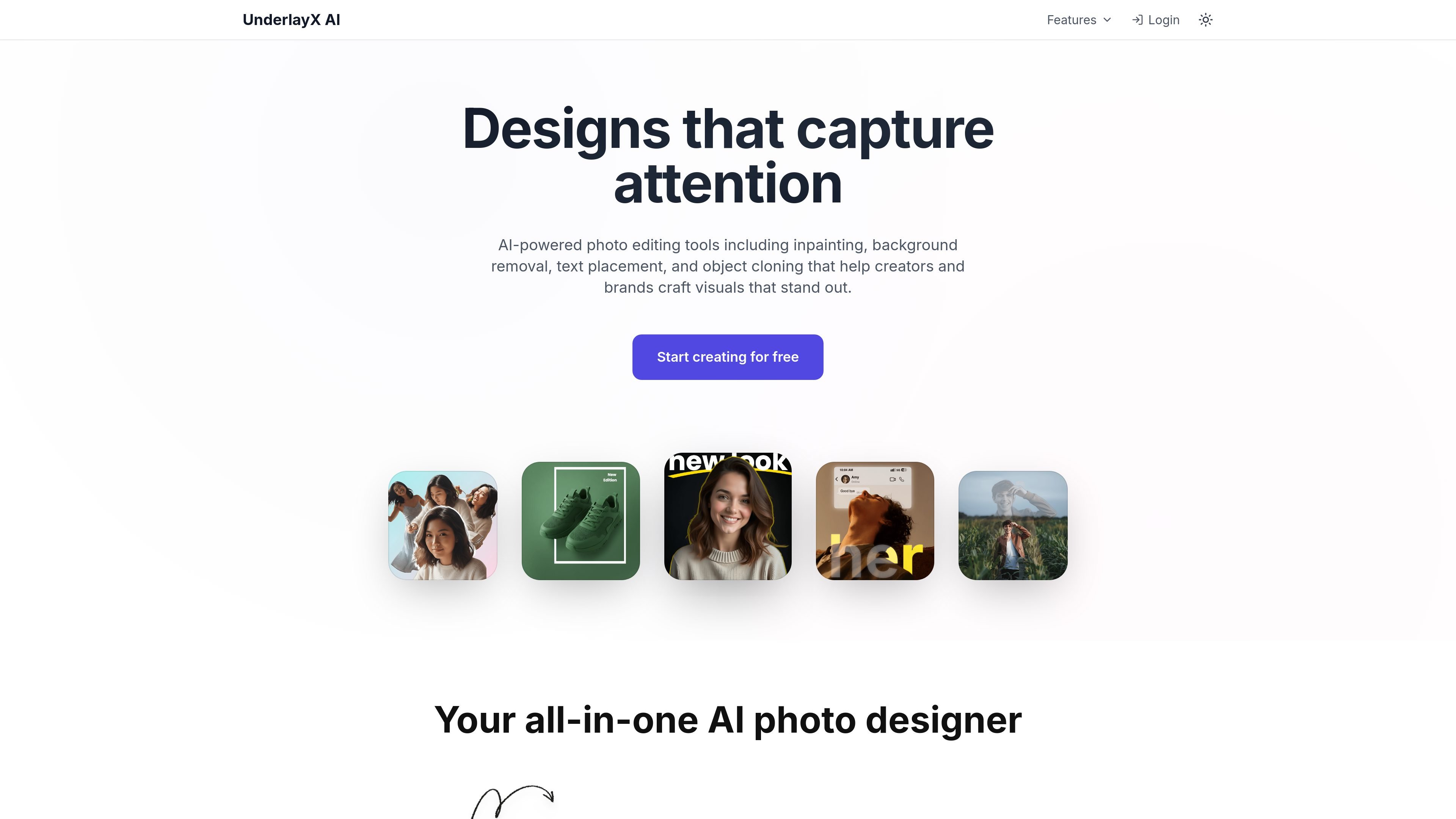
UnderlayX AI is a browser-based AI image editor focused on layered image manipulation. The site positions it as a free editor for removing backgrounds, placing text behind subjects, cloning objects, changing backgrounds, and applying AI-driven edits to specific parts of a photo.
Its tools are aimed at creators, marketers, e-commerce sellers, and people making social or personal visuals. Across the site, the editing workflow centers on uploading an image, choosing a tool, describing the change, and downloading the edited result in a standard image format.
Remove image backgrounds and replace them with custom colors, gradients, or uploaded images while keeping the subject intact.
Place text behind people or objects to create layered compositions for posters, social posts, and thumbnails.
Edit parts of an image with text prompts, including object removal, color changes, clothing adjustments, and scene changes.
Clone, duplicate, replicate, and multiply people or objects to create repeated visual effects or pattern-like compositions.
Blend extra images or effects behind foreground objects and add shapes or outlines to images for layered design work.
Tune background and foreground separately, adjusting saturation, brightness, filters, and related effects with more control than a single global edit.
Replace plain or distracting backgrounds with solid colors, gradients, or new scenes for cleaner product shots and profile images.
Create post graphics, thumbnails, and promo visuals by placing typography behind a subject or adding shapes and outlines.
Remove unwanted objects, adjust clothing or hair color, and change scene details with prompt-based edits for photo cleanup and restyling.
Build repeated-object visuals or layered composites by cloning subjects and combining foreground and background elements.
Edit product, property, or lifestyle images with background and foreground adjustments, selective tuning, and object removal.
Yes. The site presents UnderlayX AI as a free AI image editor, and the AI photo inpainting page says the tool is free to use for uploading images, making selections, applying edits, and downloading results.
You can upload an image, select a region or leave the whole image unselected, type a text prompt describing the change, and then apply the edit. The inpainting page describes this flow as drag-select, prompt, apply, and download.
The sources explicitly mention JPG, JPEG, PNG, and WEBP support, with a maximum file size of 10MB for AI editing.
The collected sources do not show an integrations page or documented import/export connections. The product appears to work as a browser-based editor rather than a connected workflow tool.
The pricing page was unavailable, but the homepage lists a free tier and a Creator plan at $9 per month with unlimited standard AI edits, 50 advanced AI edits per month, priority 24/7 creator support, and early access to new features.
Traffic data is for reference only.

photoeditor.ai
PhotoEditor.ai is a browser-based AI photo editor and image generator with 30+ tools for cleanup, background removal, restoration, upscaling, and text-to-image workflows. It works without signup for free tools and supports desktop and mobile browsers.

pixlr.com
Pixlr is a browser-based AI photo editor and image generator for editing photos, creating images and videos, and handling everyday cleanup such as background removal, with free and paid plans.

picpicai.com
Web-based AI photo editor for image enhancement, background removal, portraits, and stylized visuals

imageditor.net
ImageEditor is a web-based AI image editor for creating and refining images online, with text-to-image, image editing, background removal, upscaling, and commercial use.

magicstudio.com
Magic Studio is an AI image editor and generator for product pages, ads, social posts, and more, with text-to-image, object, and background removal.

airbrush.com
Airbrush is an AI photo editor for portraits and image cleanup, offering retouching, object removal, background changes, and enhancement on web, desktop, and mobile with credit-based pricing.