
Text-to-image generation
Generate original images from text prompts using models such as Nano Banana, Nano Banana Pro, Nano Banana 2, GPT Image 1.5, Seedream 4.0, Seedream 4.5, and Seedream 5.0 Lite.

Web-based AI platform for generating and enhancing images and videos from text prompts.
Genbler is a browser-based AI content platform for generating images and videos from text prompts and for applying targeted edits to existing visuals. The home page presents it as an AI toolkit with image creation, upscaling, face swap, relighting, inpainting, and a growing set of video models.
The site positions Genbler around practical content creation workflows, especially for users making social media-ready visuals. Its pricing page shows credit top-ups for paid usage, while individual model pages such as Nano Banana, GPT Image 1.5, and Nano Banana Pro focus on text-to-image generation with prompt-based input and instant visual output.
Generate original images from text prompts using models such as Nano Banana, Nano Banana Pro, Nano Banana 2, GPT Image 1.5, Seedream 4.0, Seedream 4.5, and Seedream 5.0 Lite.
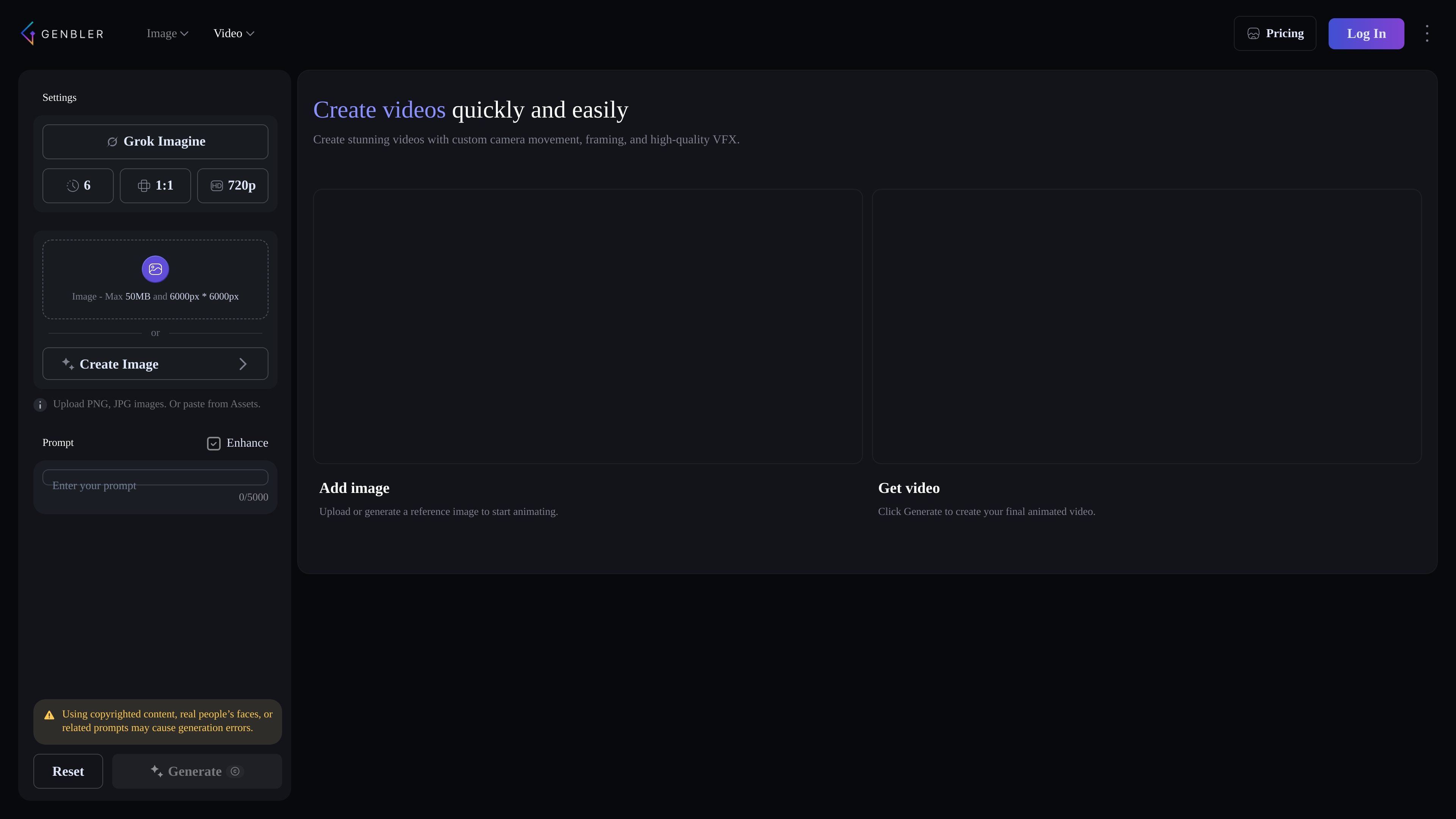
Create videos with models including Seedance 2.0, Kling 3.0, Veo 3.1, Veo 3.1 Fast, Veo 3.1 Lite, Seedance 1.5 Pro, and Grok Imagine.
Adjust existing images with tools such as Upscale, Relight, Face Swap, and Inpaint to refine resolution, lighting, identities, or selected regions.
Work from a single prompt or description across multiple model pages, with each model page focused on a specific generation task and output style.
Use paid credits to unlock more generation capacity, with the pricing page showing top-up packages and a 90-day validity window for paid credits.
Turn a short written prompt into a new image using one of Genbler’s text-to-image models, then choose the model that best fits the style or quality you need.
Produce short-form or cinematic video content with Genbler’s video models when you need an AI-generated clip rather than a static visual.
Refine an existing image by improving resolution, changing lighting, swapping a face, or editing a selected area instead of starting from scratch.
Use model-specific pages such as Nano Banana Pro or GPT Image 1.5 when you want a more focused workflow for a particular image generation task.
Generate social-media-friendly content where the goal is to move quickly from idea to publishable visual assets.
Genbler is a web-based AI image and video generation platform. The source shows tools for creating images, upscaling, face swap, relighting, inpainting, and access to multiple AI video models such as Seedance 2.0, Kling 3.0, and Veo 3.1.
The source does not describe a separate desktop or mobile installation. The product is presented through its website and image model pages, so it appears to be accessed in the browser.
Genbler’s home page highlights image creation, while the pricing page and model pages show both image and video workflows. Users can choose from several models and tool types depending on whether they need text-to-image generation, video creation, or image edits.
The source does not provide a detailed team or collaboration feature set. The pricing page and public pages mainly describe individual creation tools and paid credit top-ups.
Traffic data is for reference only.

genxi.io
Web-based AI for generating images and videos from text prompts, with a chatbot for ideas and guidance.

freecreate.app
FreeCreate brings text-to-image and short-video creation from prompts or still images into one browser workspace. Start generating without an account.

neural.love
A web-based AI toolkit for generating and enhancing images, video, audio, and text.

vibe3d.ai
Vibe3D is an AI rendering platform for architects and designers, turning 3D models into photorealistic renders, enhancing existing images, and generating flythrough videos with a no-prompt workflow and commercial licensing on every plan.

magic3d.io
Magic3D is an AI studio for generating 3D models, images, and videos from text, images, or files, with browser-based tools to view and convert 3D assets.

openvideomaker.com
OpenVideoMaker is an online workspace for generating AI images and videos with multiple models, prompts, reference media, and iterative creative tools. It supports workflows for short-form storytelling, social content, and product advertising.