
Genre-aware DeepCull
Choose a genre such as conference, sports, concert, or wedding. DeepCull evaluates editorial relevance, attaches a score and reason to each selection, and considers moments such as peak action and crowd energy.

AI photo culling and editing software for event photographers working to deadlines.
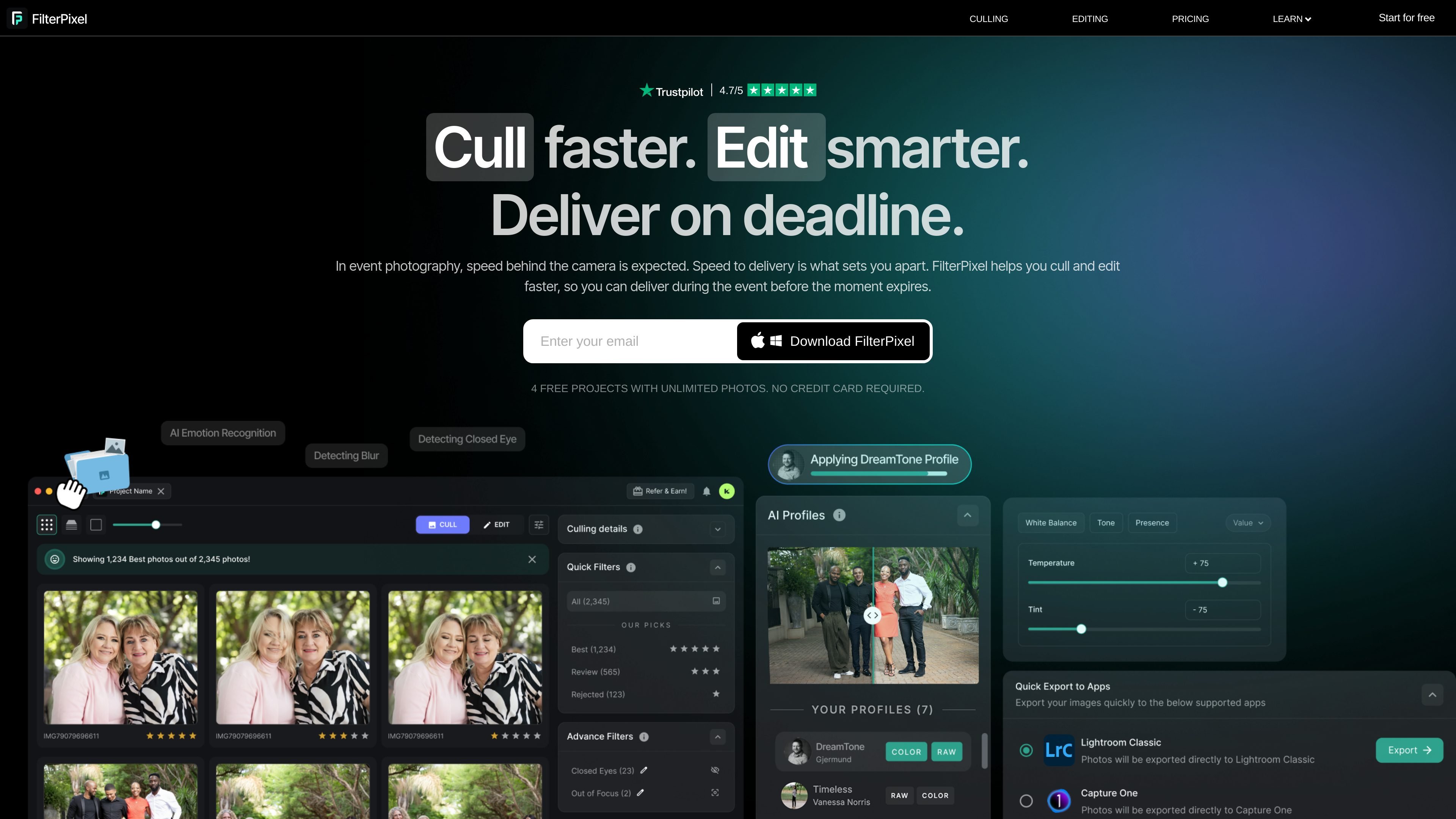
FilterPixel is a photo workflow application for culling and editing high-volume shoots. Its AI culling tools help photographers narrow large image sets by technical quality, similar-frame comparisons, or genre-specific editorial relevance. Editing tools apply a photographer’s style across a batch, either from a trained profile based on an edited Lightroom catalog or from built-in expert profiles. The workflow is designed to take images from import through selection and editing to export, while keeping the original photos available for review.
Choose a genre such as conference, sports, concert, or wedding. DeepCull evaluates editorial relevance, attaches a score and reason to each selection, and considers moments such as peak action and crowd energy.
Survey Mode groups similar frames so photographers can compare small differences across a burst or sequence and choose the preferred image.
FilterPixel organizes images without deleting them, so frames outside the initial selections remain available for later review.
The software can apply a photographer’s existing star ratings, color labels, and flags consistently across images.
Apply a consistent editing style across a set of images. Style DNA can be trained using an edited Lightroom catalog, or users can select built-in profiles made by expert photographers.
Import RAW files, JPEGs, or both, with automatic backup described on the site. Export final images to Lightroom, Capture One, or Photo Mechanic in JPEG, RAW, or both.
After a conference, concert, or other timed event, use culling and batch editing to prepare a smaller set for delivery while the event is still recent.
Use the sports genre setting to evaluate sequences where timing and peak action matter, then review the selected frames alongside similar images.
Narrow a large wedding shoot to a client-ready selection, retain non-selected frames for review, and apply a consistent editing profile across the chosen images.
Process large shoots through import, culling, editing, and export in one application, then continue in an established editing or photo-management tool.
No. The site says FilterPixel organizes images and does not remove them, leaving frames available for review.
Yes. Style DNA can be trained from an edited Lightroom catalog to apply the photographer’s tones, colors, and adjustments. Built-in expert profiles are also available.
The described workflow supports importing RAW files, JPEGs, or both, and exporting JPEG, RAW, or both.
The site lists Lightroom, Capture One, and Photo Mechanic as export destinations.
The home page offers four free projects with unlimited photos and says no credit card is required.
Traffic data is for reference only.

evoto.ai
AI photo-editing software for photographers, with culling, retouching, batch editing, and delivery tools.

pixlr.com
Pixlr is a browser-based AI photo editor and image generator for editing photos, creating images and videos, and handling everyday cleanup such as background removal, with free and paid plans.

skylum.com
Skylum makes Luminar photo editing apps for desktop and mobile, including Luminar Neo, Luminar Mobile, and Aperty, with AI-assisted editing.

deepai.org
DeepAI is a browser-based AI platform for image creation, photo editing, chat, video, music, and image APIs, with free exploration and a paid Pro plan.

polarr.com
AI-assisted photo editing, reusable filters, and selective adjustments across mobile and desktop photo tools.

www.crop.photo
Crop.photo is an AI image-editing and product imagery automation tool for Shopify and ecommerce teams, helping bulk resize, crop, and create assets for PDPs, banners, and ads.