
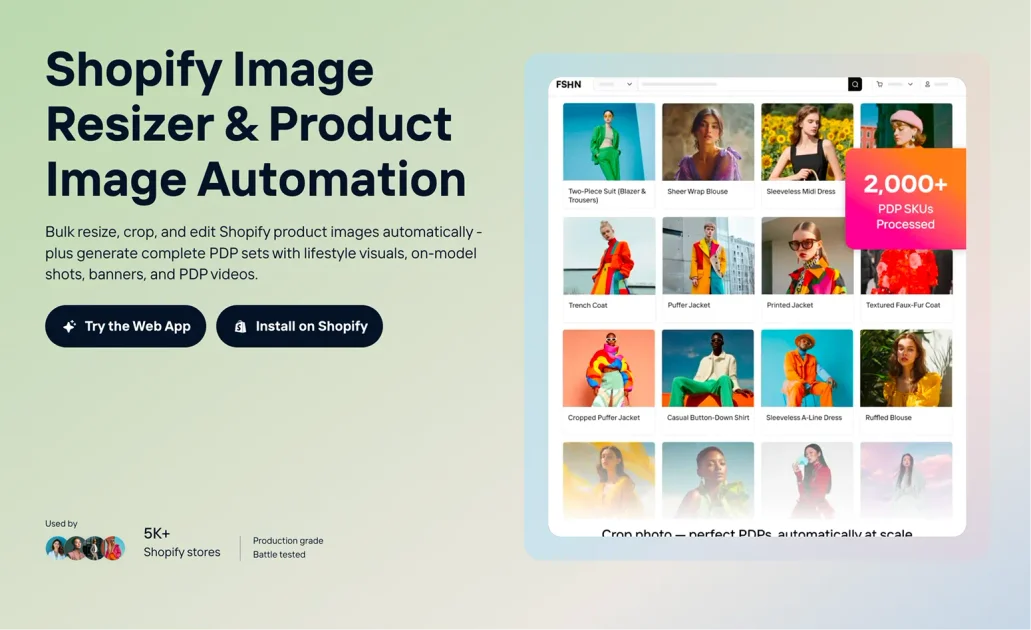
Bulk image processing
Process large batches of product images in one workflow instead of editing each file manually.

Crop.photo is an AI image-editing and product imagery automation tool for Shopify and ecommerce teams, helping bulk resize, crop, and create assets for PDPs, banners, and ads.
Crop.photo is an AI image-editing platform for Shopify stores and other ecommerce teams that need to resize, crop, and prepare product imagery at scale. The Shopify page positions it as a bulk image resizer and product image automation tool for PDPs, banners, and ad assets.
The product is built around automated workflows: users can upload many files at once, apply crop presets and image rules, and generate standardized outputs for product listings and campaign assets. The site also highlights recipe-based workflows, cloud processing, and support for large catalogs, including multi-store and multi-brand operations.
Process large batches of product images in one workflow instead of editing each file manually.
Apply crops, aspect ratios, alignment, and visual standards across thousands of product SKUs.
Generate new product assets such as studio-background shots, lifestyle images, on-model visuals, and short PDP videos.
Create homepage, collection, announcement-bar, email, and ad banners from the same product imagery.
Use pre-built AI workflows for product image creation, cropping, resizing, and related edits.
Run processing in the cloud with a web uploader and no local app installation required.
Prepare product photos for Shopify listings by applying consistent crops, resizing, and alignment rules across many SKUs.
Turn a single product image into a fuller set of commerce assets, including studio-style shots, lifestyle visuals, on-model images, and short videos.
Resize and reformat one design for homepage heroes, collection headers, announcement bars, email, and ad creatives without recreating the layout each time.
Use pre-built recipes to automate recurring edits such as background expansion, crop cleanup, and content-aware resizing.
Handle large multi-store or multi-brand catalogs where the same image standards must be applied across many product collections.
Yes. The site says its bulk image cropping tool is designed to upload and process multiple images at the same time.
Crop.photo uses AI-powered, content-aware cropping for high-volume image processing, and the site also says the service is SOC 2 compliant.
The site says AI helps speed up image editing and improves consistency, with savings of about 8-10 minutes per image compared with manual editing.
Yes. The product page says subscriptions can be upgraded or downgraded at any time, with changes taking effect at the end of the billing cycle.
The pricing page states that Crop.photo offers a free trial, but it does not show exact price points in the captured text.
Traffic data is for reference only.

ai-image-editor.io
AI Image Editor is a browser-based tool for prompt-driven photo editing, image generation, and controlled visual variations for ecommerce, campaigns, and brand imagery.

pixlr.com
Pixlr is a browser-based AI photo editor and image generator for editing photos, creating images and videos, and handling everyday cleanup such as background removal, with free and paid plans.

deepai.org
DeepAI is a browser-based AI platform for image creation, photo editing, chat, video, music, and image APIs, with free exploration and a paid Pro plan.

photoeditorai.io
PhotoEditorAI is a browser-based AI photo editor for prompt-driven image editing and generation, with free, one-time credit, and enterprise plans.

vance.ai
VanceAI is an AI-powered photo enhancement and editing platform for upscaling, sharpening, denoising, background removal, restoration, and other image workflows. Use it online or on PC, with local batch processing via its desktop app.

www.dreampixelai.com
DreamPixel AI is a web-based AI image generator for text-to-image and image-to-image creation, with photo editing and enhancement tools, a free tier, and paid plans for higher-resolution output.